From the timetable to a confirmed seat and an email in their inbox, on the phone they book from.
9:41
now
What your customer sees
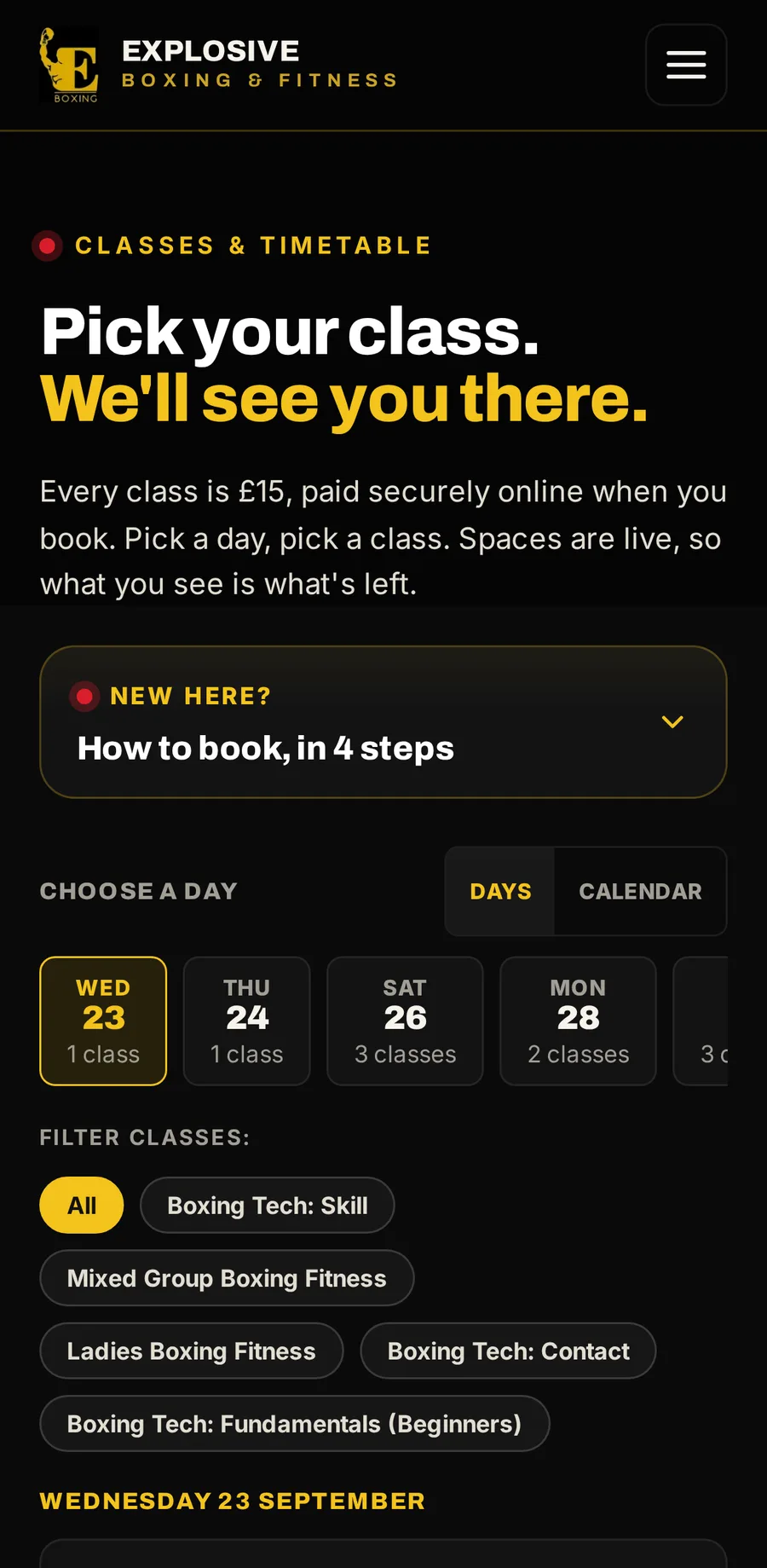
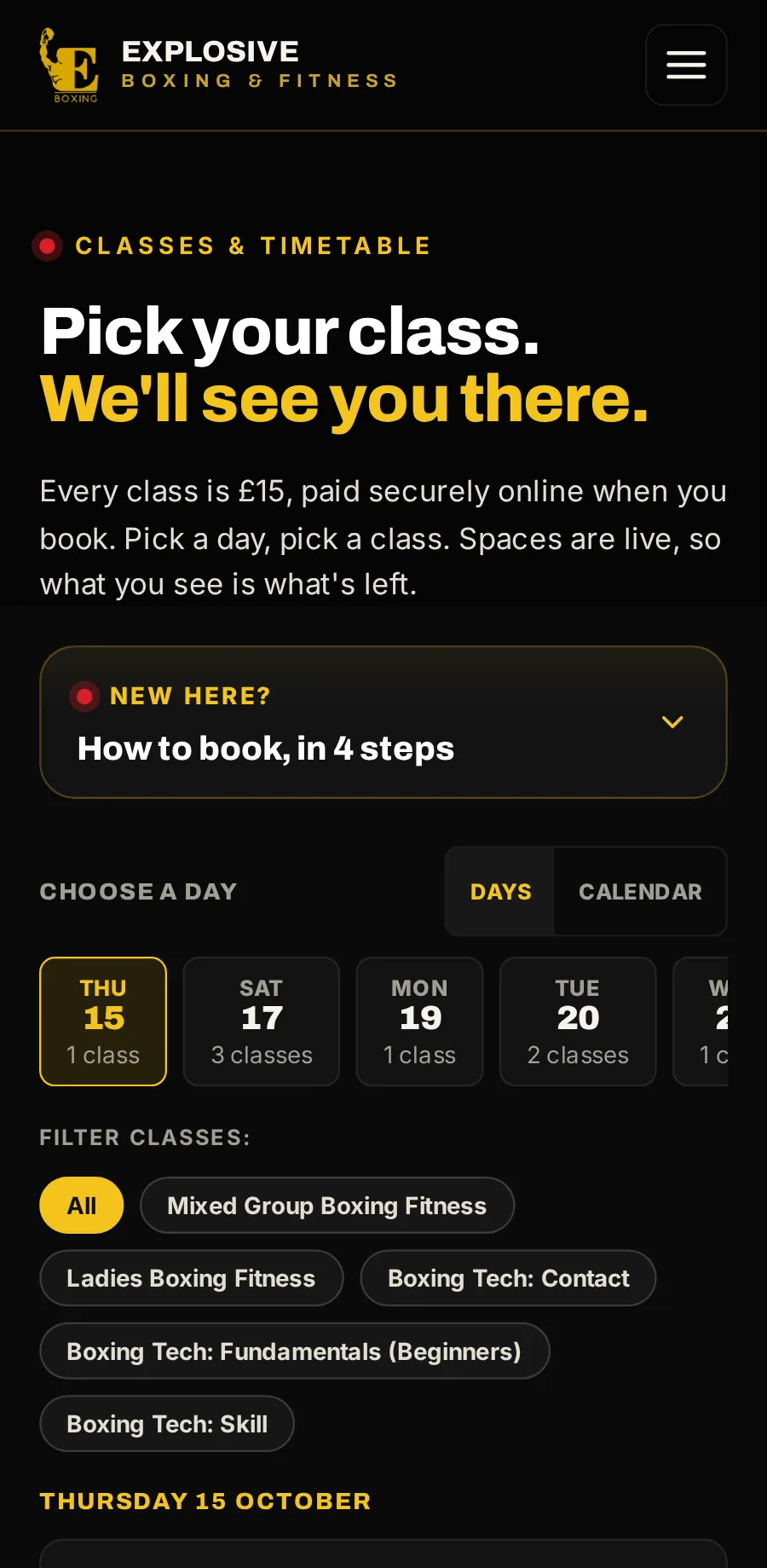
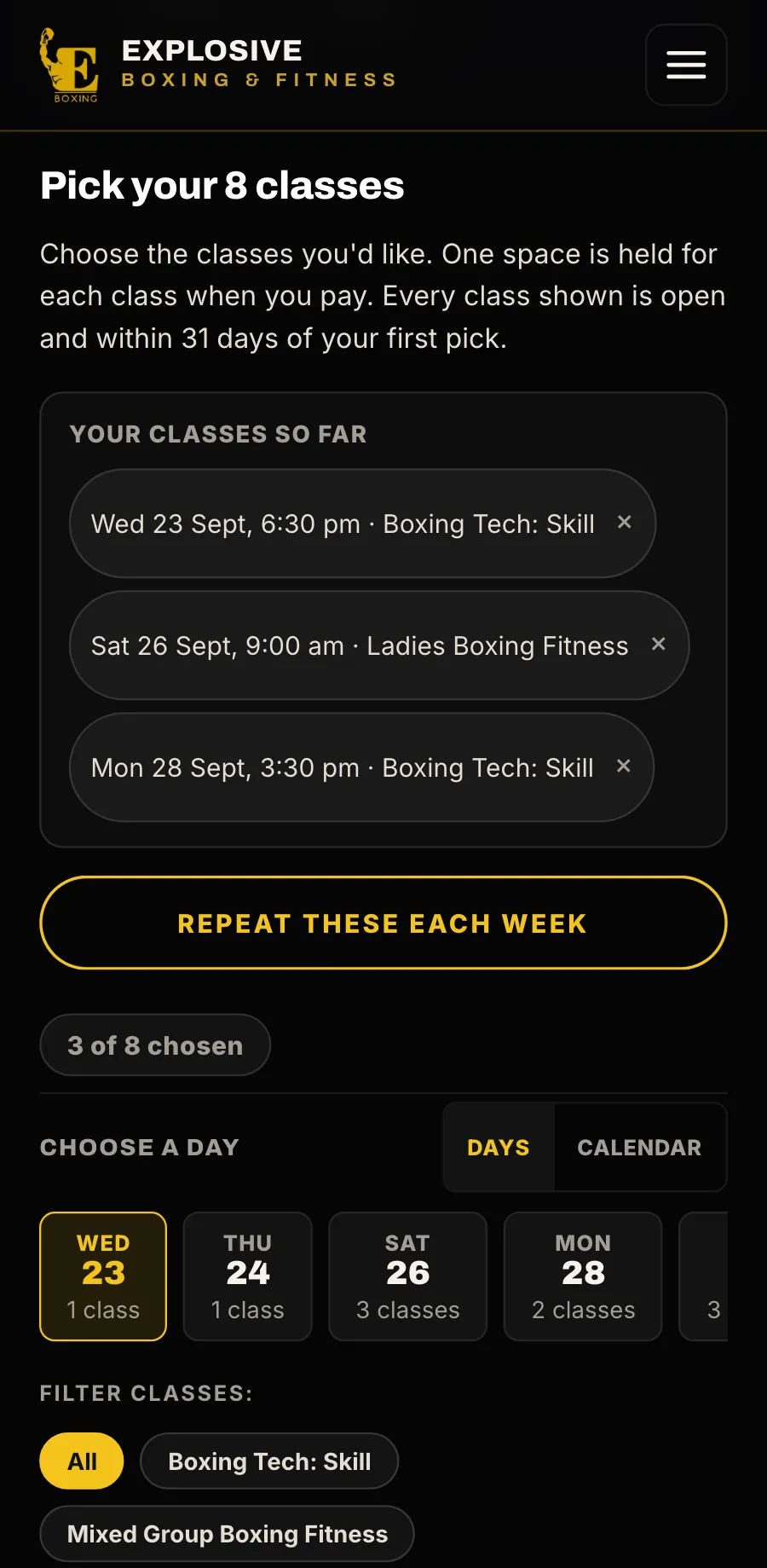
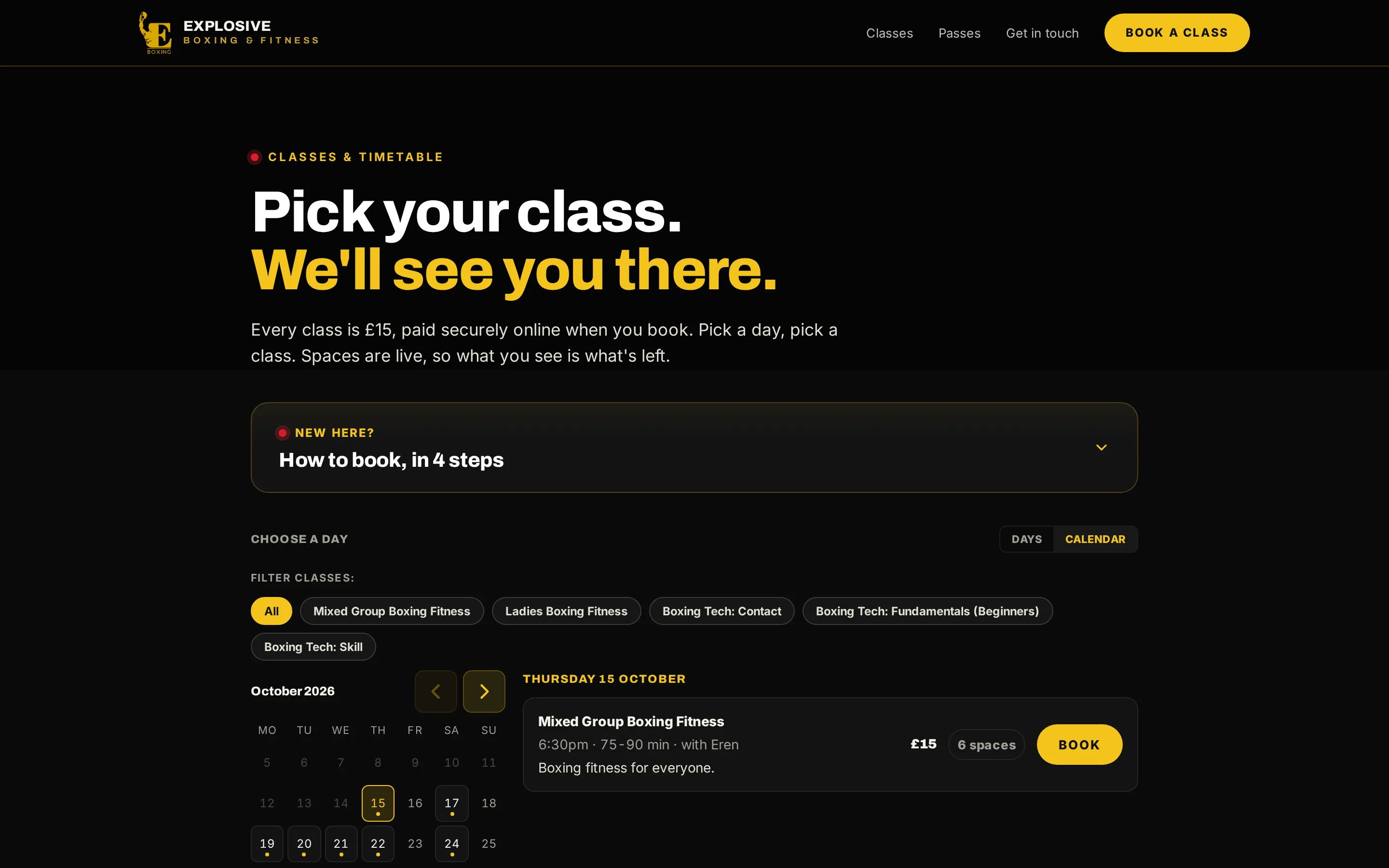
Pick a classA live timetable by day or by month, with the spaces left on every class.
A live timetable by day or by month, with the spaces left on every class.
Name, email and phone: no account, no password. Up to nine friends on one booking, and a discount code checked as they type.
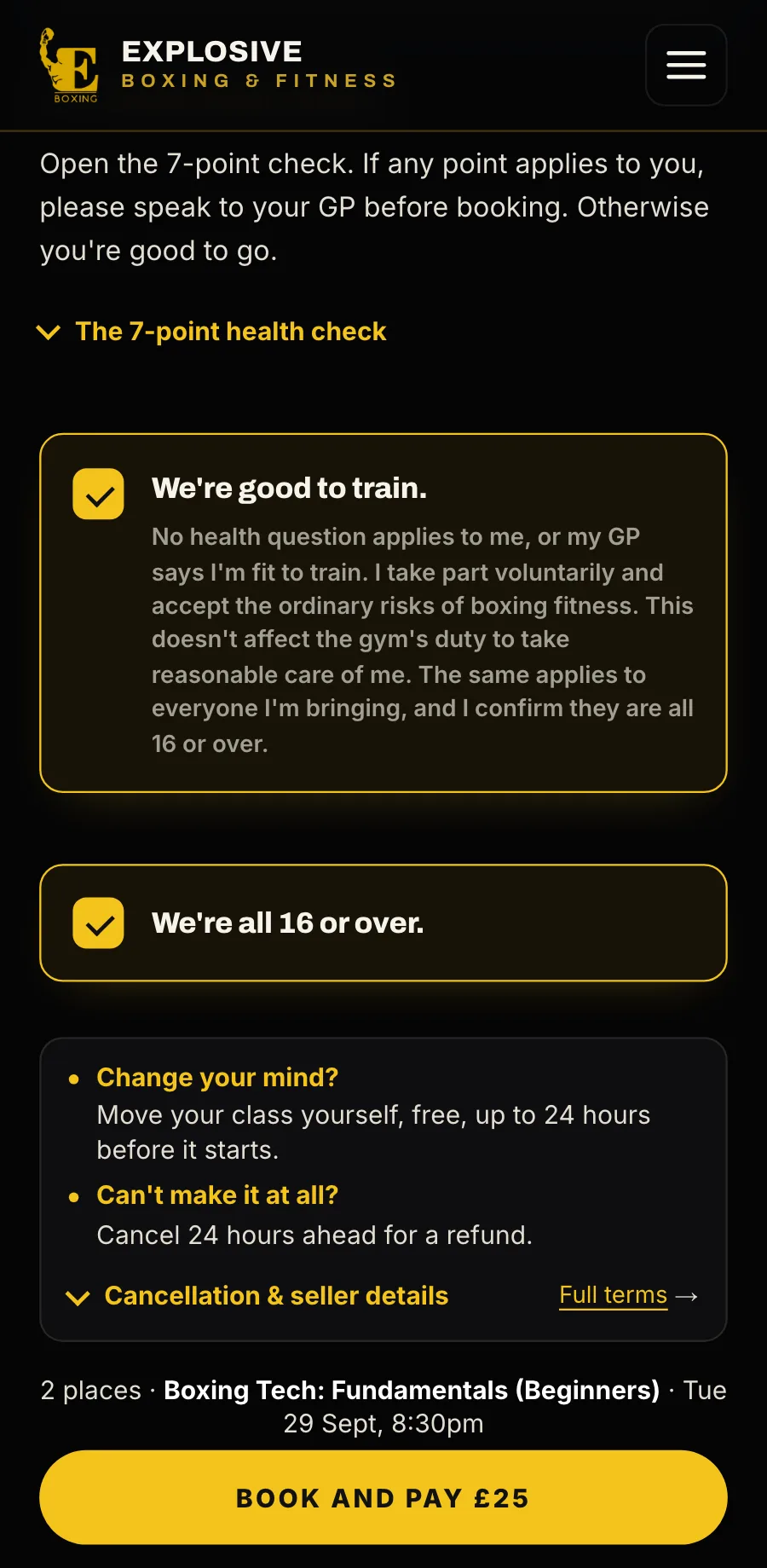
They confirm the health declaration (only the tick and the time are kept), then press Book and pay.
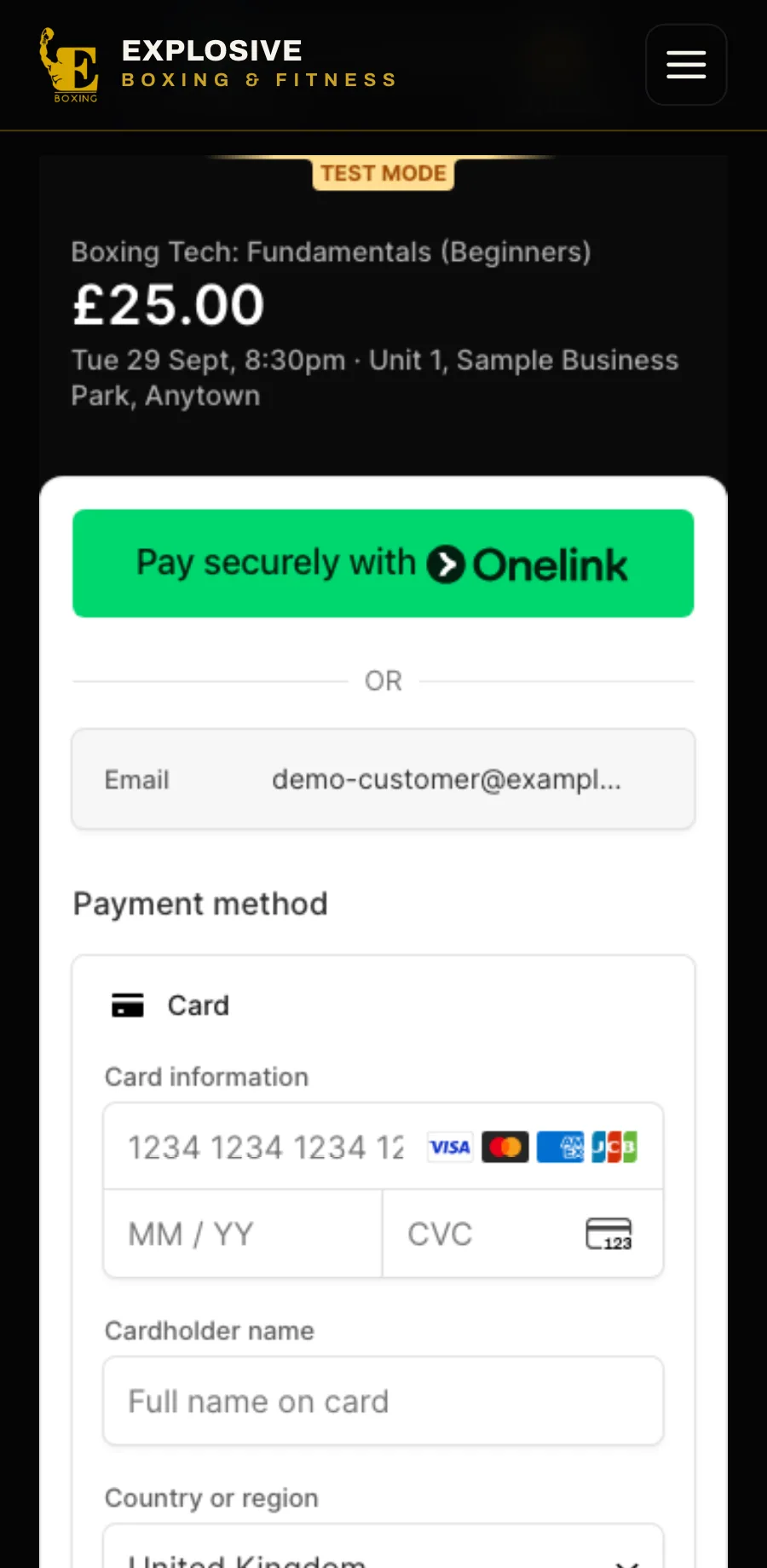
The card form is Stripe’s, shown on your booking page: nobody is sent away to pay. The price is in pounds.
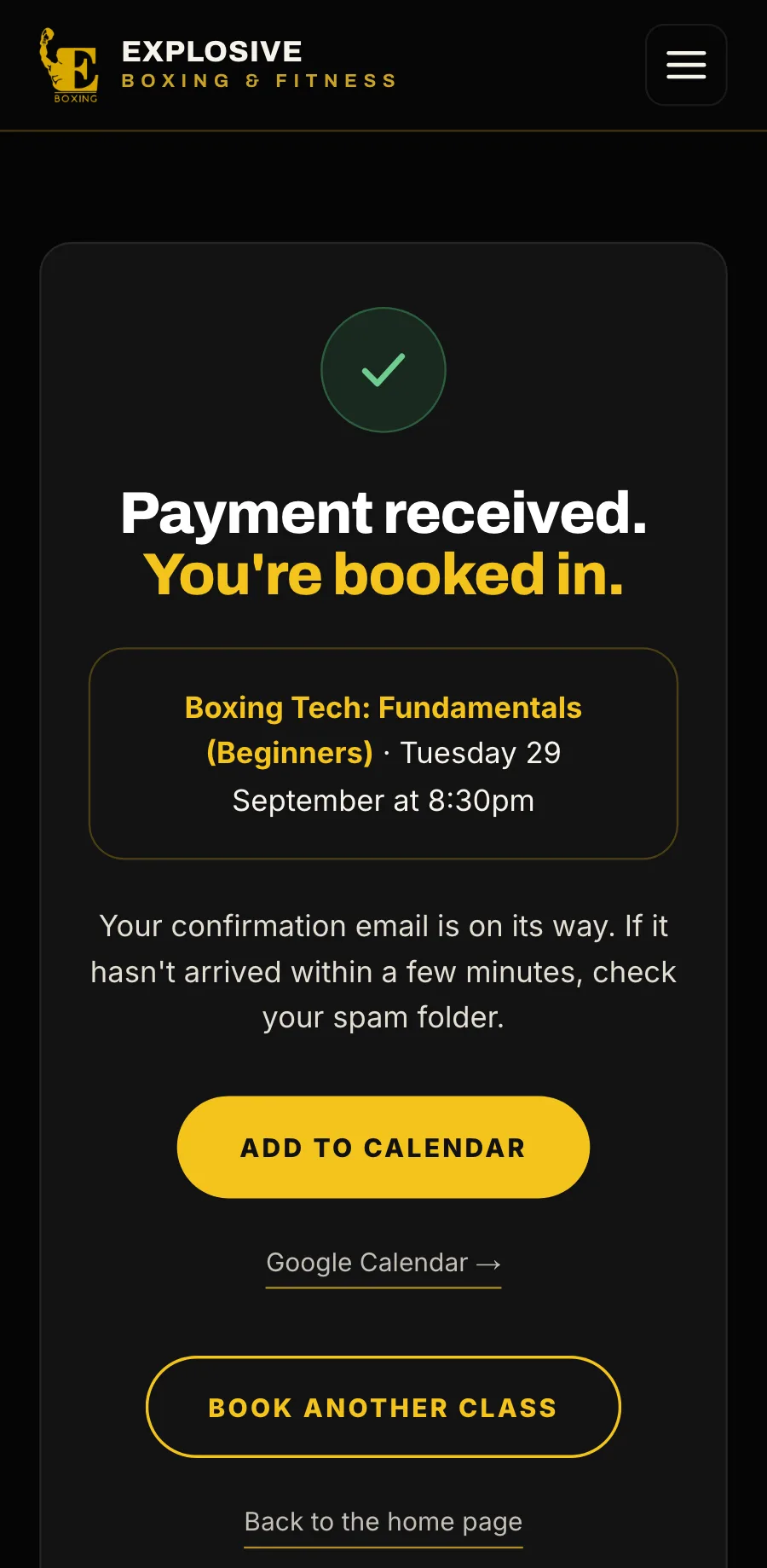
Confirmed on screen with Add to calendar, and by email straight away.
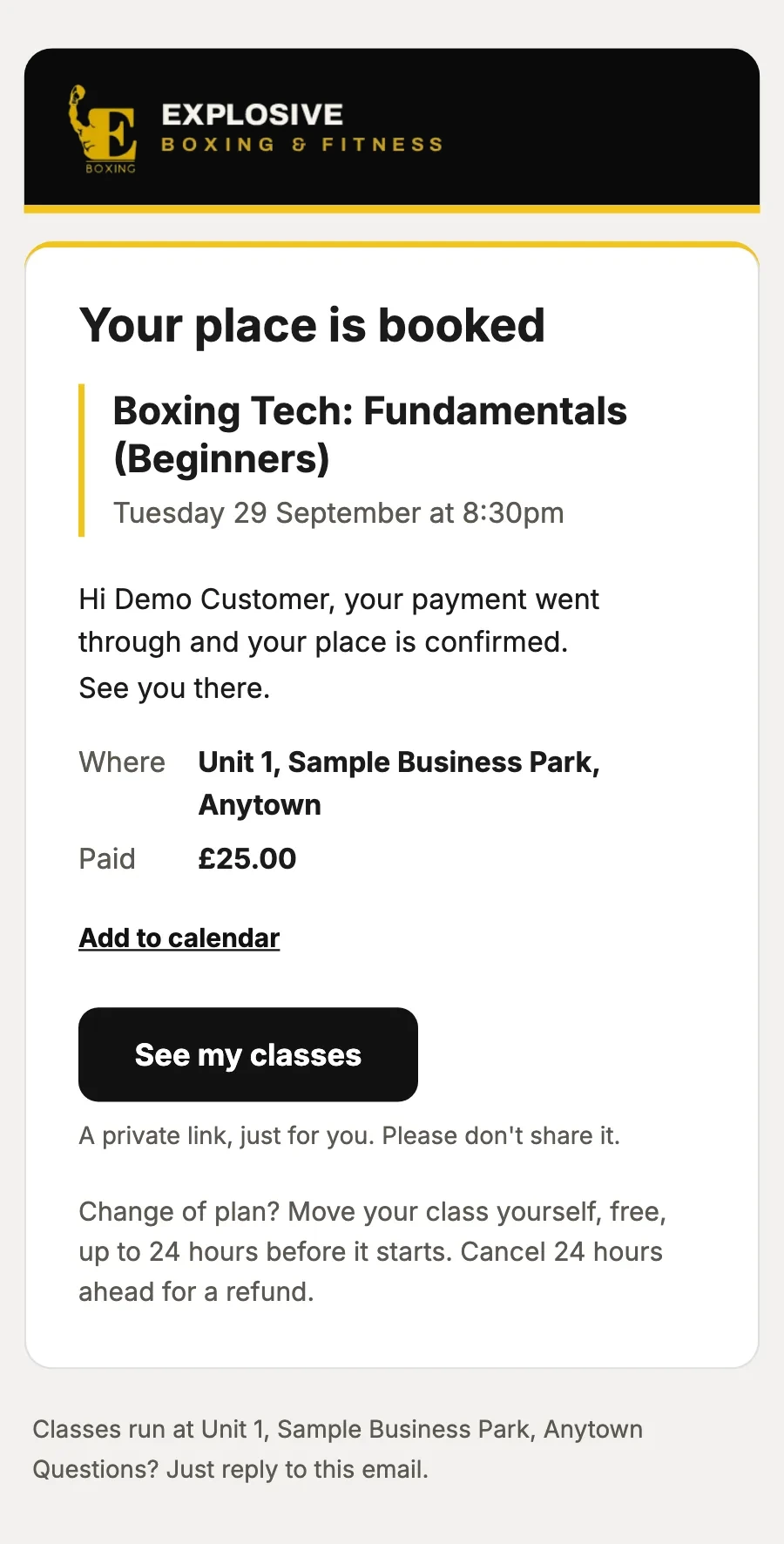
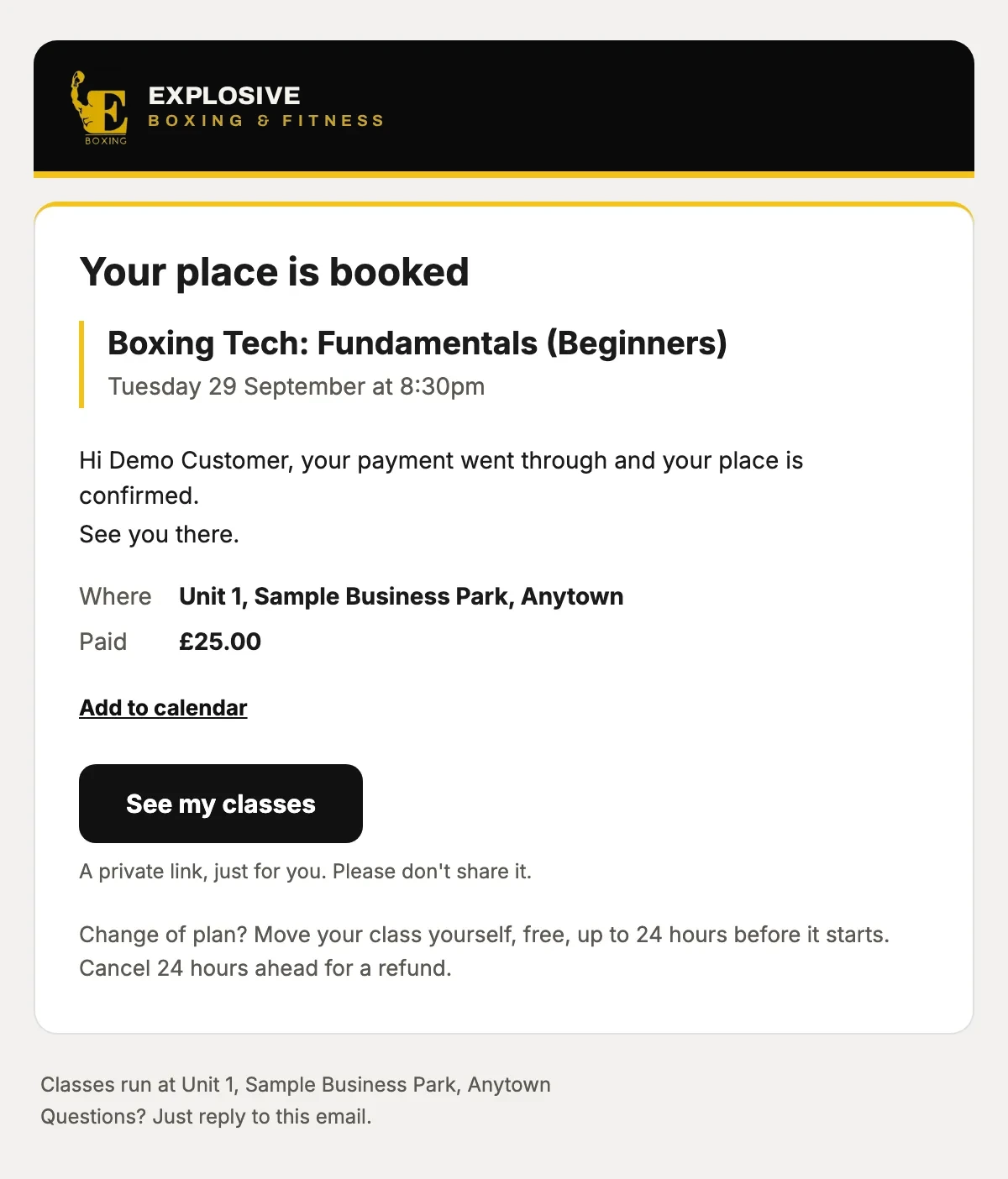
What they booked, when and where, what they paid, Add to calendar, and their private link to move or cancel.
or drag the phone
Sample data · staff console
9:41
Class bookingBooked and paid online, for gyms, studios and clubs
Customers pick a class, see the spaces left and pay by card, with no account to make. Your staff see the week, the money and anything that needs them, on one screen. We can build your business a website to go with it, with booking on every page.
The emails, the refunds, the marketing, your website and your staff’s console, played as your customers and your team meet them. Pick one, or let it run.
Every email, sent at the right moment
Watch each one go out, to your customers and to you, signed by your business. These are the real emails, with sample data.
9:41
now
What your customer gets
Booking confirmedWhat they booked, when and where, what they paid, Add to calendar, and their private link to move or cancel.
What they booked, when and where, what they paid, Add to calendar, and their private link to move or cancel.
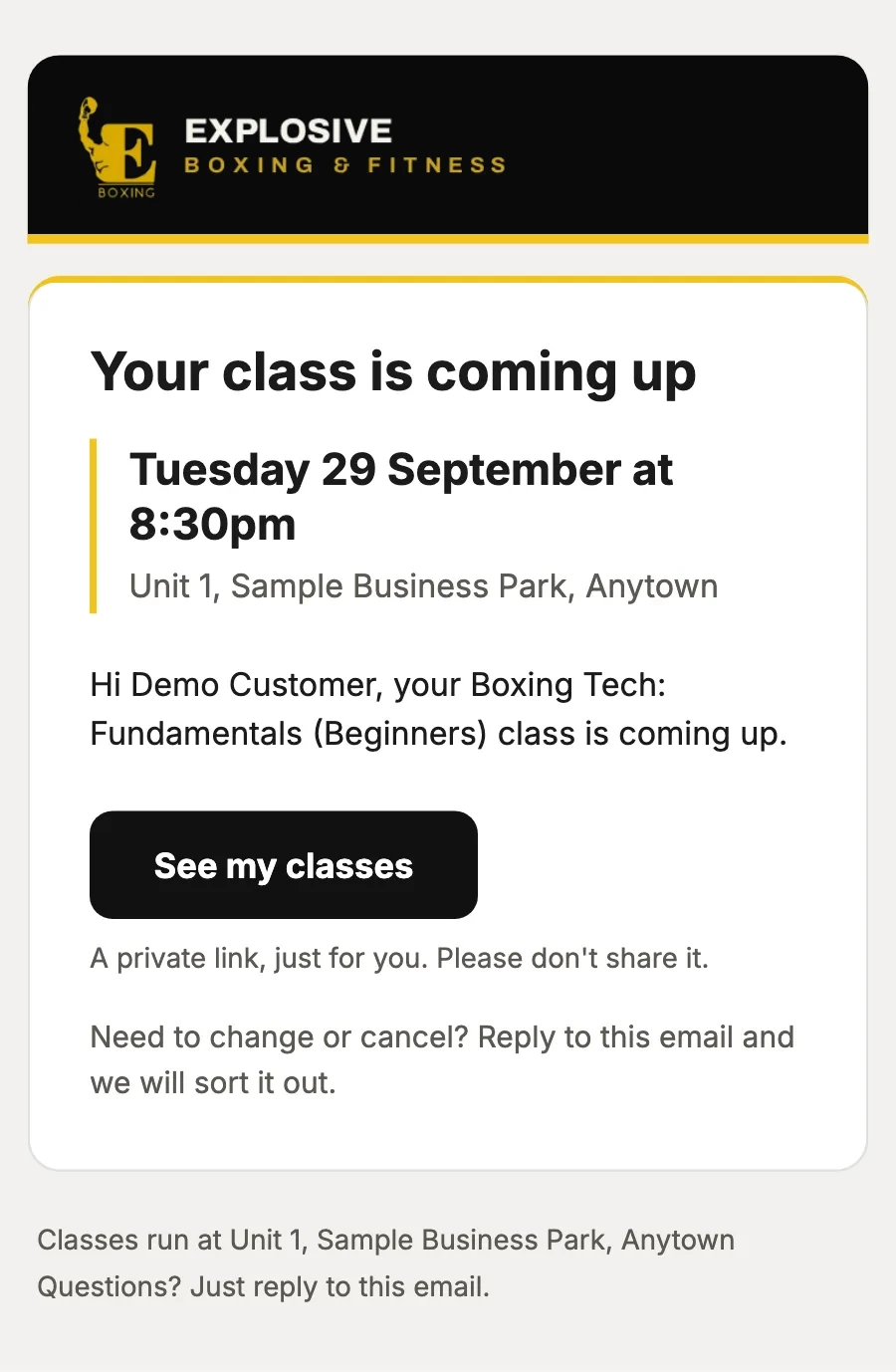
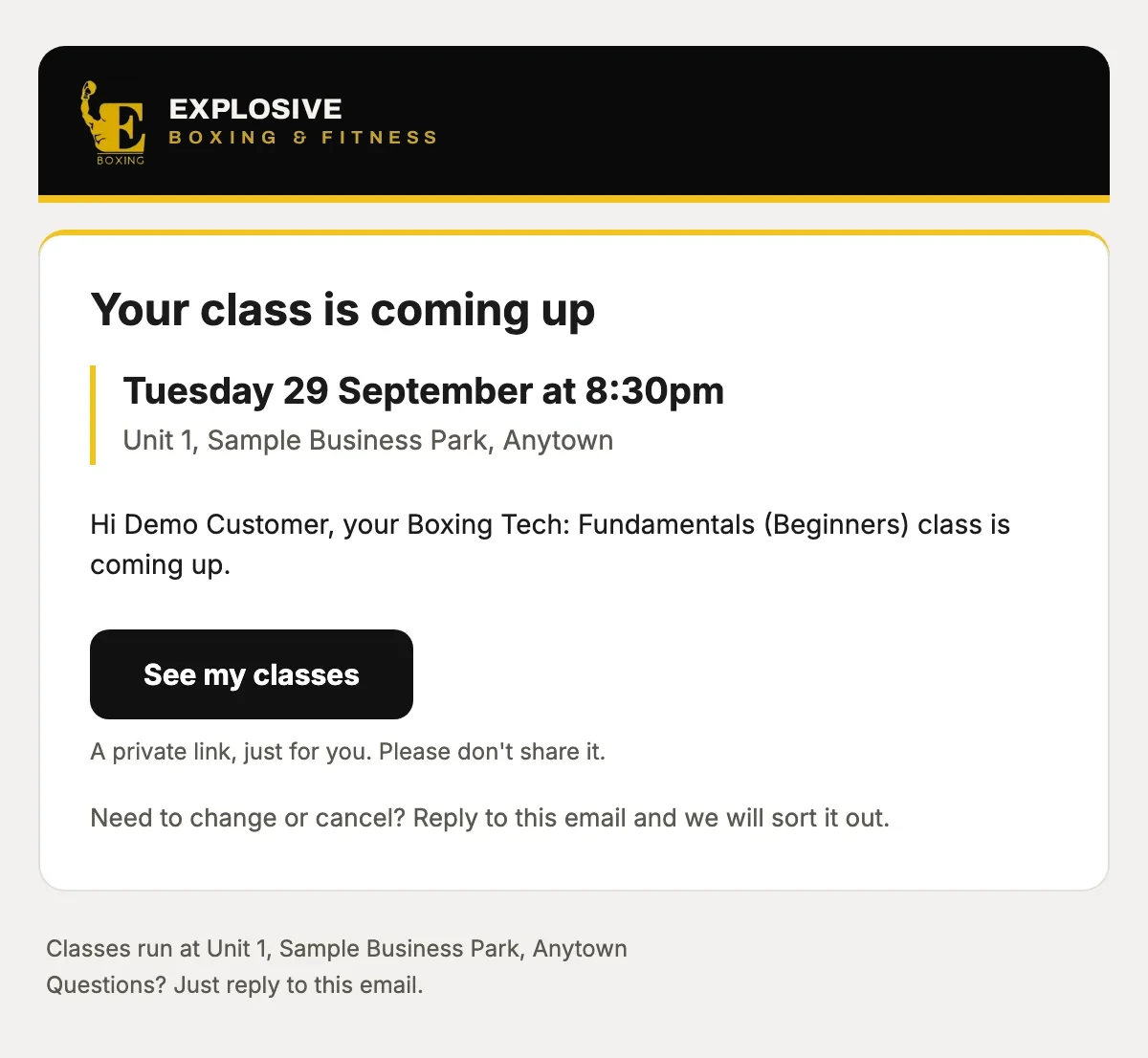
Sent 24 hours before the class, and never twice.
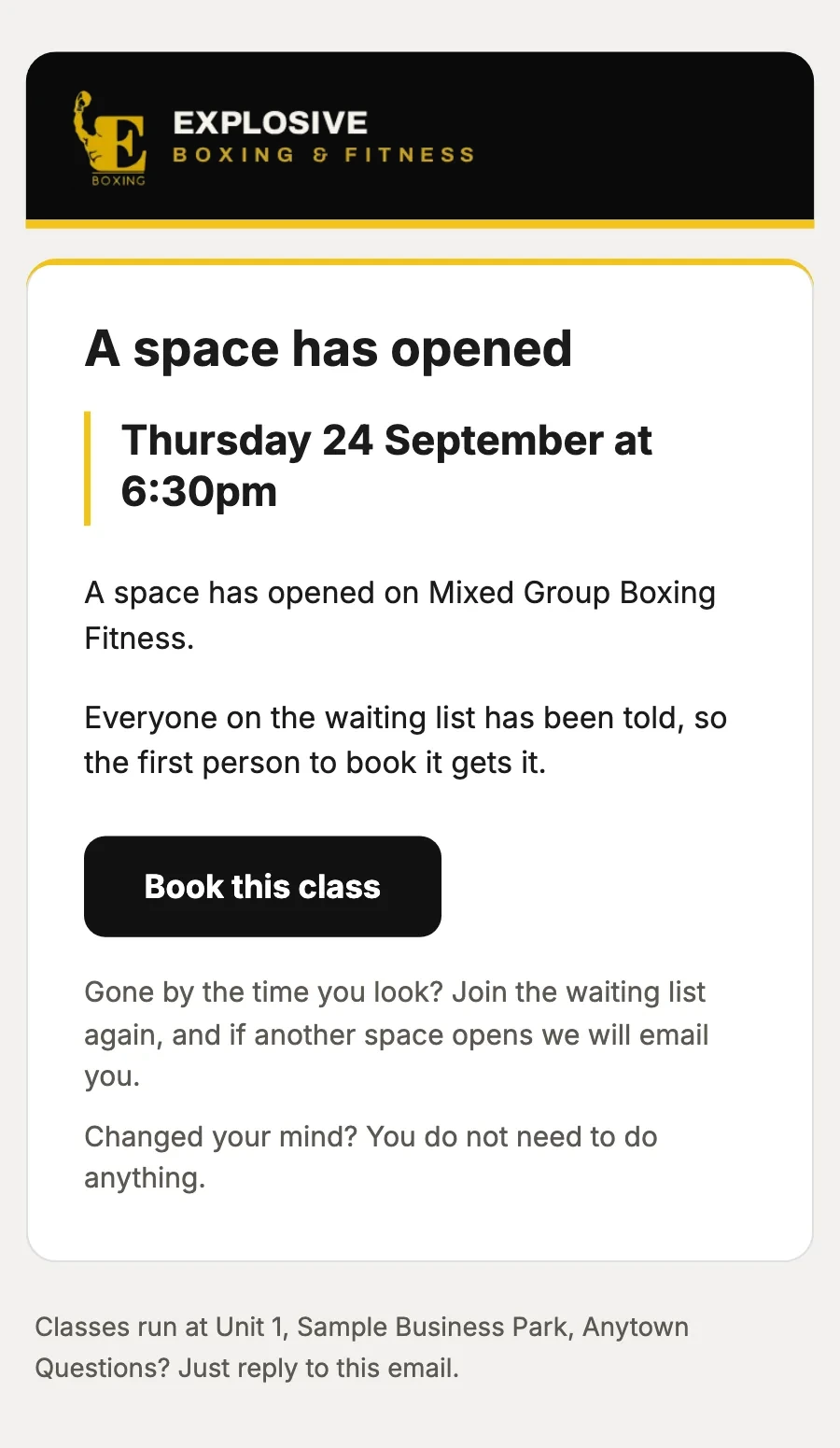
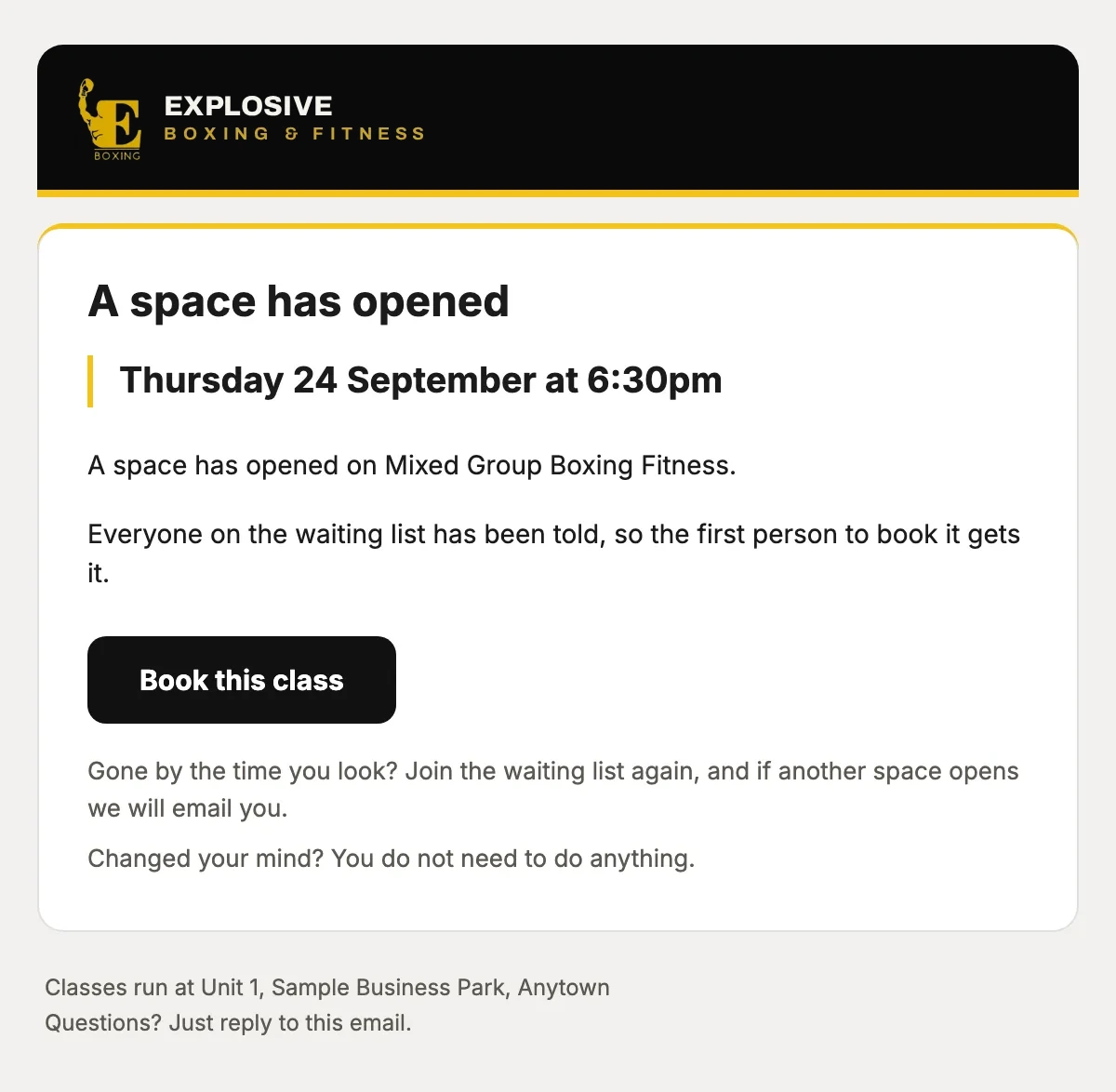
Everyone on the waiting list hears at once, and the first to book gets it.
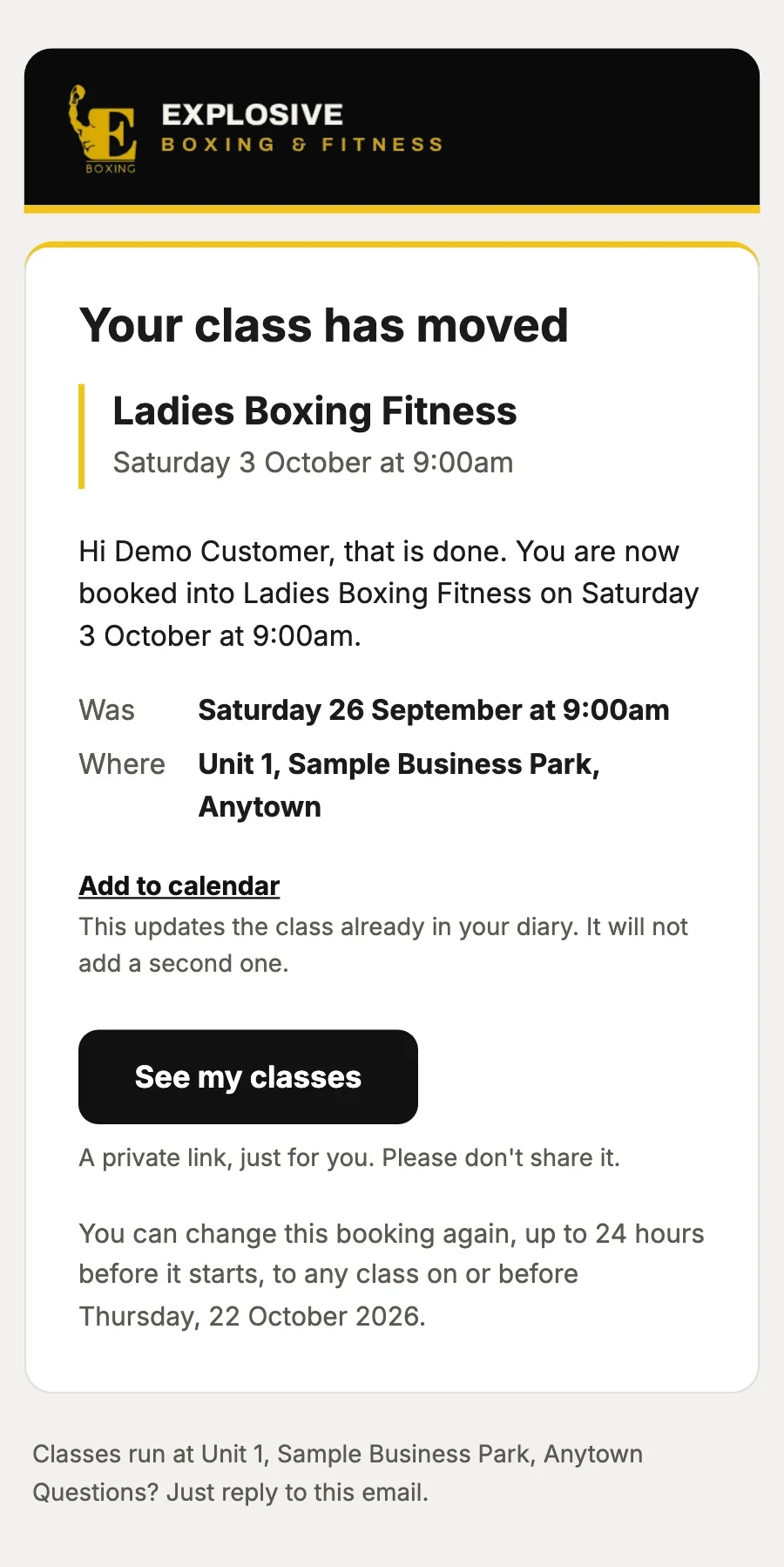
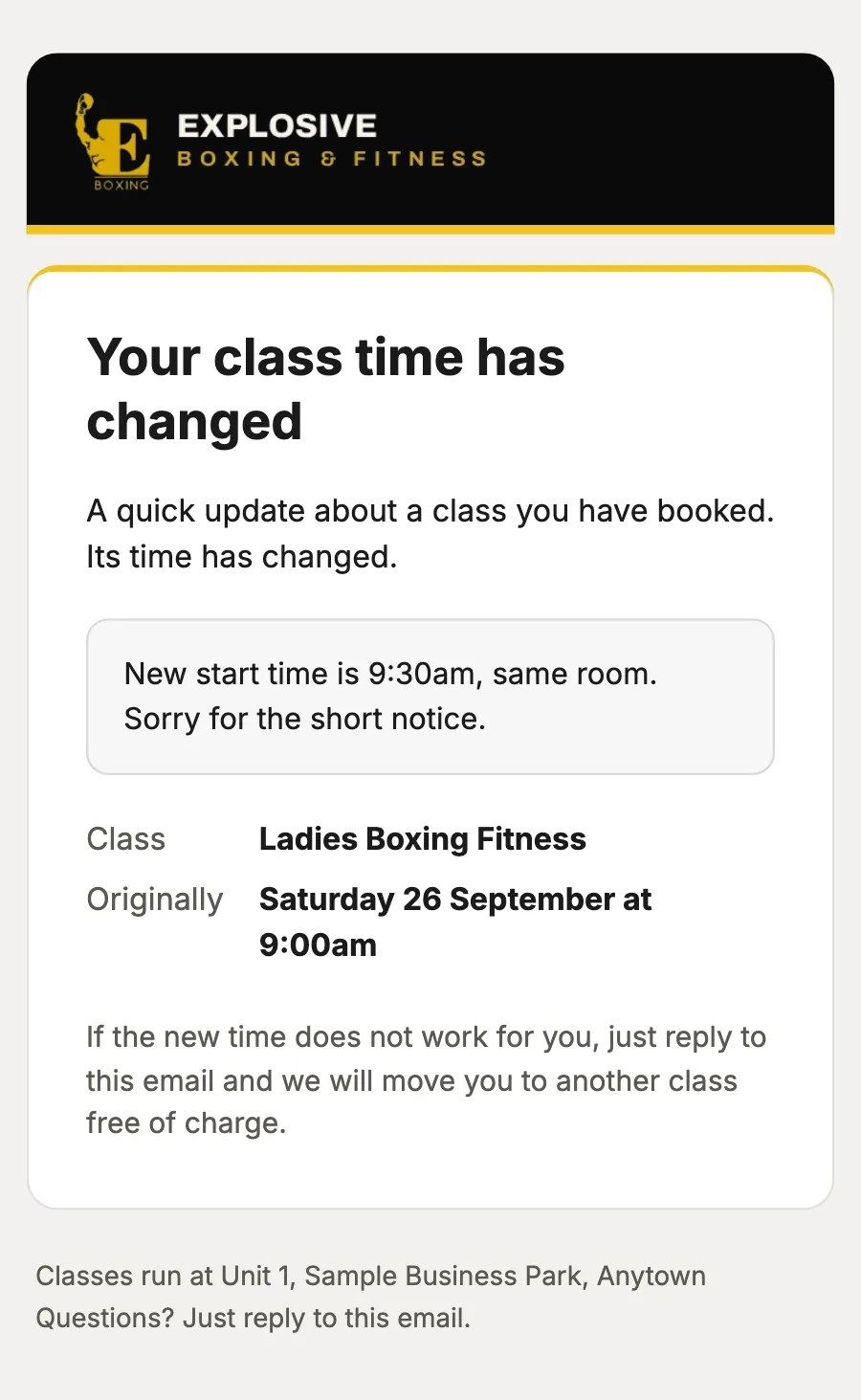
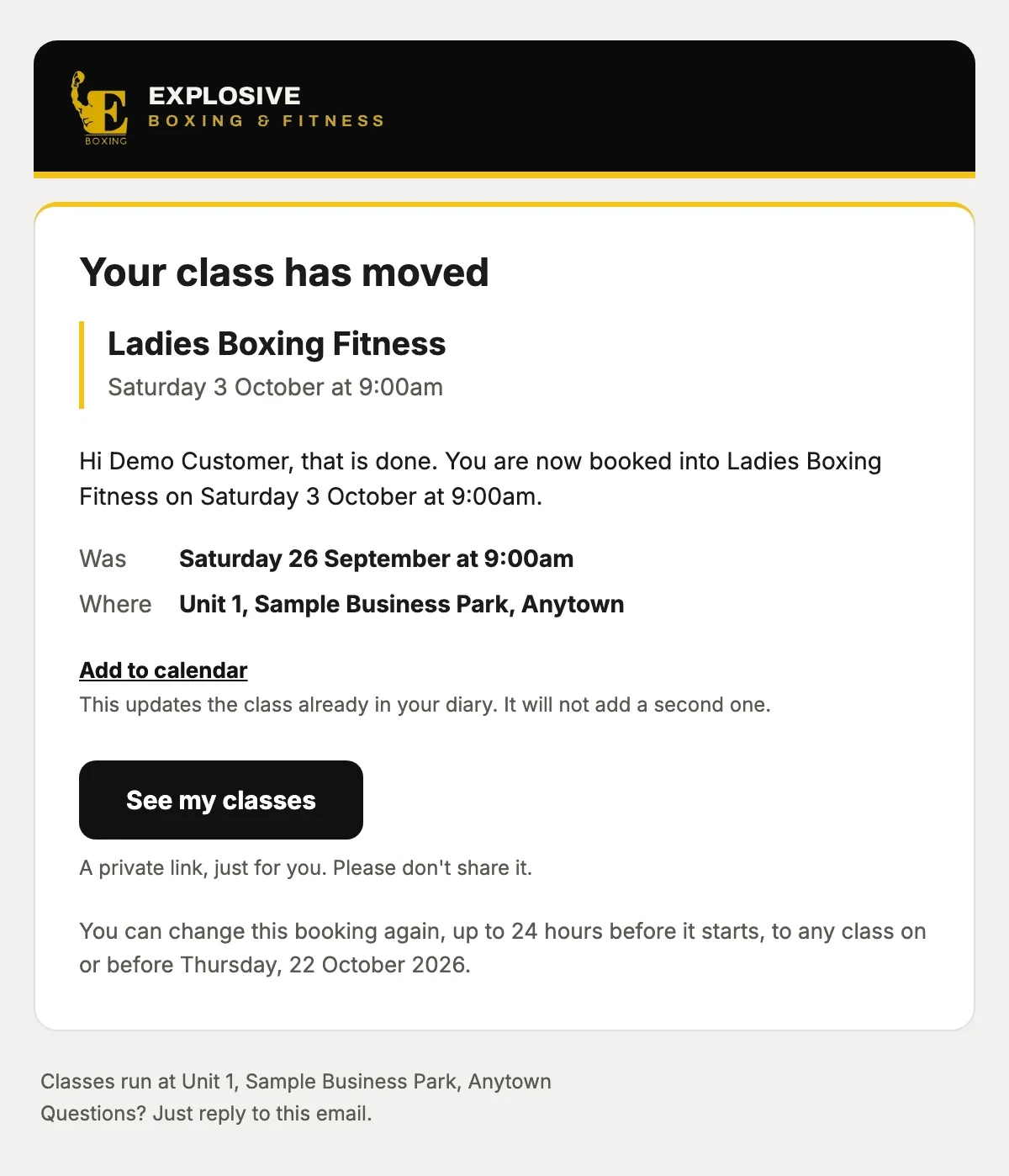
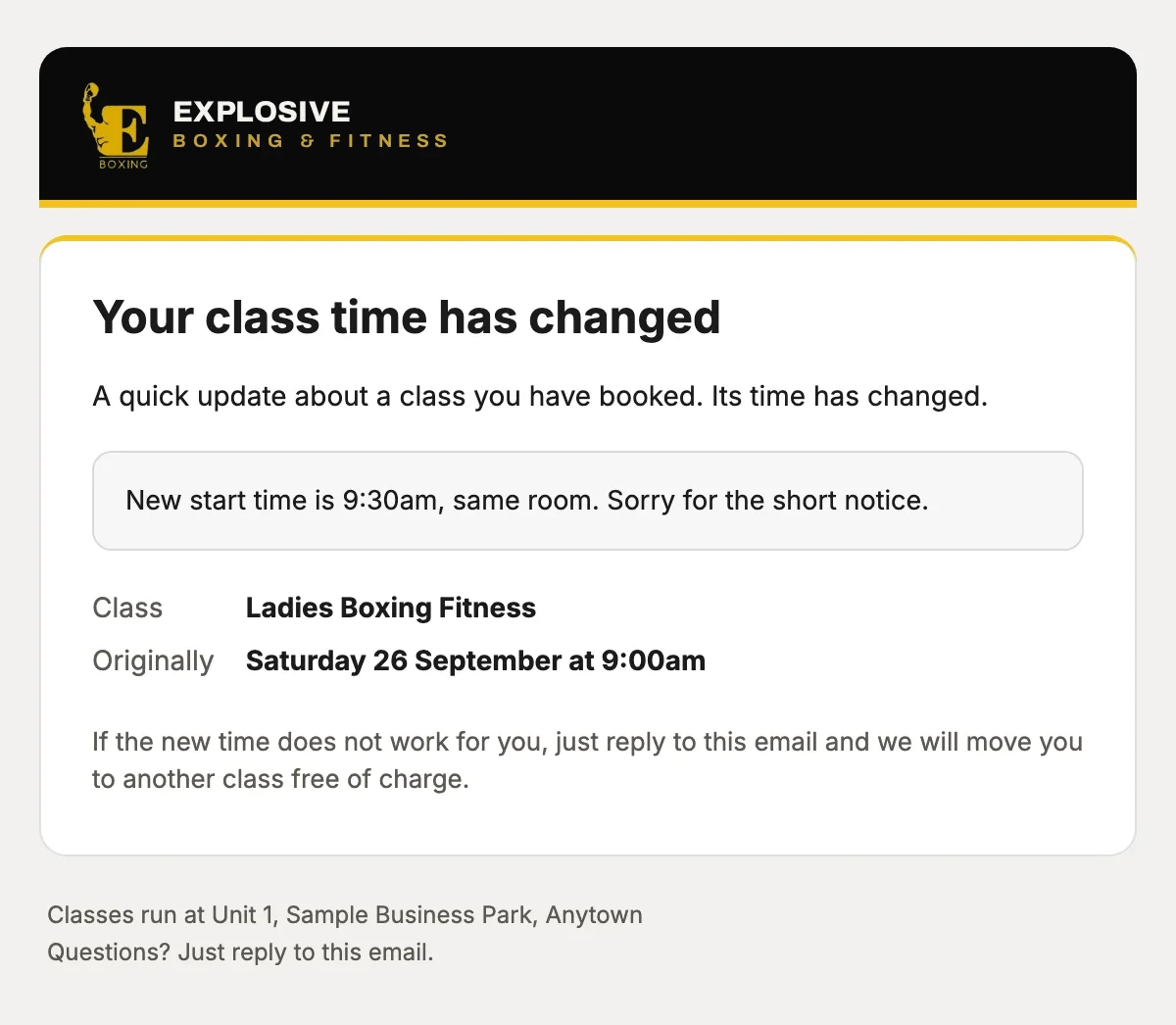
The new class and time, the old one, and Add to calendar, which updates the class already in their diary.
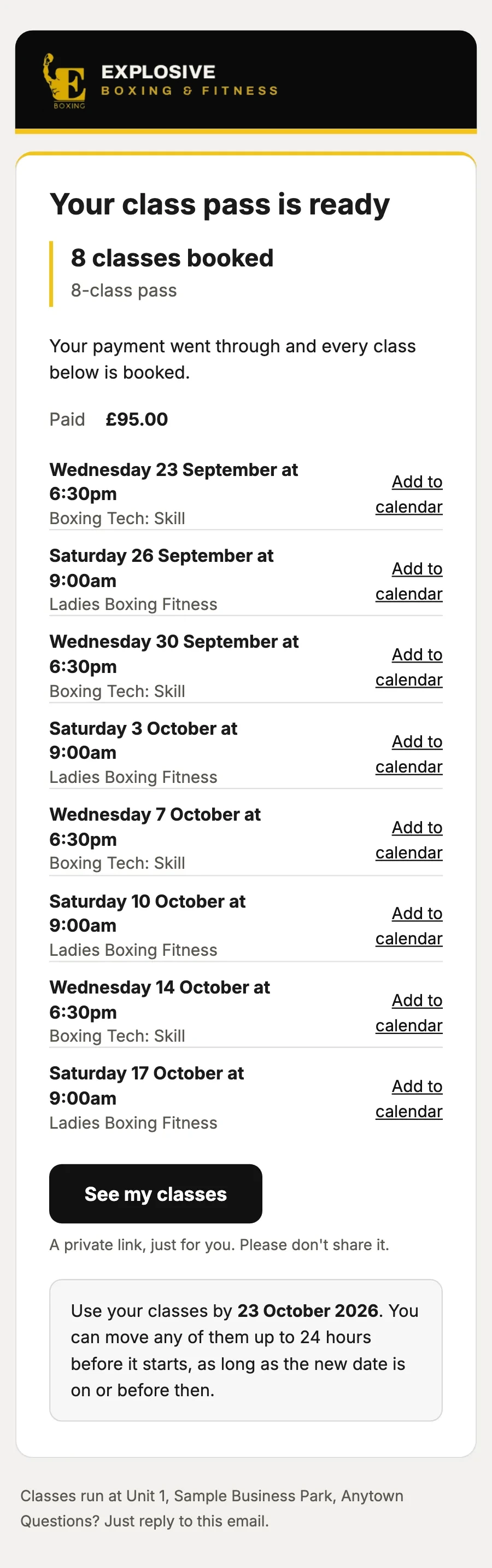
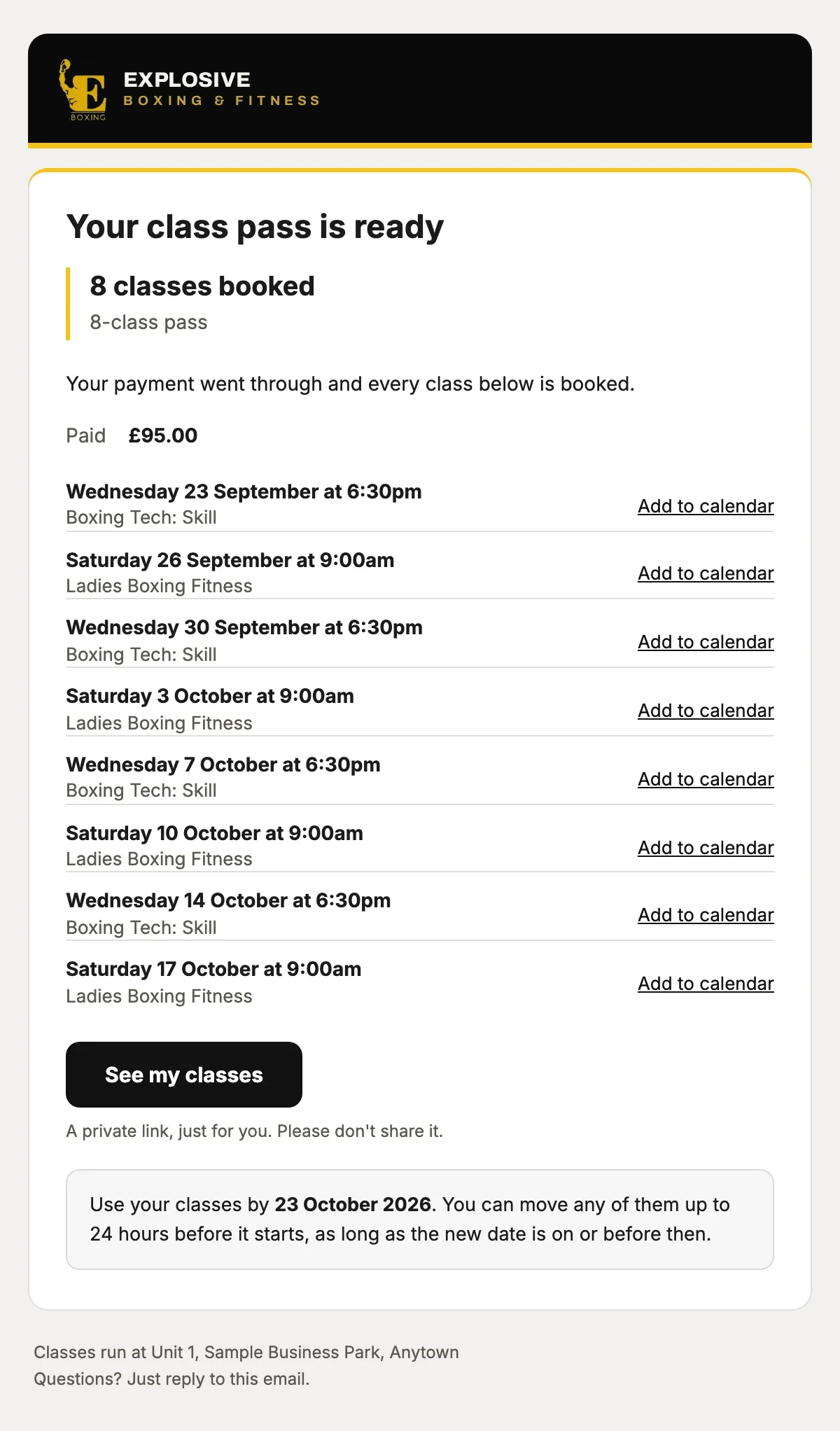
Every class on the pass, each with Add to calendar, and the date to use them by.
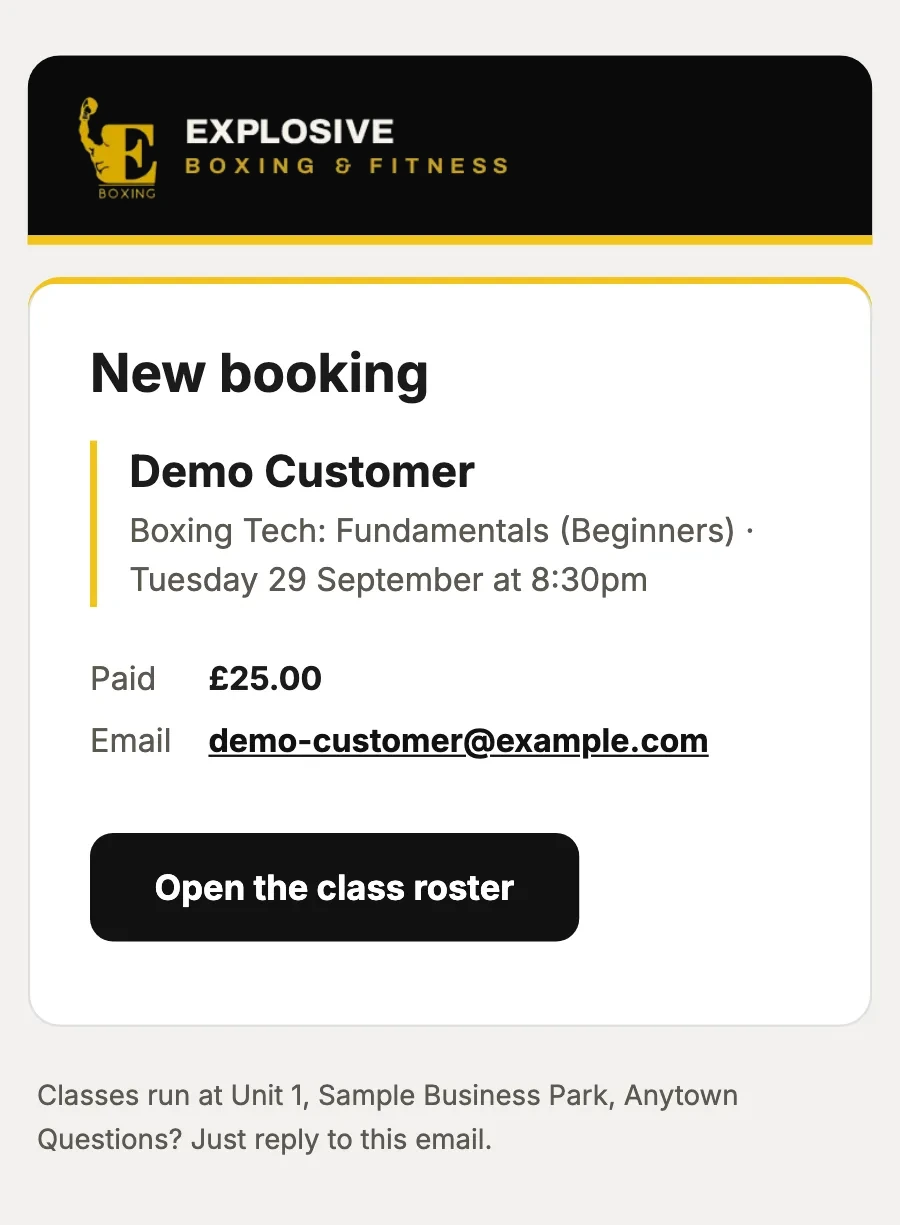
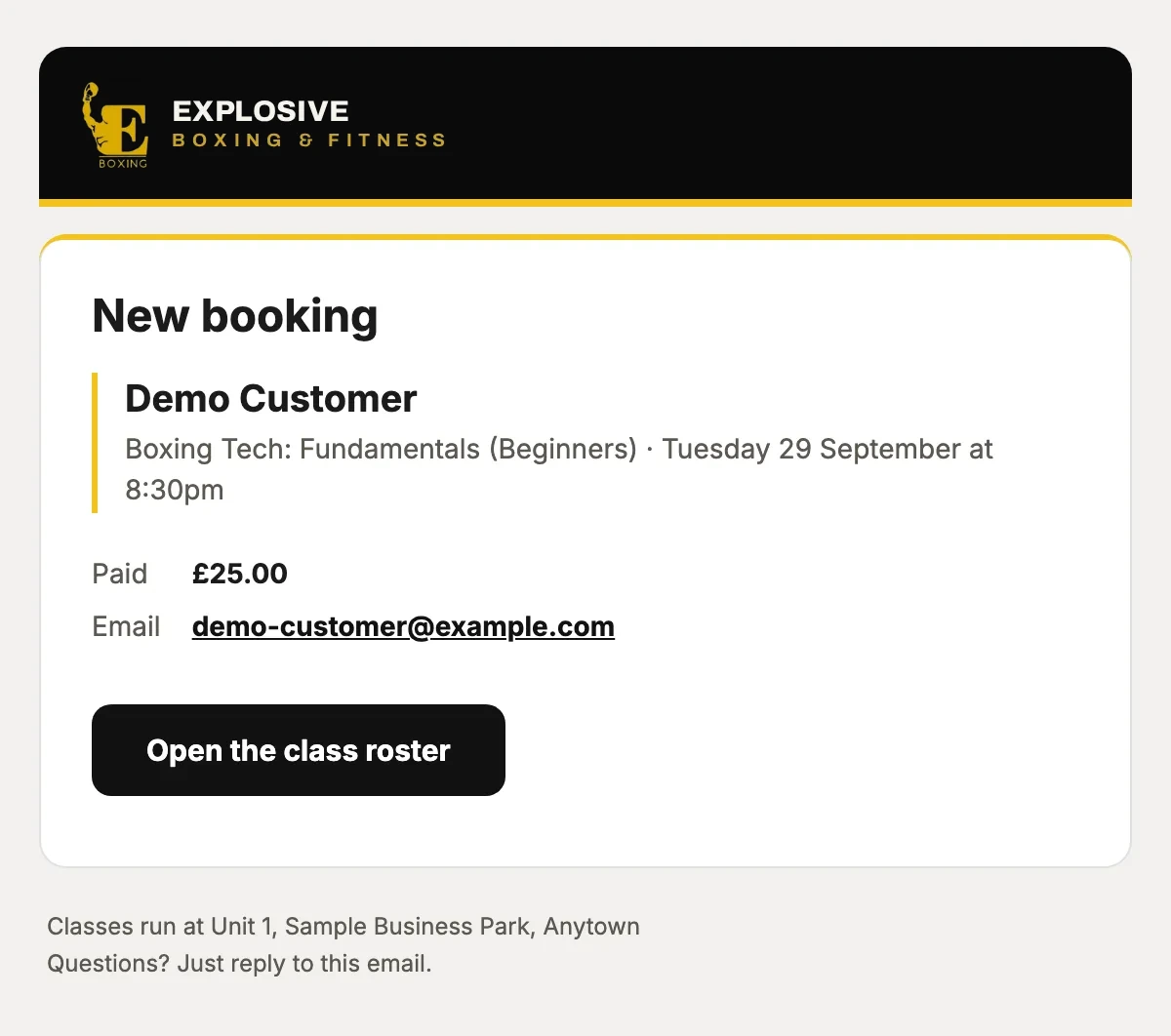
Who booked which class and what they paid, with a button to the class list.
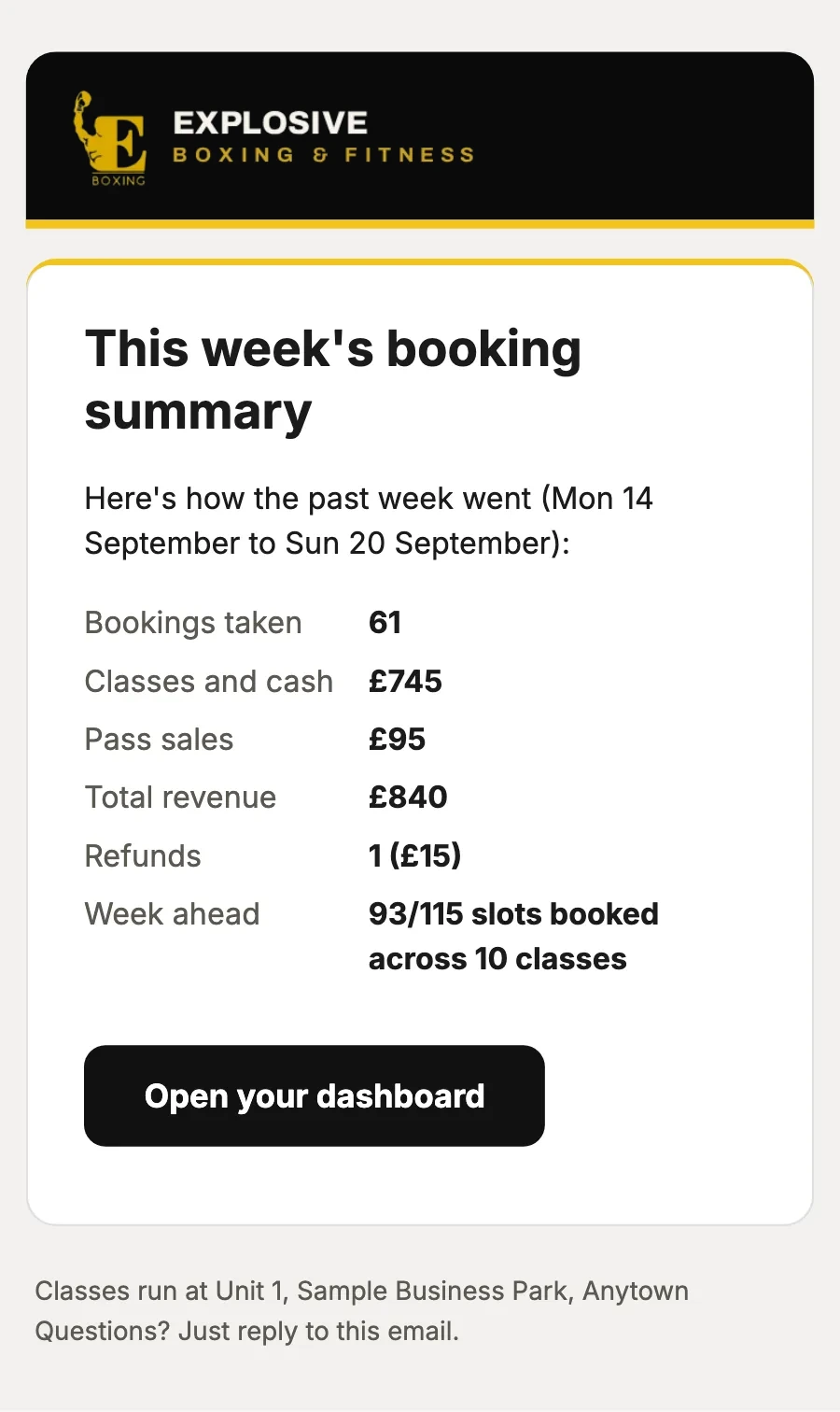
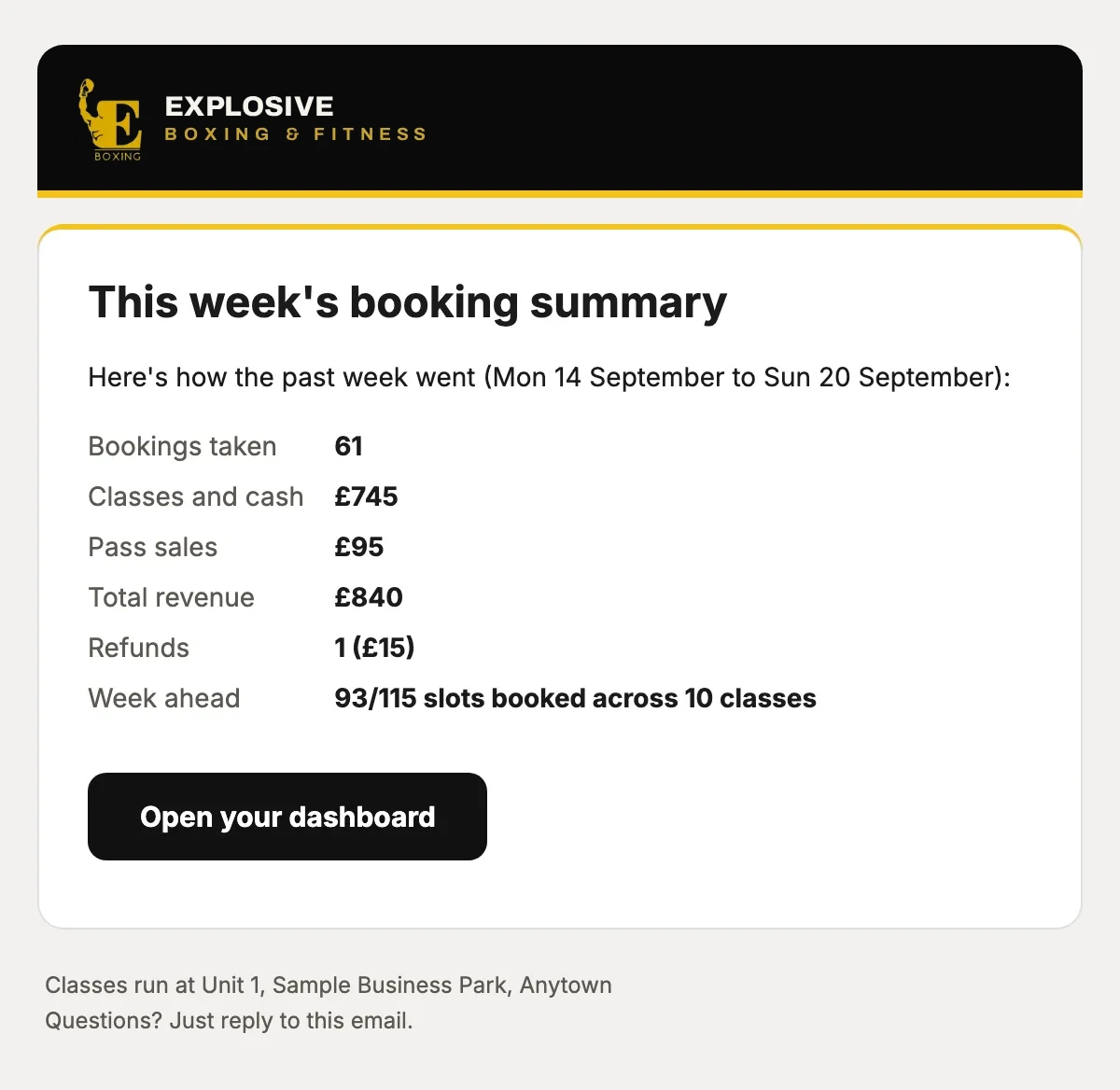
The week’s bookings, money in and refunds, and how full the week ahead is, without signing in.
or drag the phone
Cancellations and refunds, handled
A customer moves or cancels, or you cancel a class. Everyone is told, can move in one tap, and refunds follow your policy.
9:41
now
What your customer sees
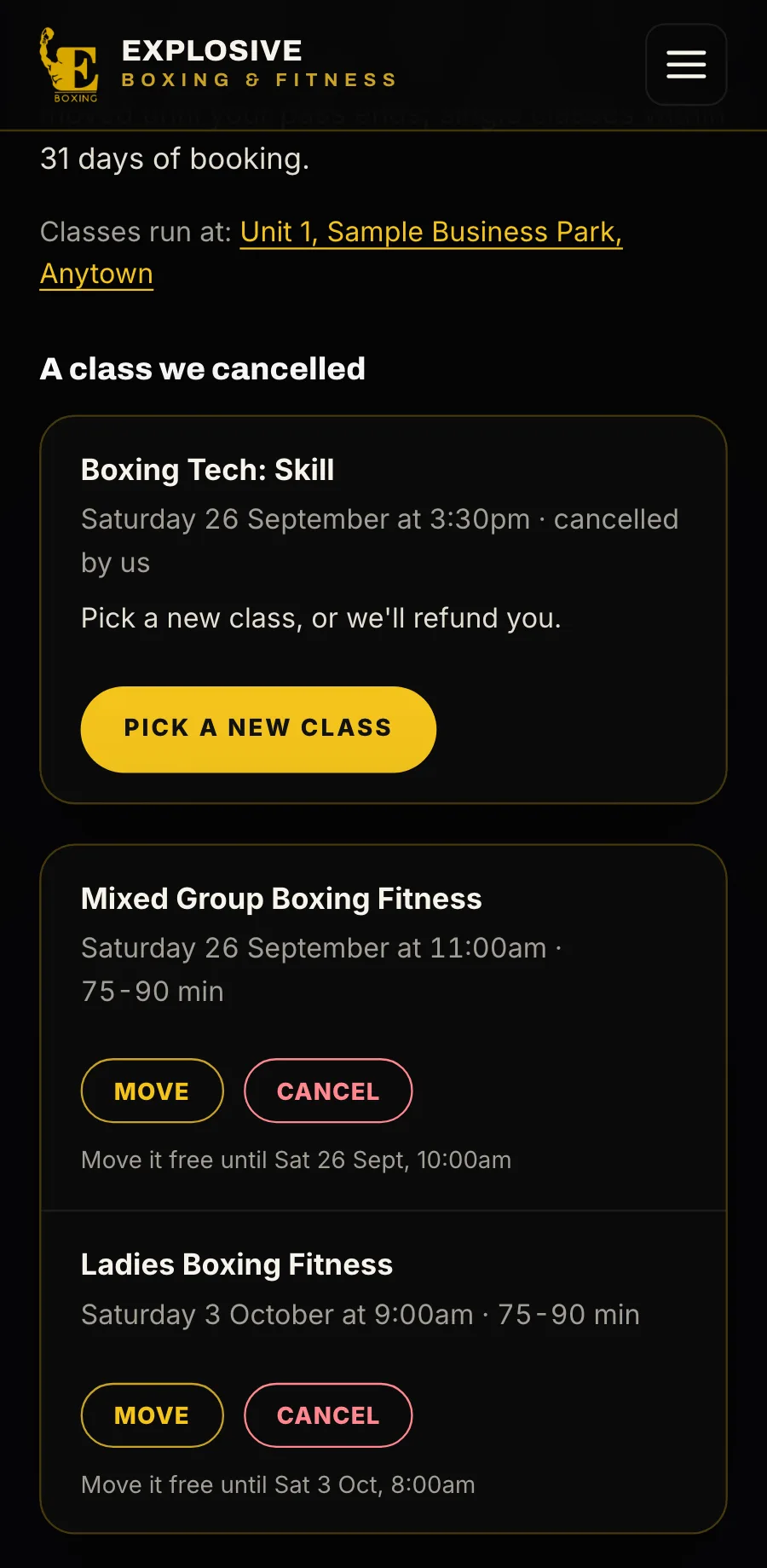
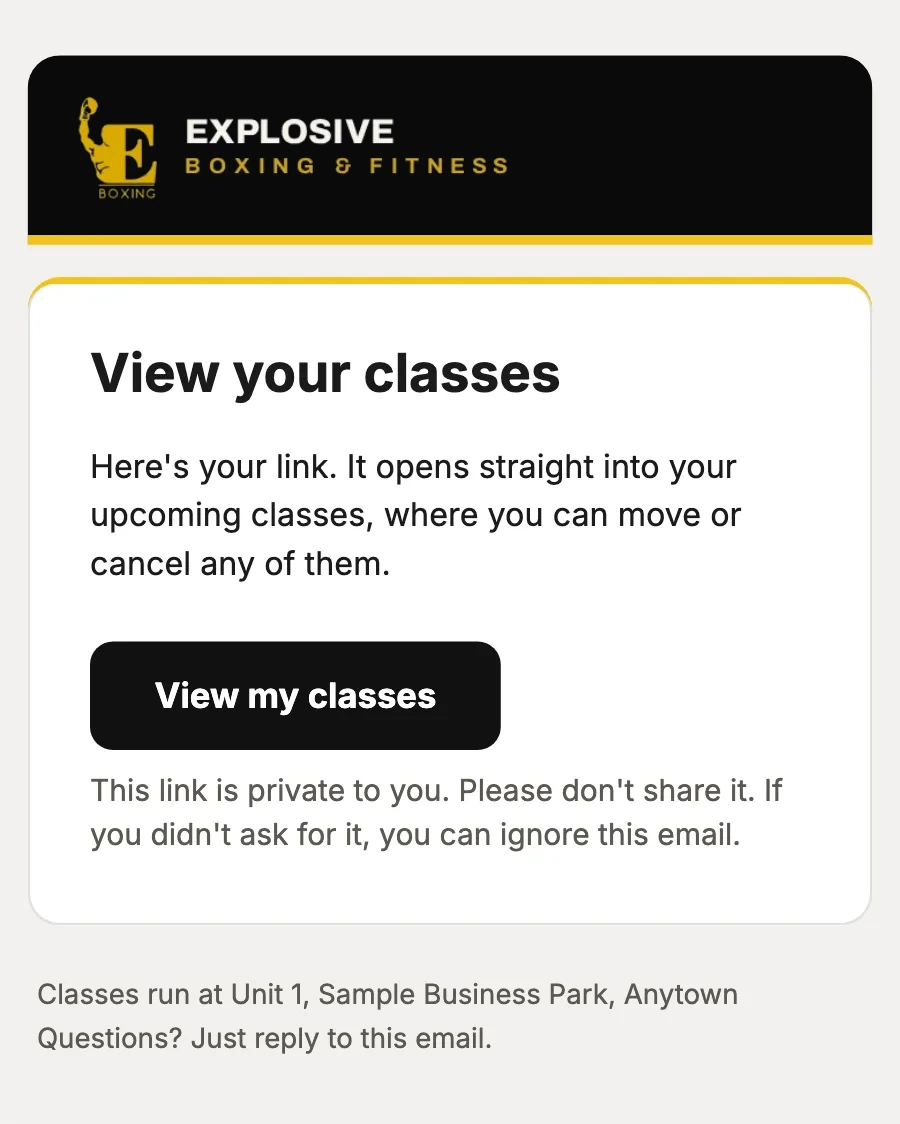
They move or cancel themselvesA private link by email shows everything they have booked. They move or cancel each class themselves, inside the windows you set.
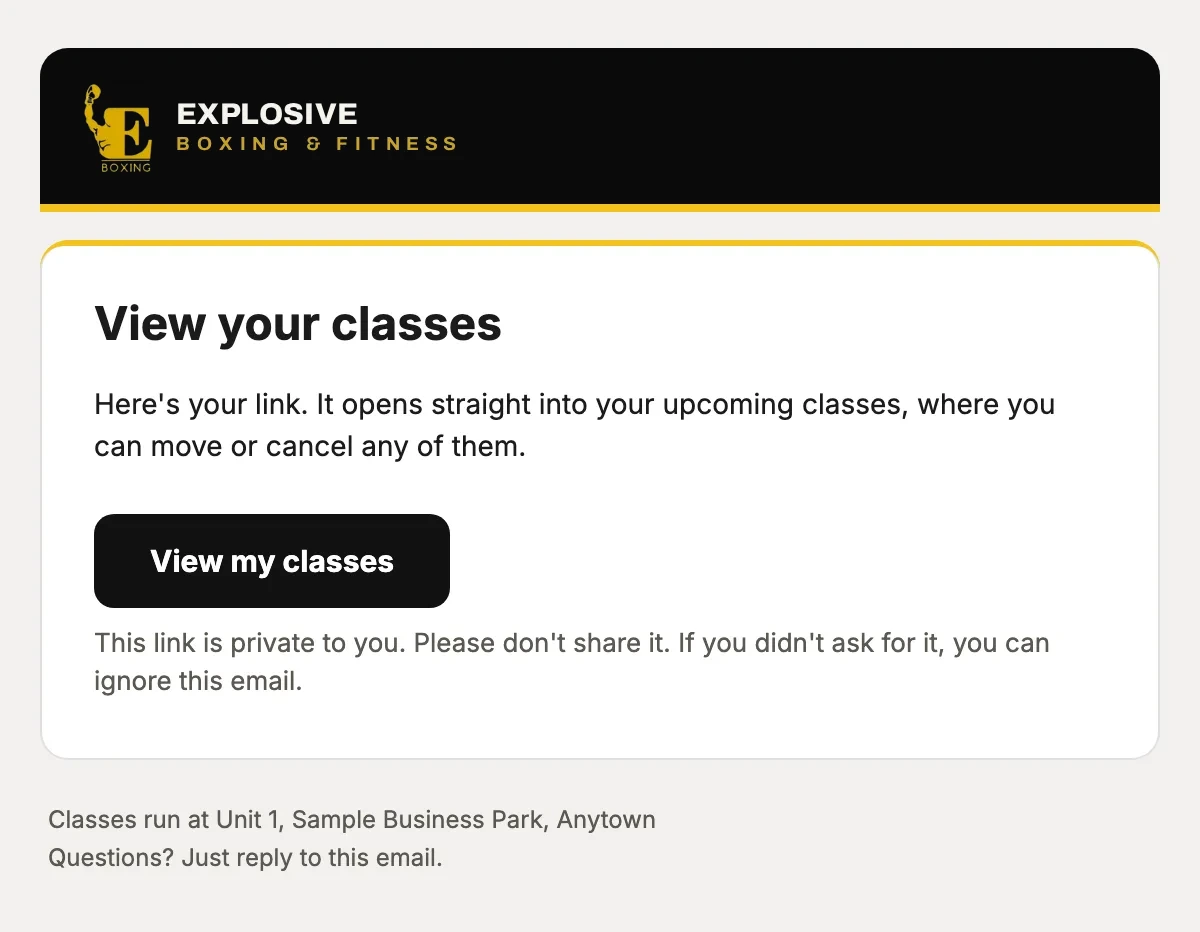
A private link by email shows everything they have booked. They move or cancel each class themselves, inside the windows you set.
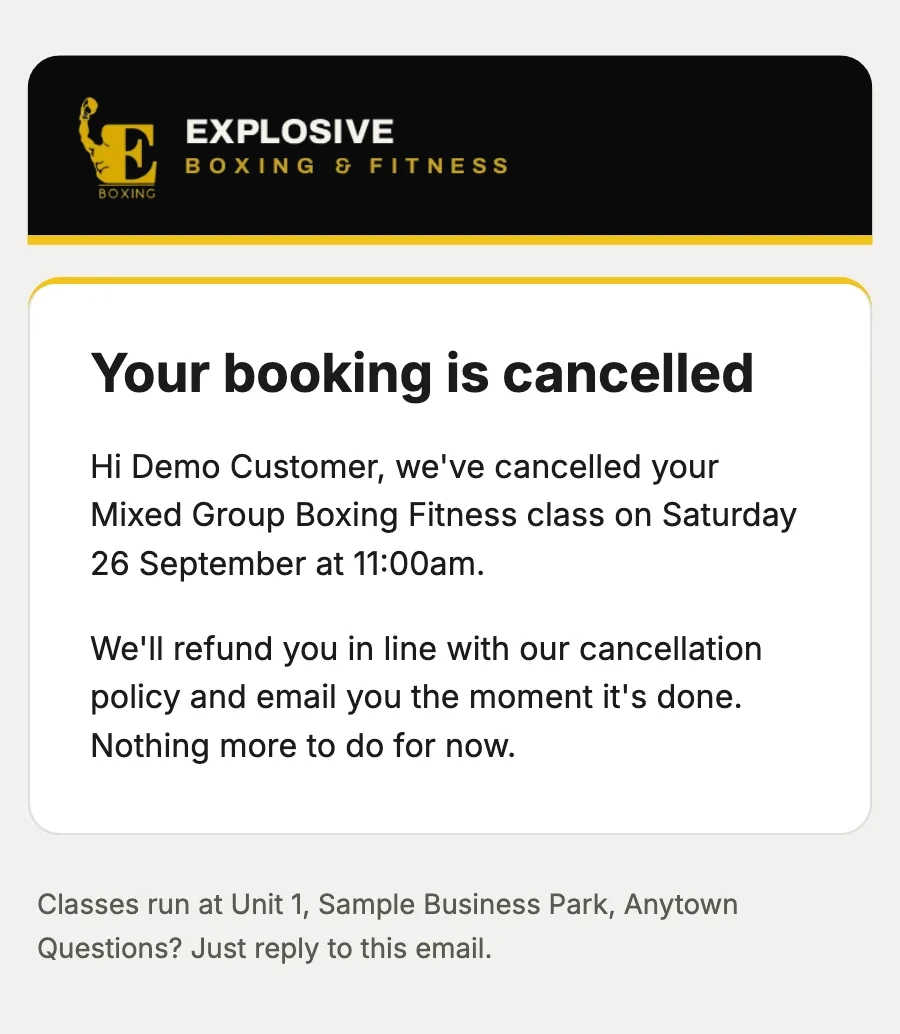
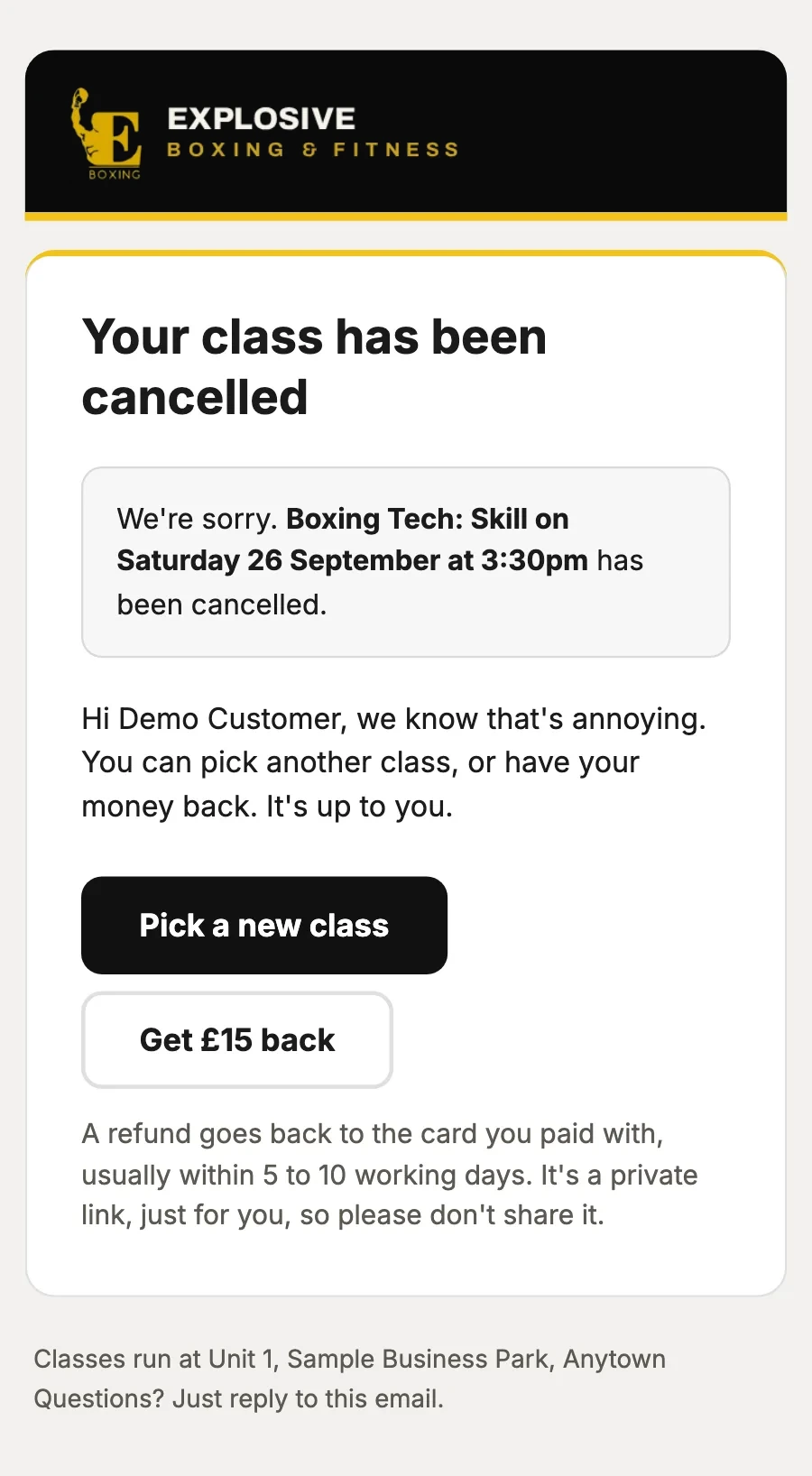
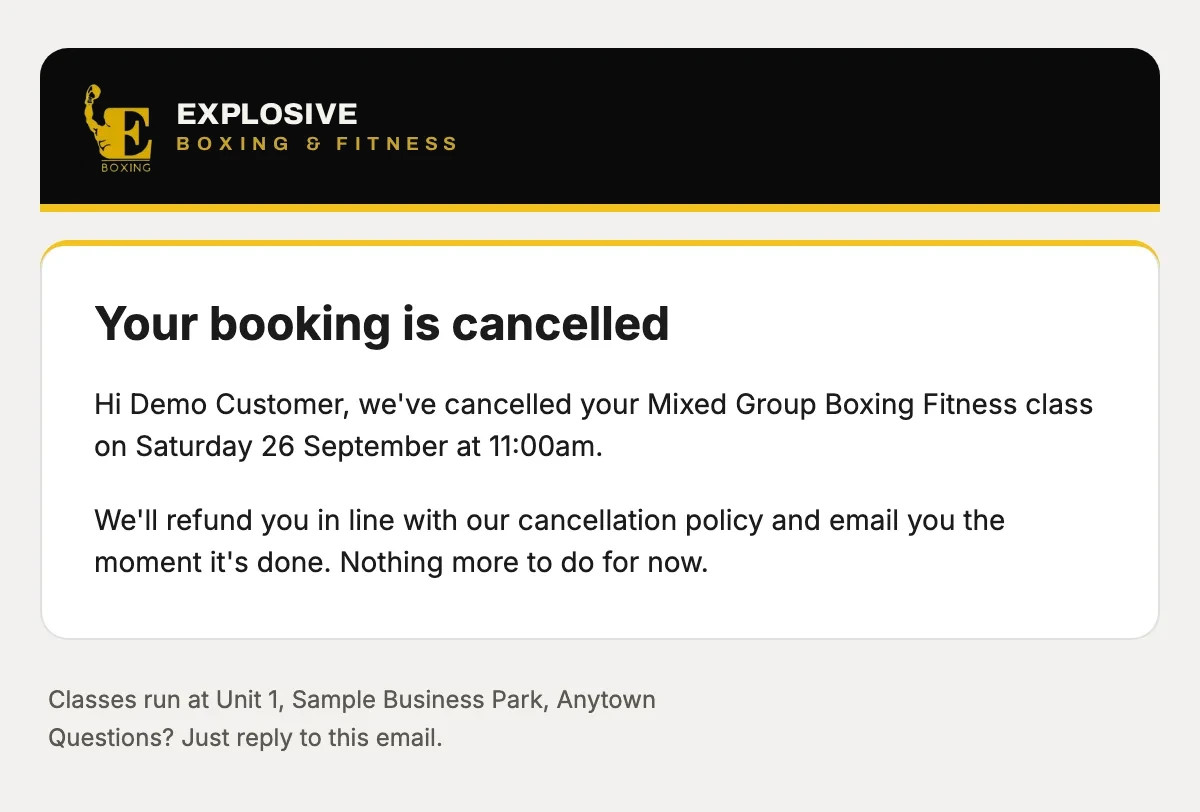
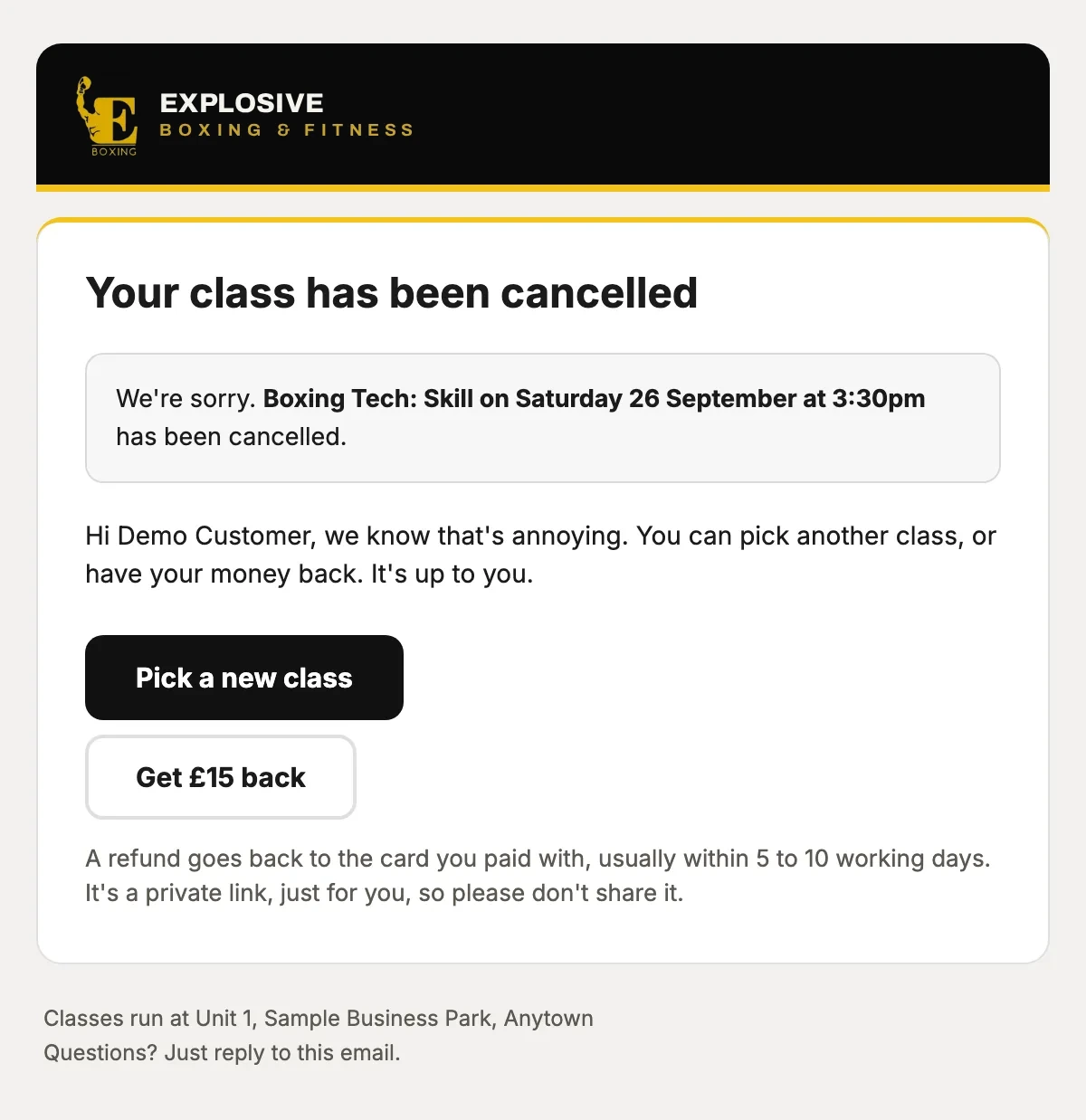
What was cancelled, and how their refund follows your cancellation policy.
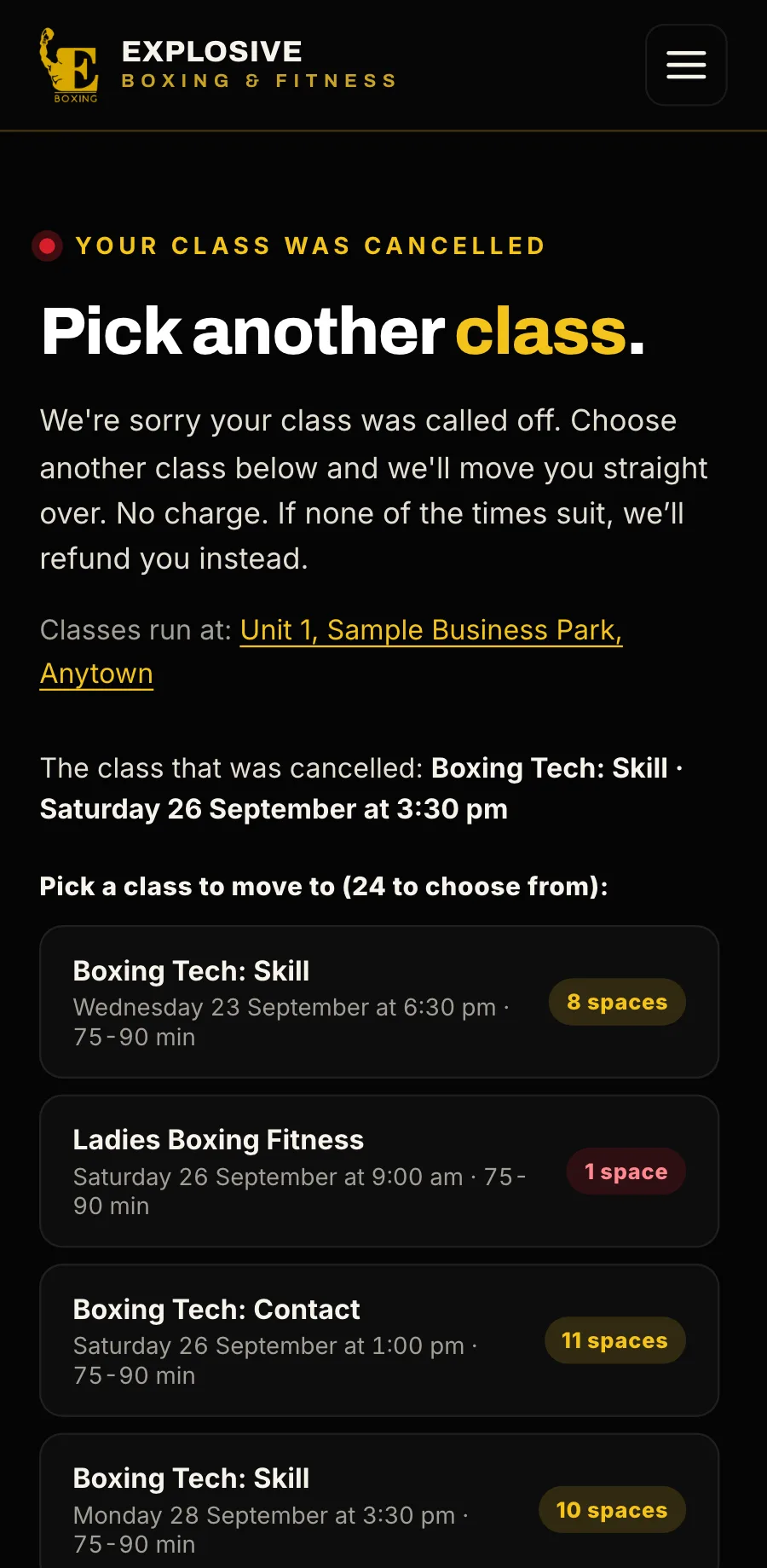
Everyone booked hears, with a link to move to another class in one tap. If none suits, they are refunded, or the class stays on their pass.
Everyone booked gets a link to pick another class, with the spaces left in each. If none suits, they are refunded, or the class stays on their pass.
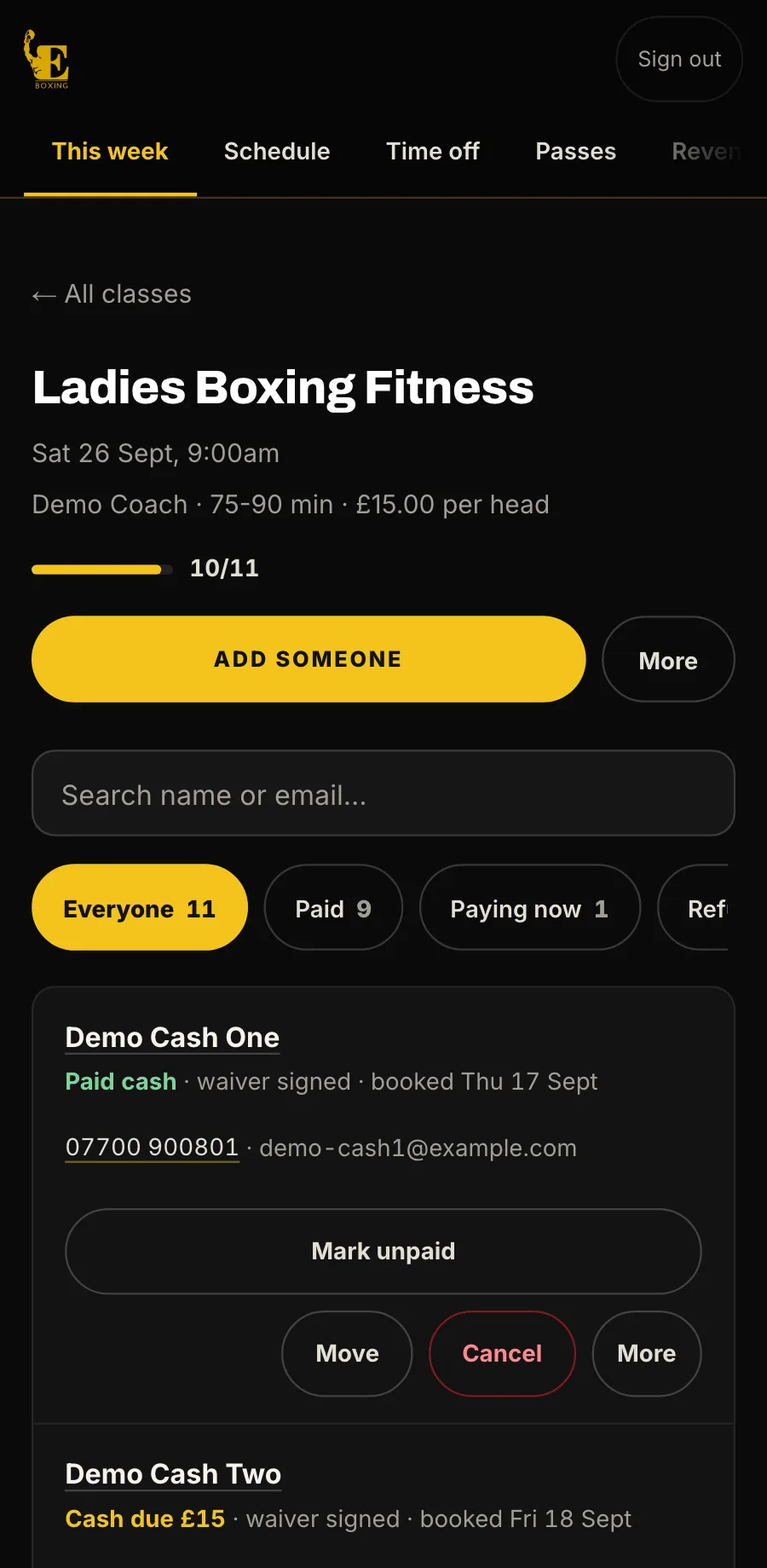
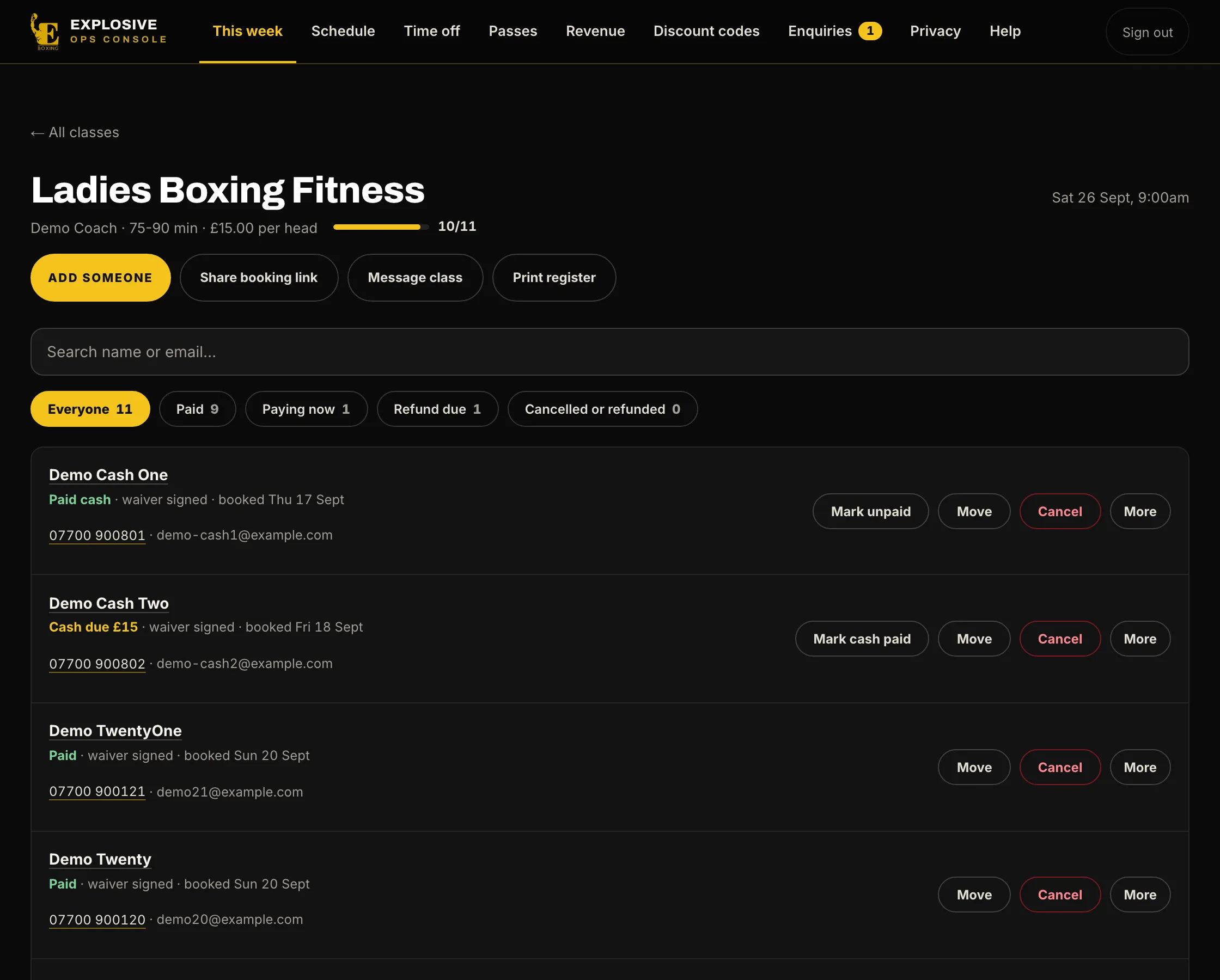
Who is coming, who has paid and who owes cash. Add someone who walks in, move them, cancel or refund, message the class and print the register.
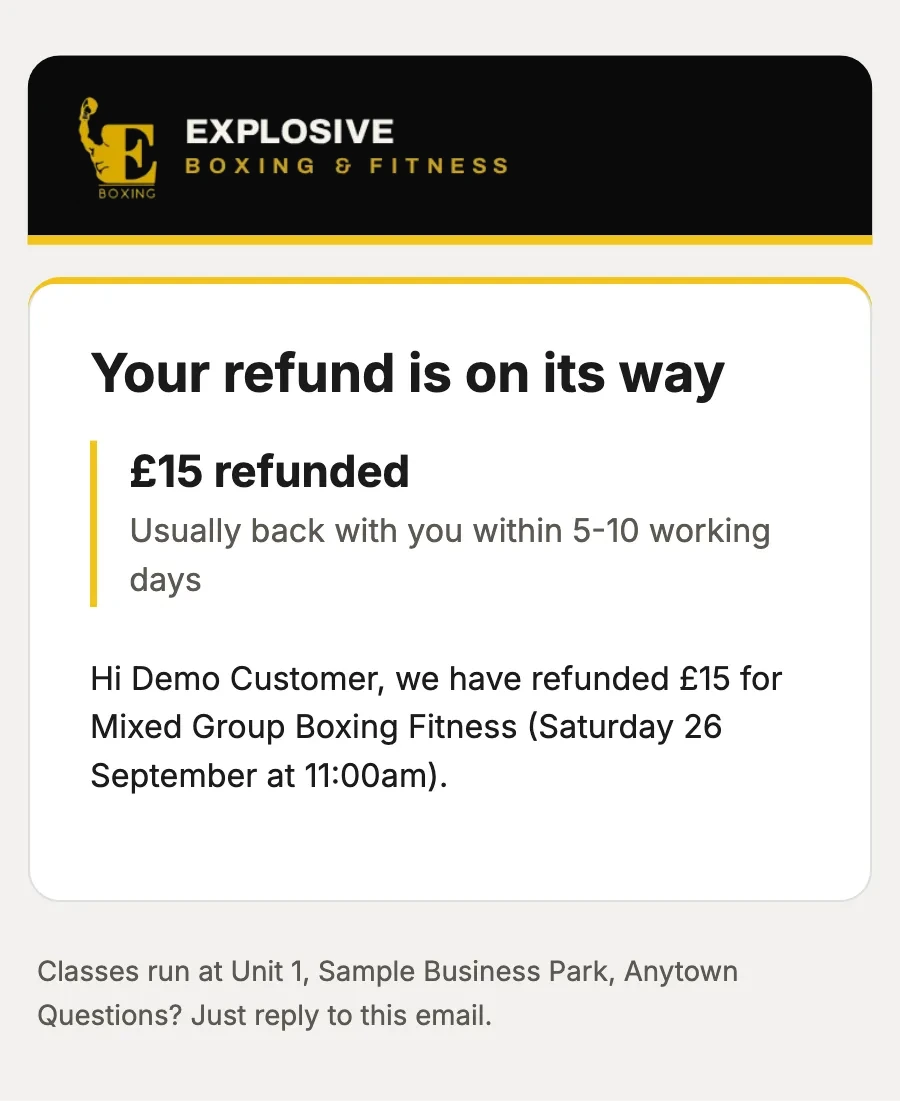
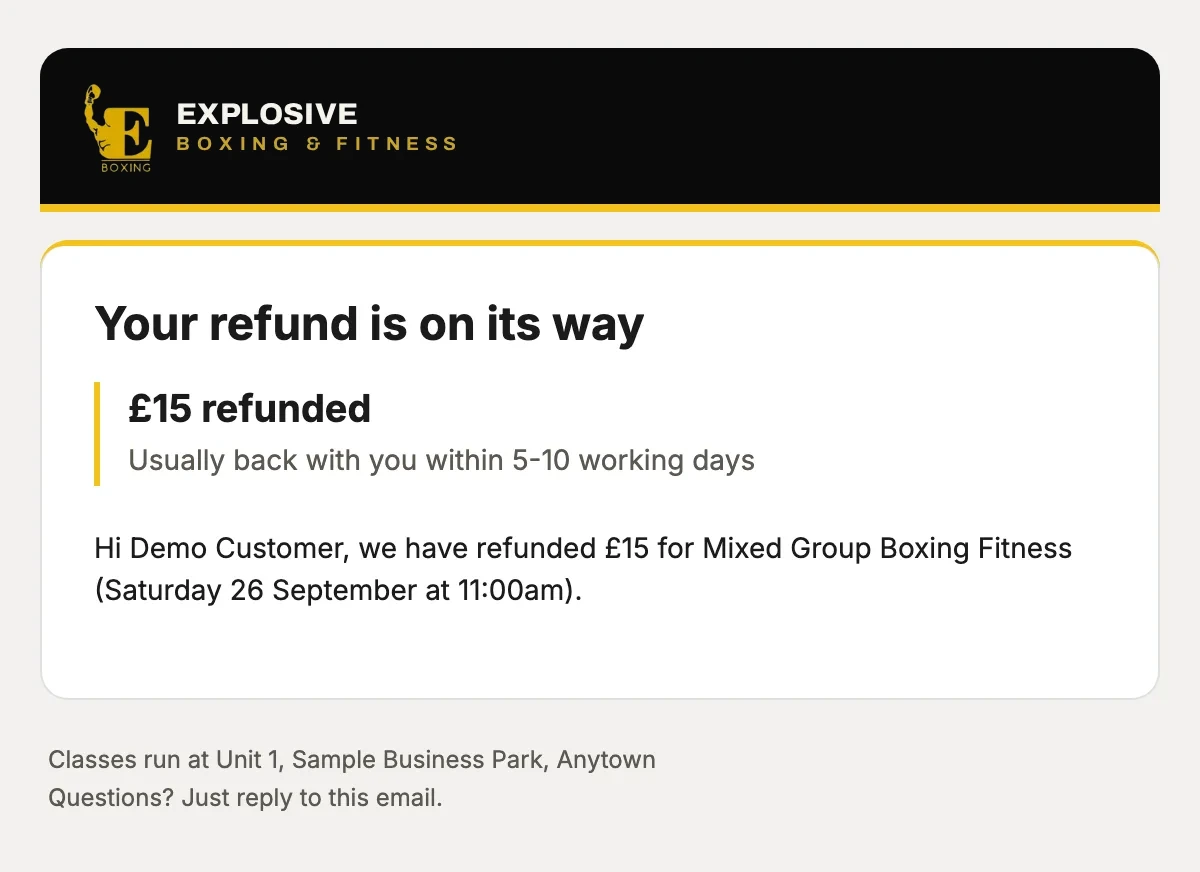
How much, and when it should be back with them.
or drag the phone
Fill your classes
Discount codes, a waitlist that emails everyone when a space opens, messages to a class and a list of regulars who have gone quiet. All built in.
9:41
now
What your customer sees
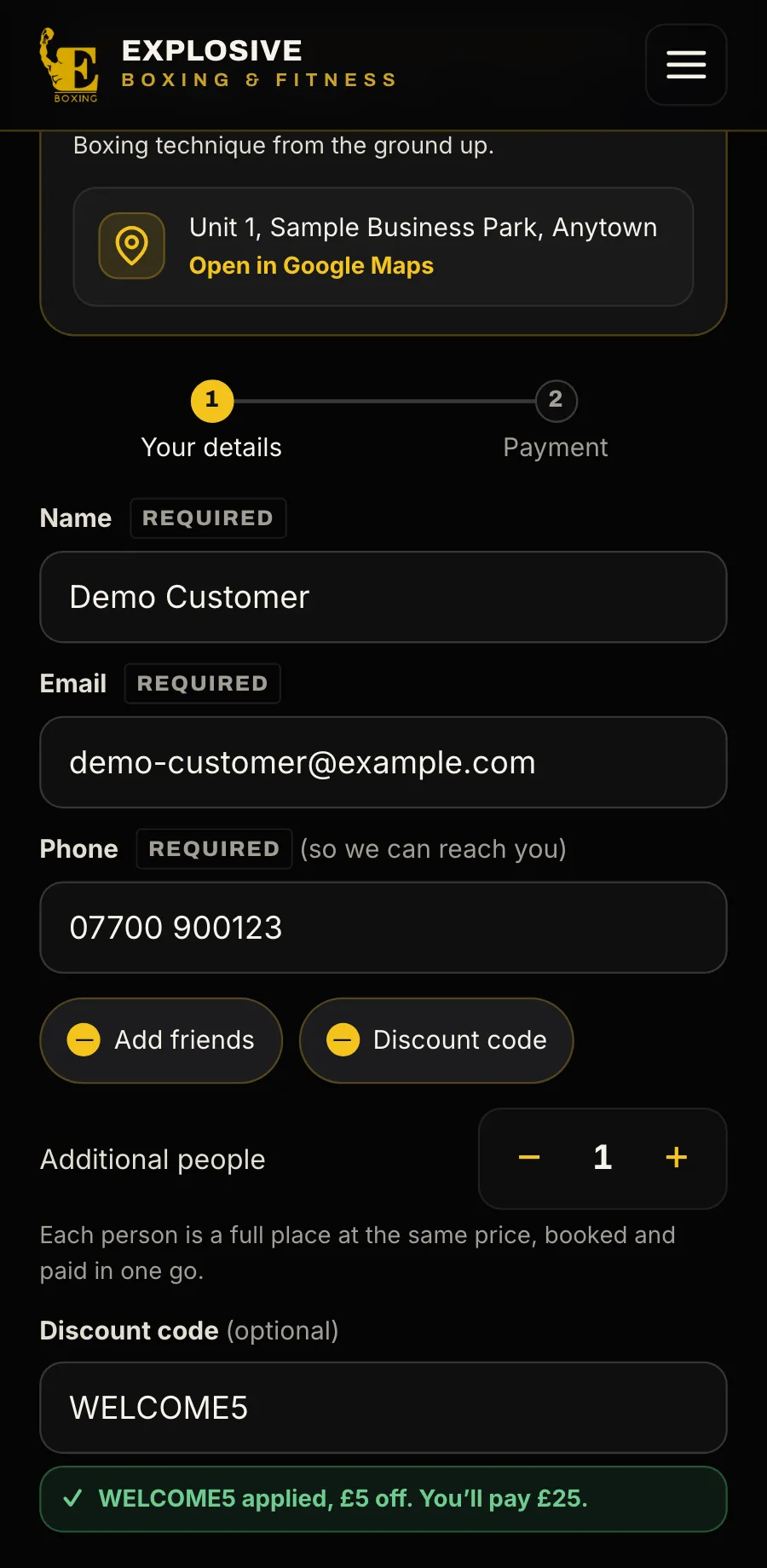
A discount code, checked as they typeName, email and phone: no account, no password. Up to nine friends on one booking, and a discount code checked as they type.
Name, email and phone: no account, no password. Up to nine friends on one booking, and a discount code checked as they type.
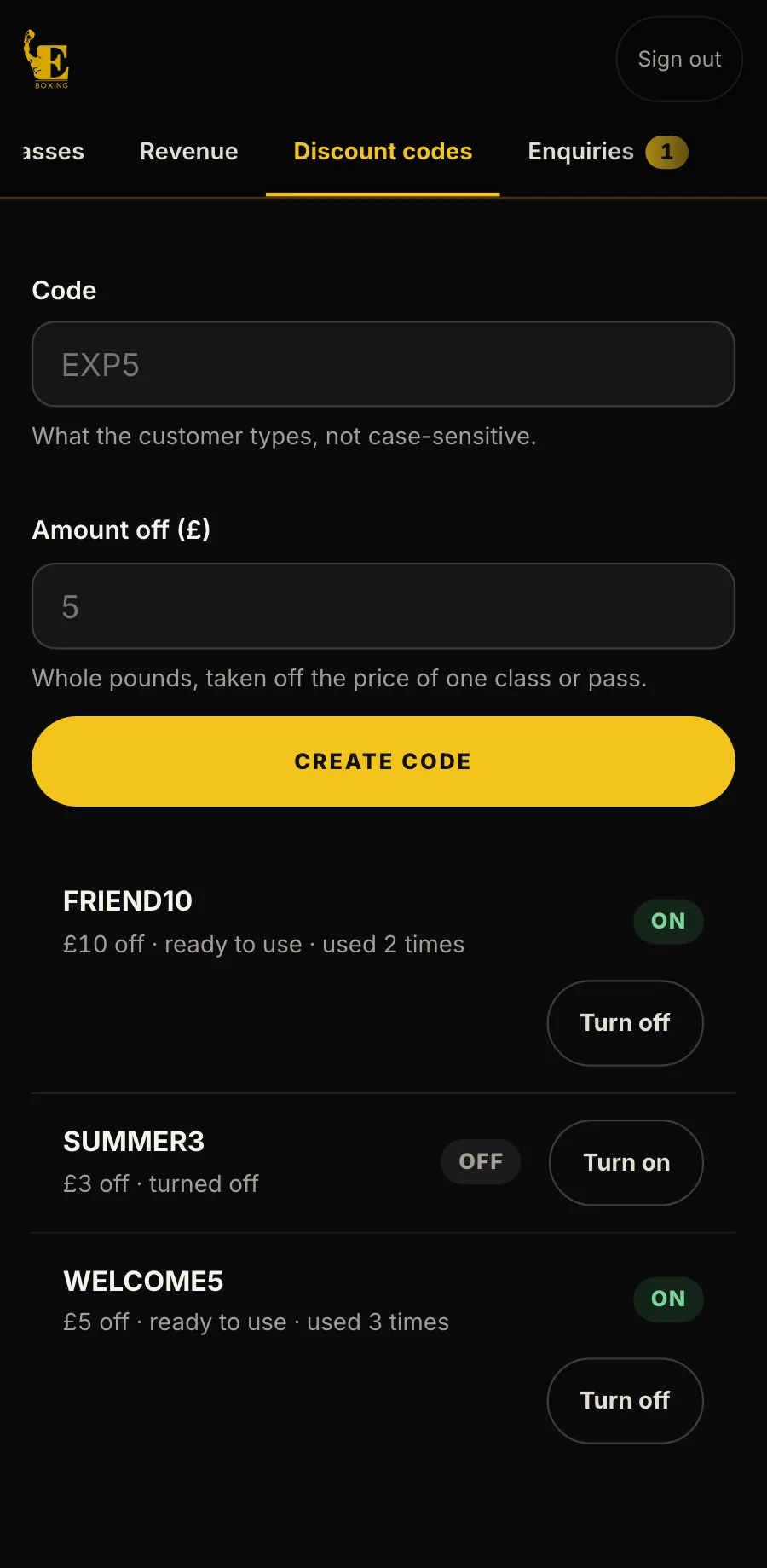
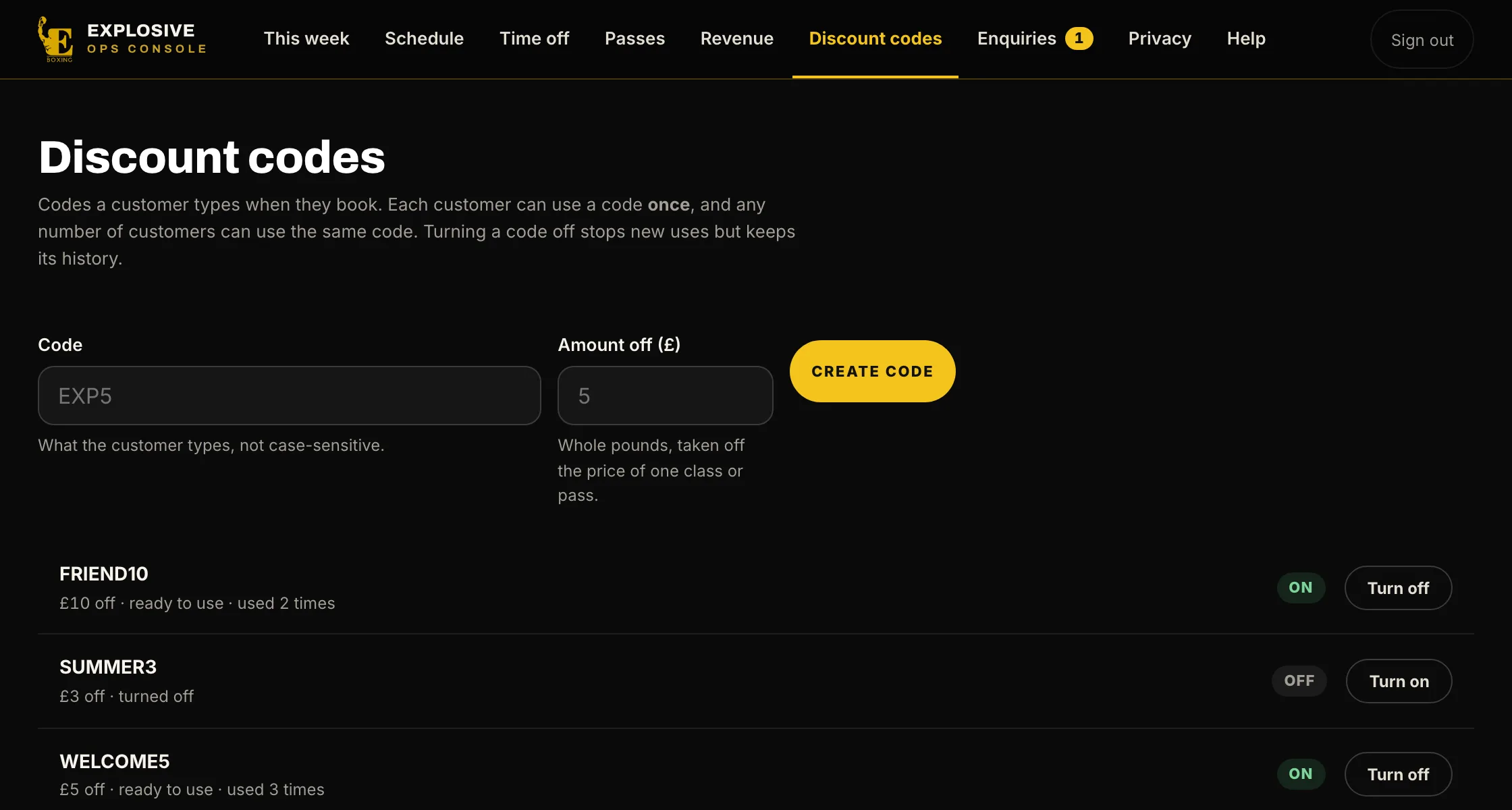
Make a code, see how often it has been used, and turn it off. Each customer can use a code once.
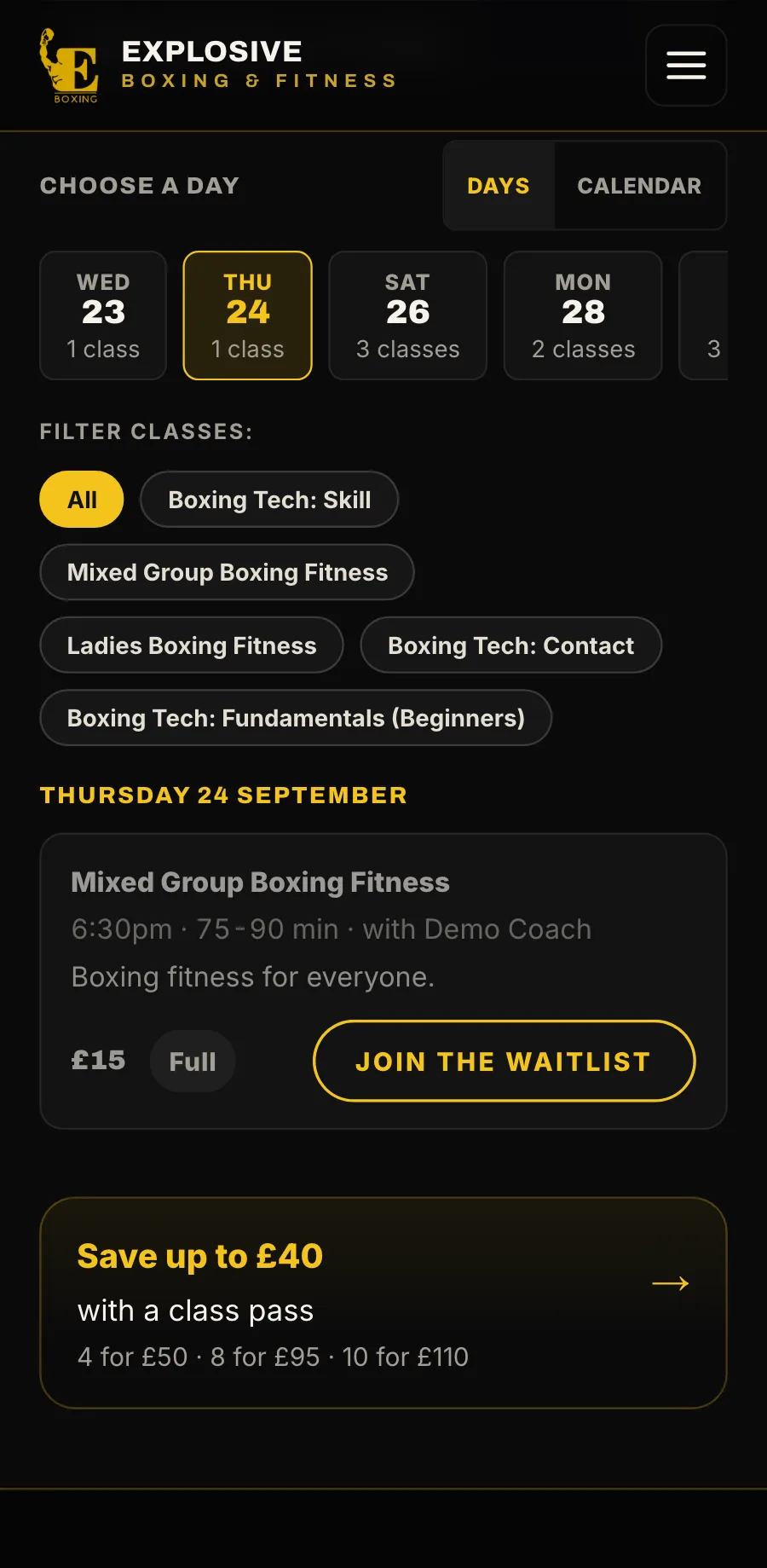
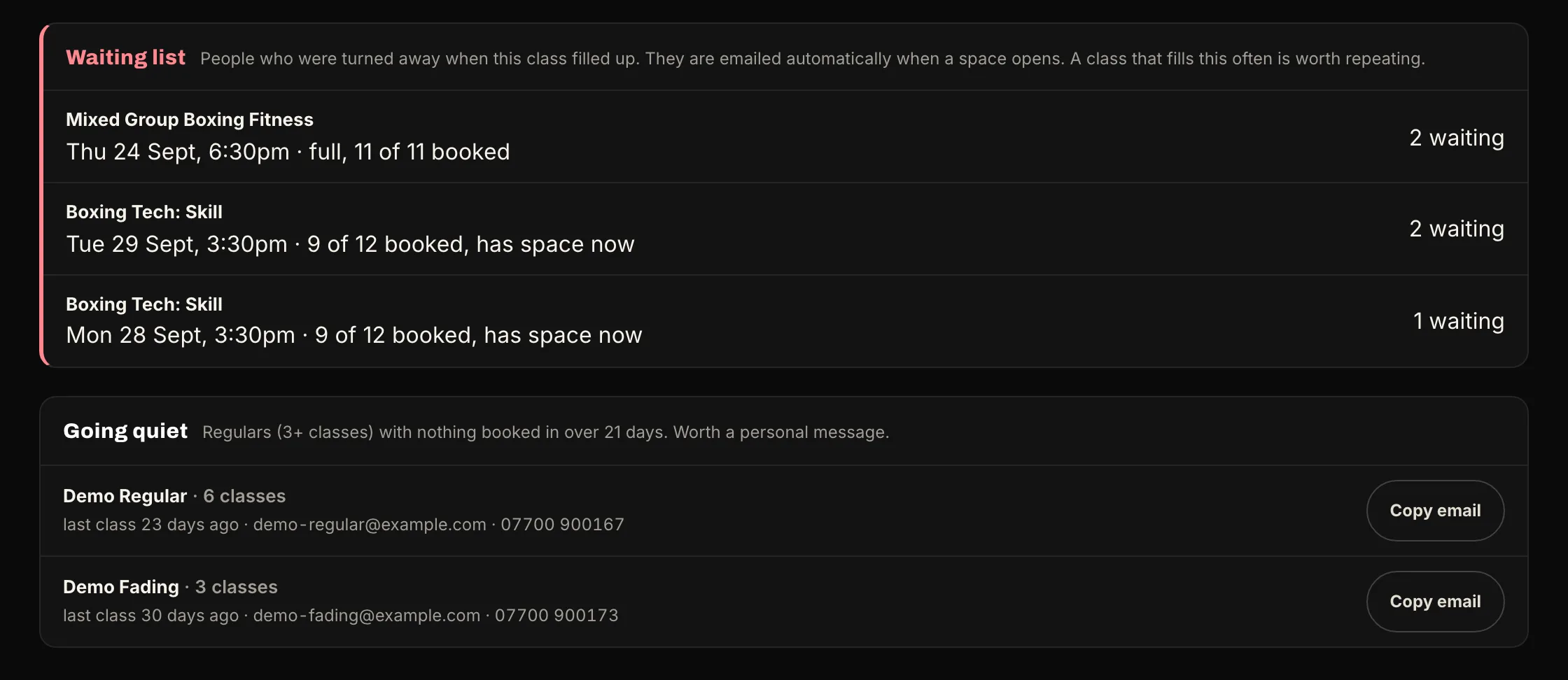
When a space opens, everyone waiting is emailed, and the first to book it gets it.
Everyone on the waiting list hears at once, and the first to book gets it.
Your message to everyone on a class, from wording ready to send: a time change, getting there, what to bring, or nearly full.
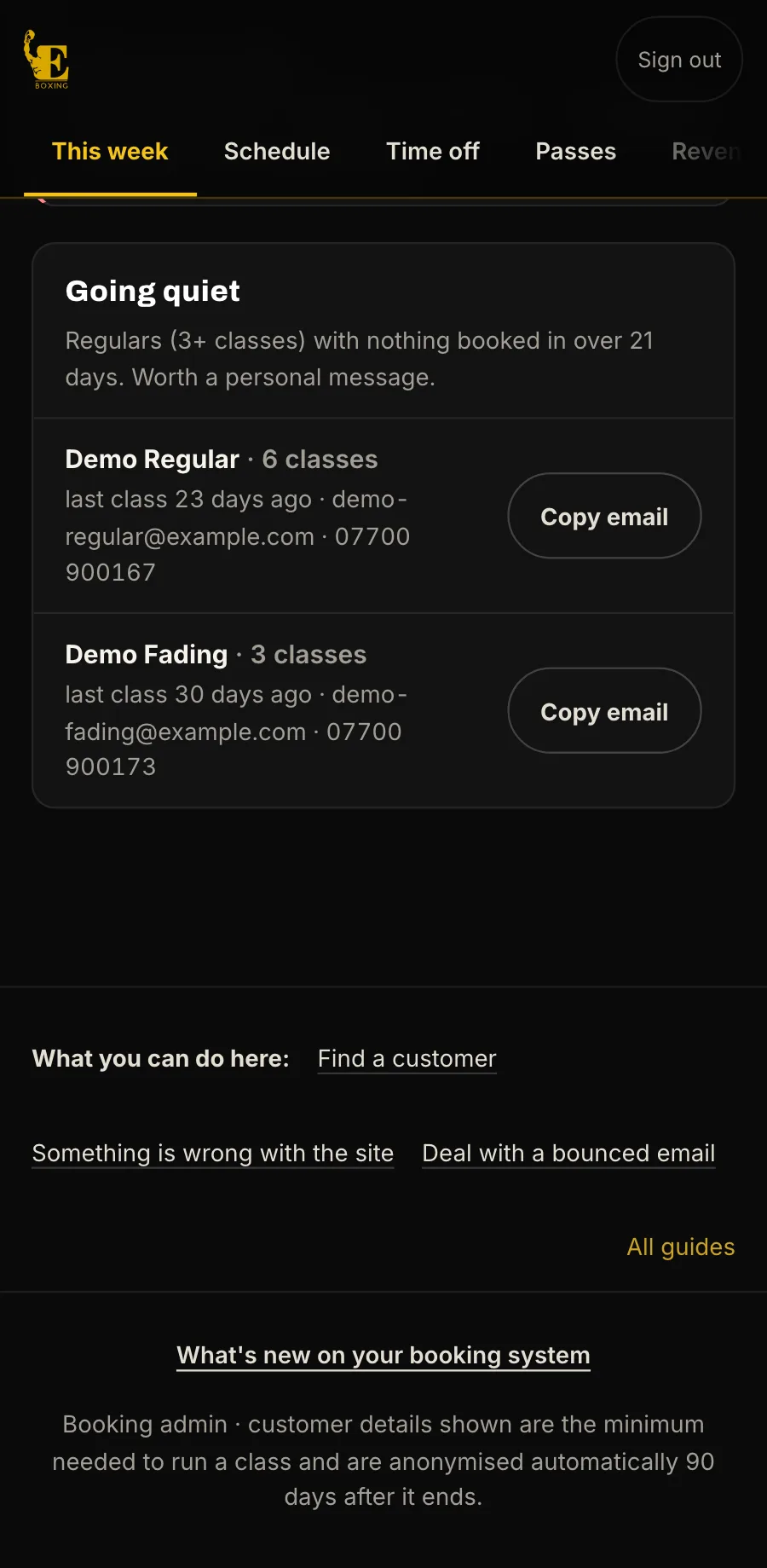
People who came three or more times and have had nothing booked for three weeks, with their email to copy, so you can get in touch.
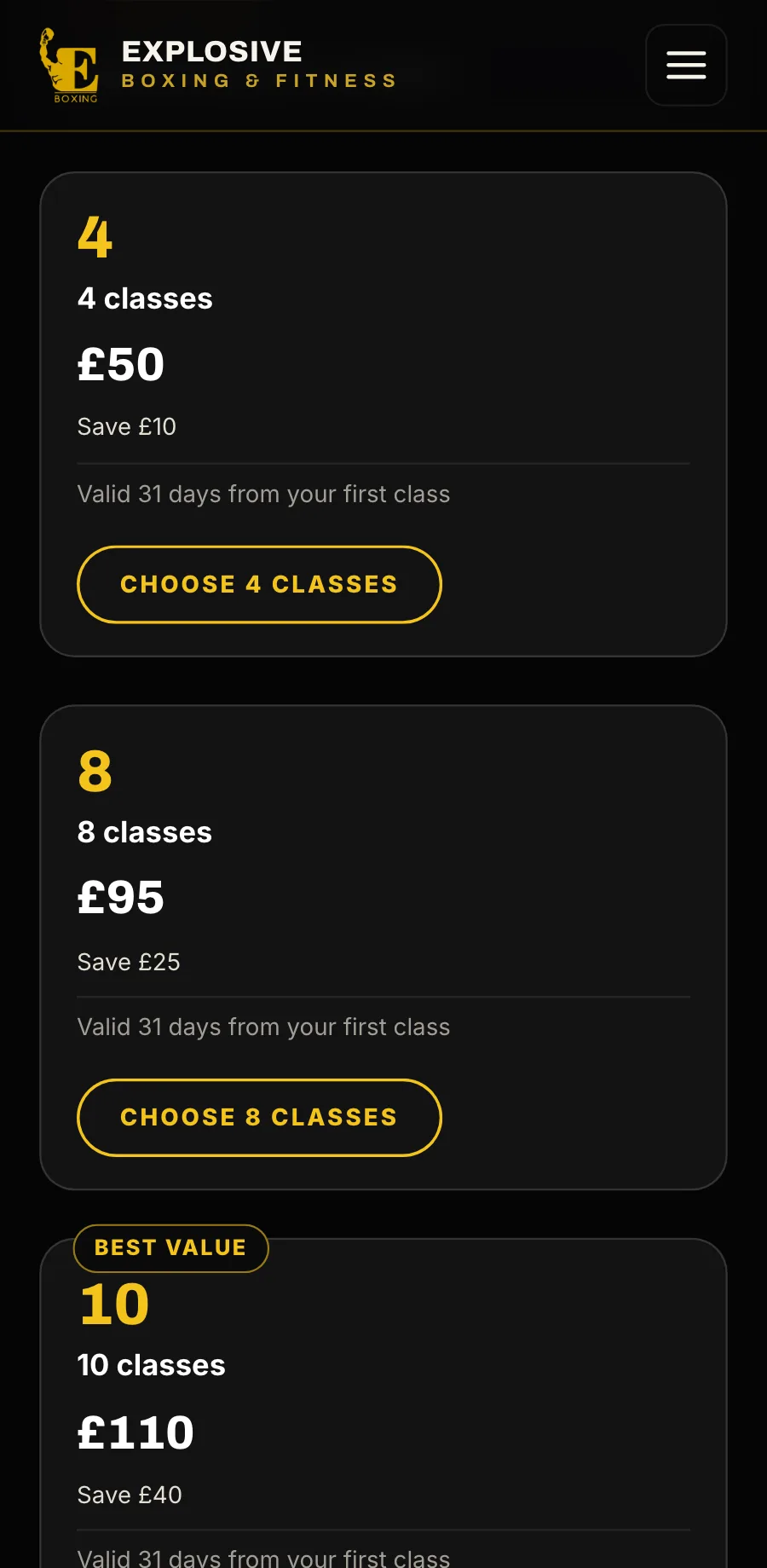
Packs of classes at a lower price each, bought on your own page.
or drag the phone
A website with booking built in
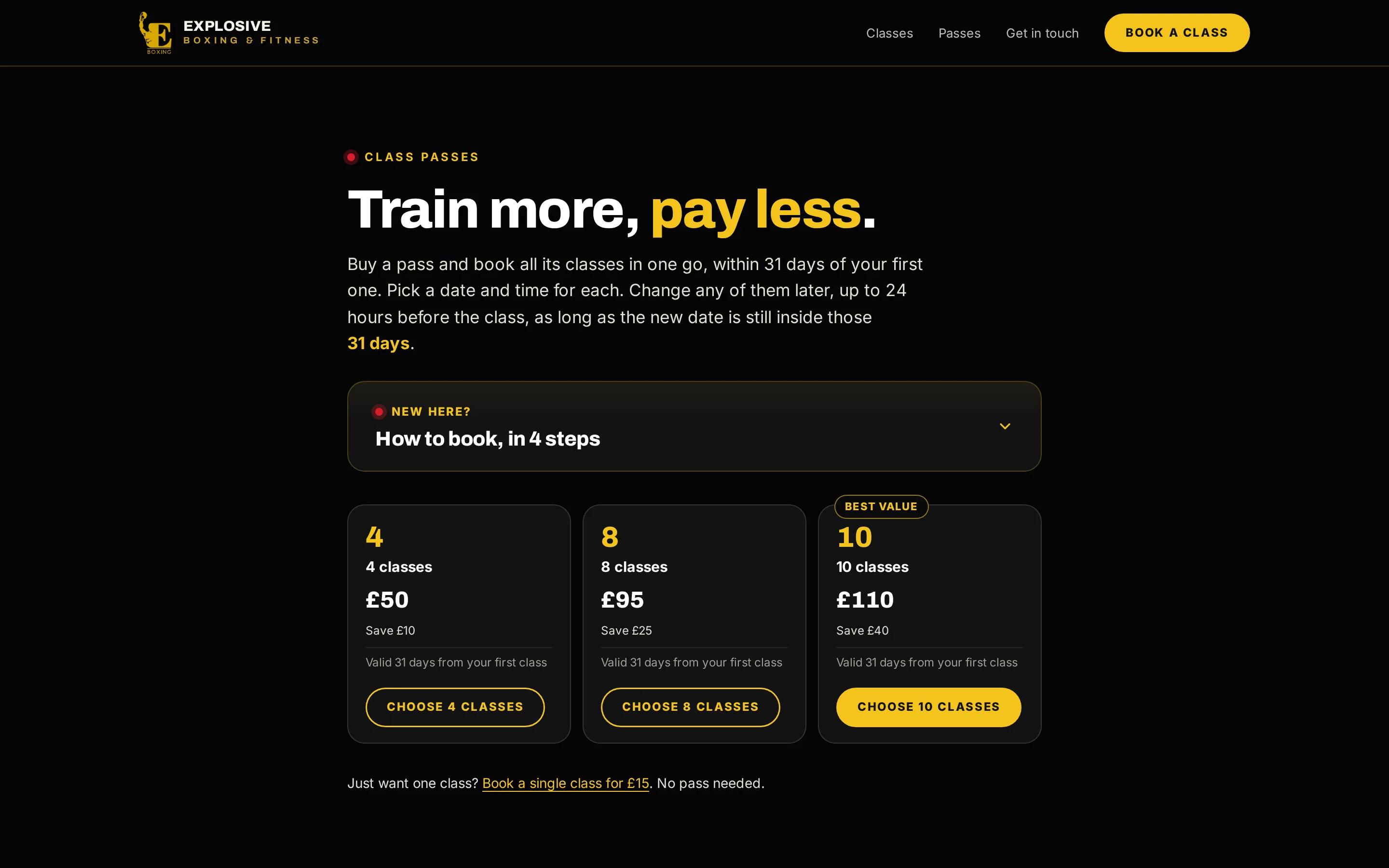
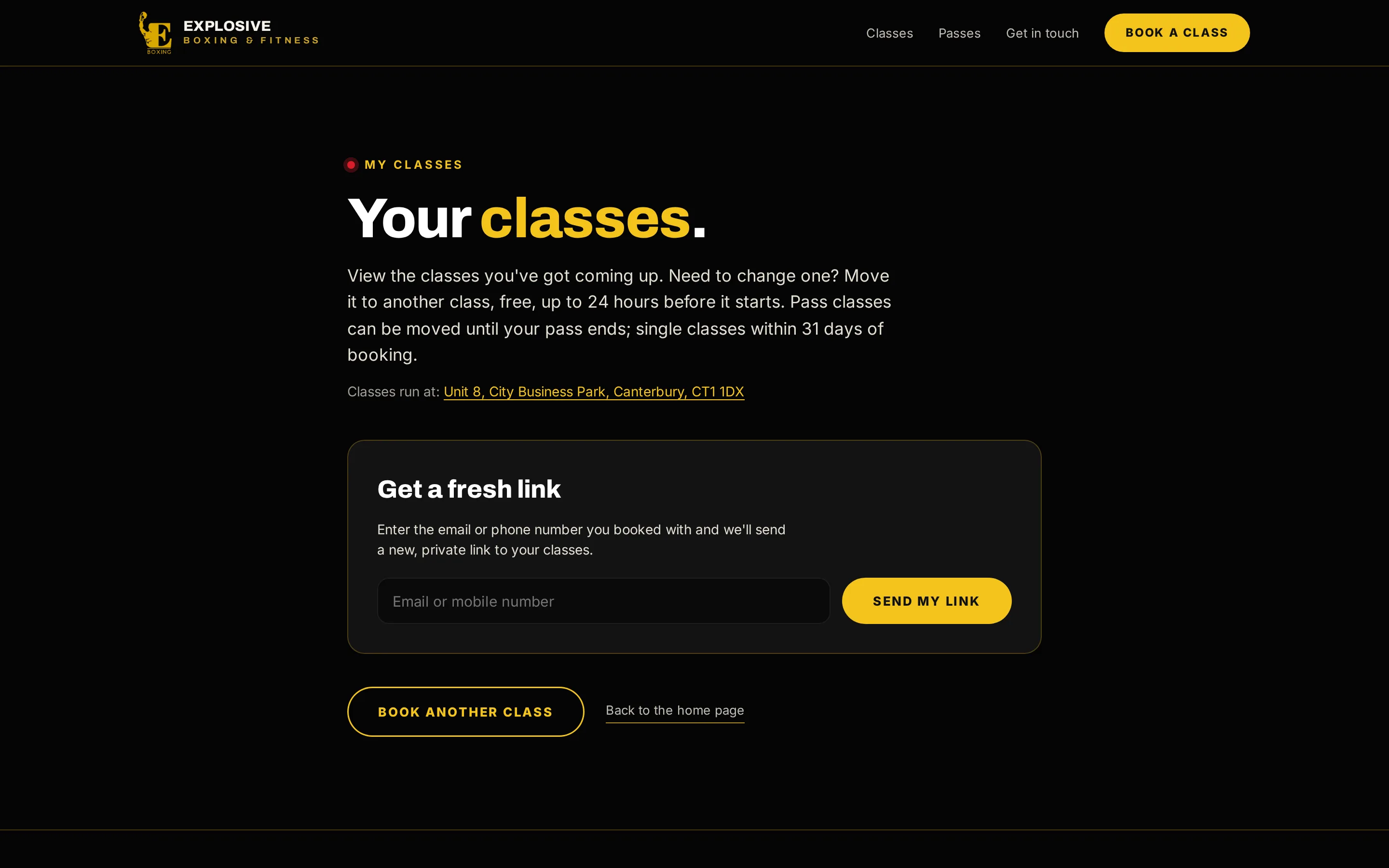
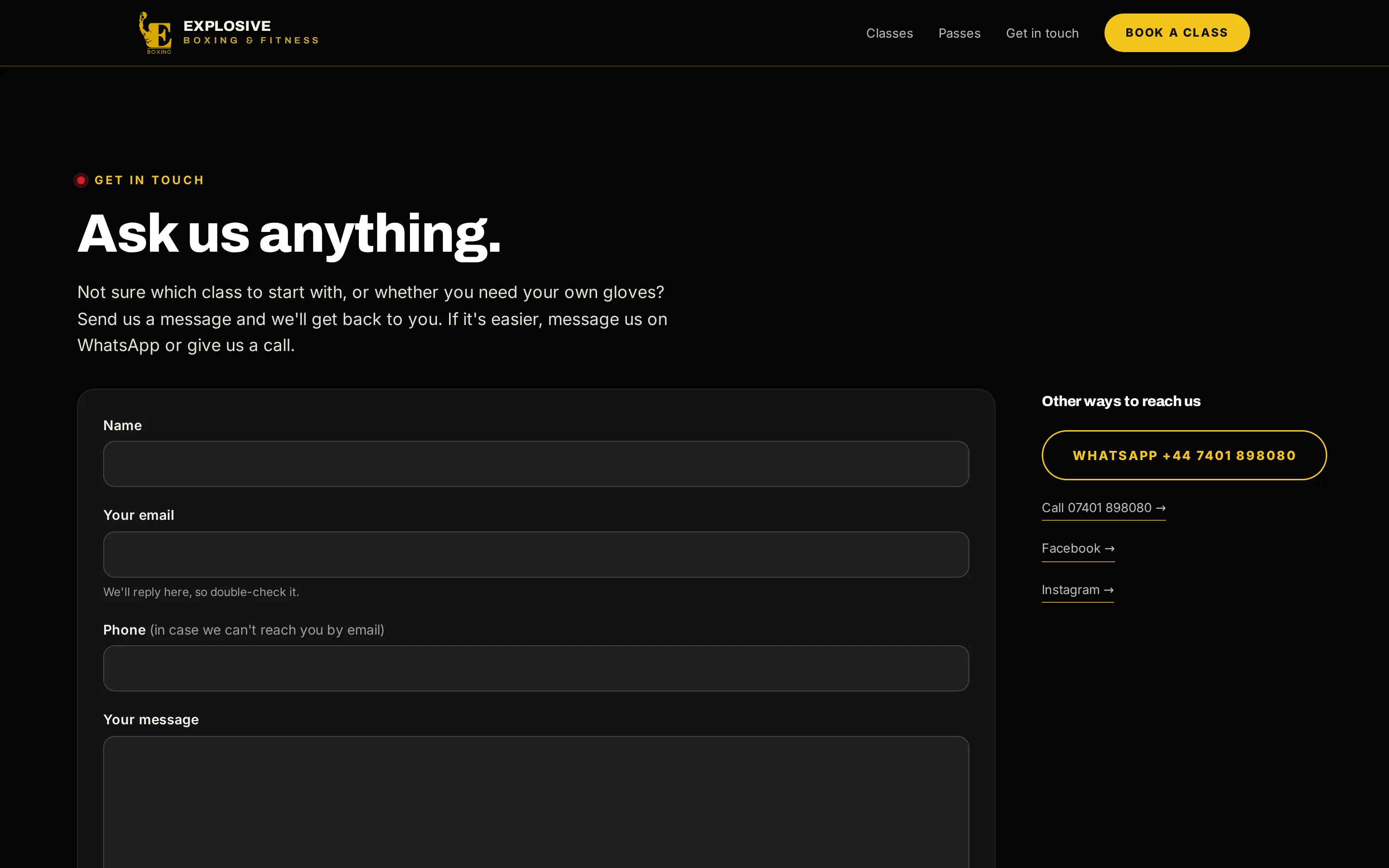
Home, classes and timetable, passes, My classes and contact, with booking built into every page. This one is Explosive Boxing & Fitness’s own.
9:41
now
Your website
A home pageWho you are, what is on this week, and the way in to booking.
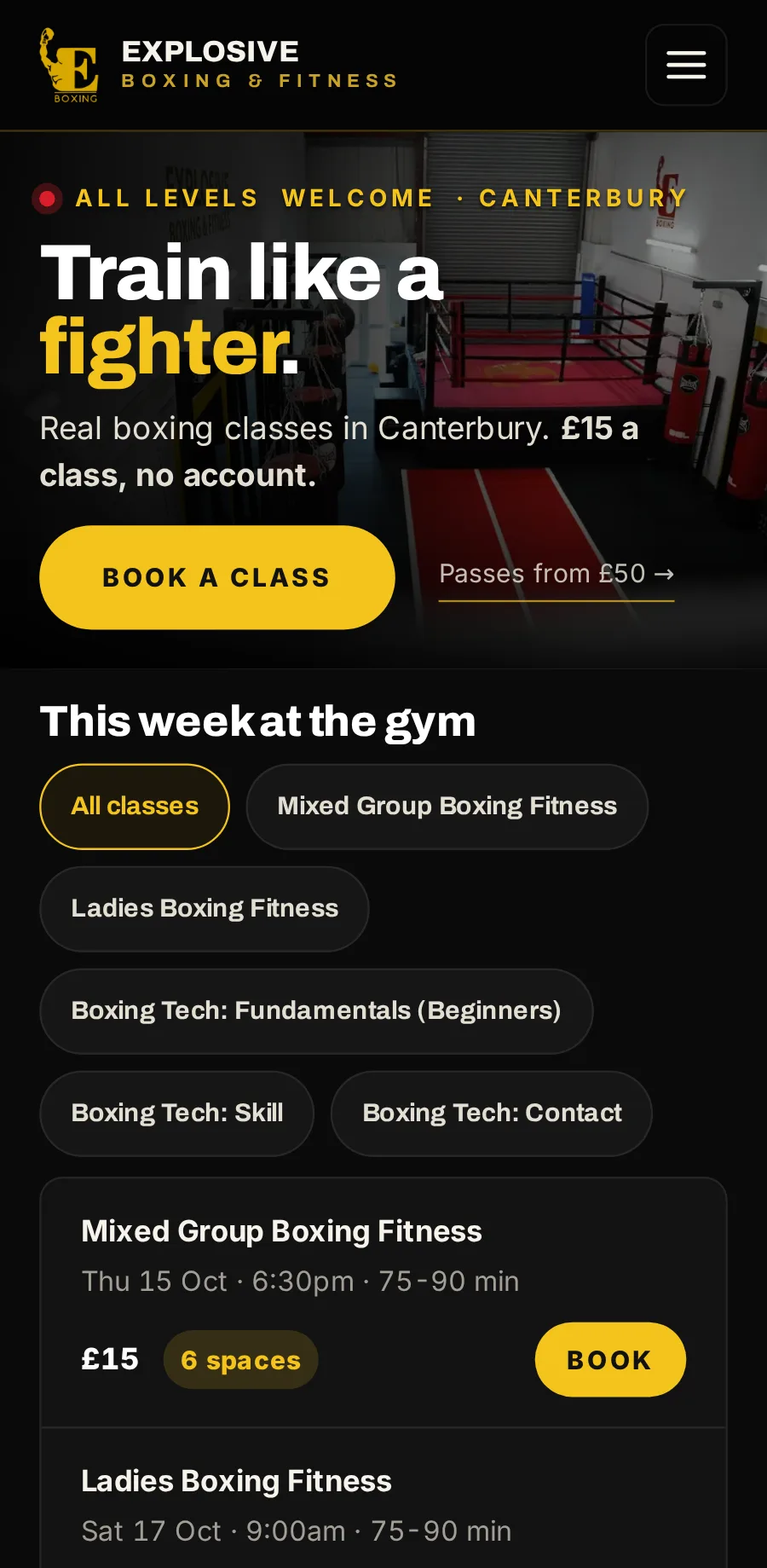
Who you are, what is on this week, and the way in to booking.
The live timetable, with booking on the same page.
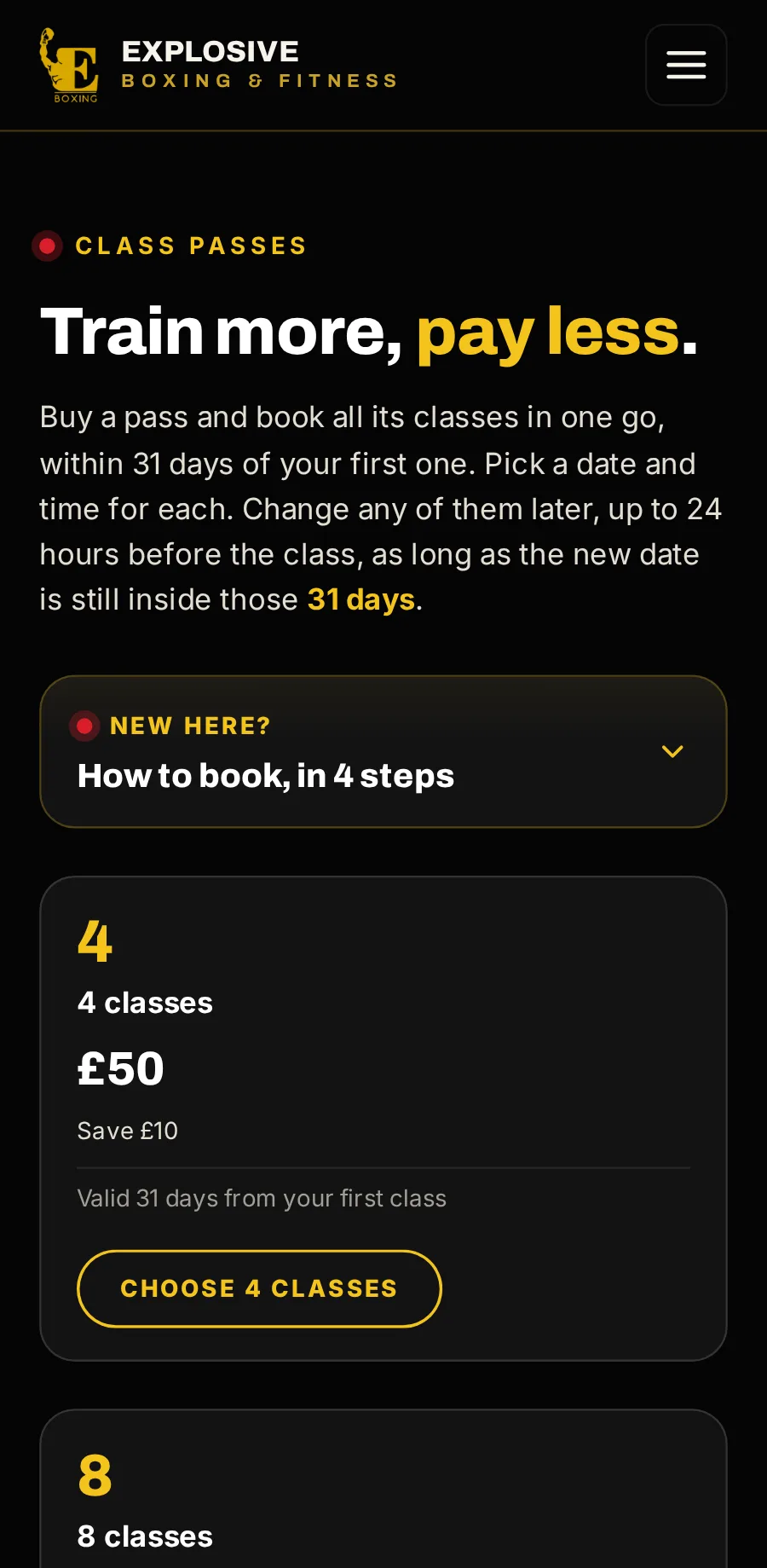
Your passes and their prices, bought and booked in one go.
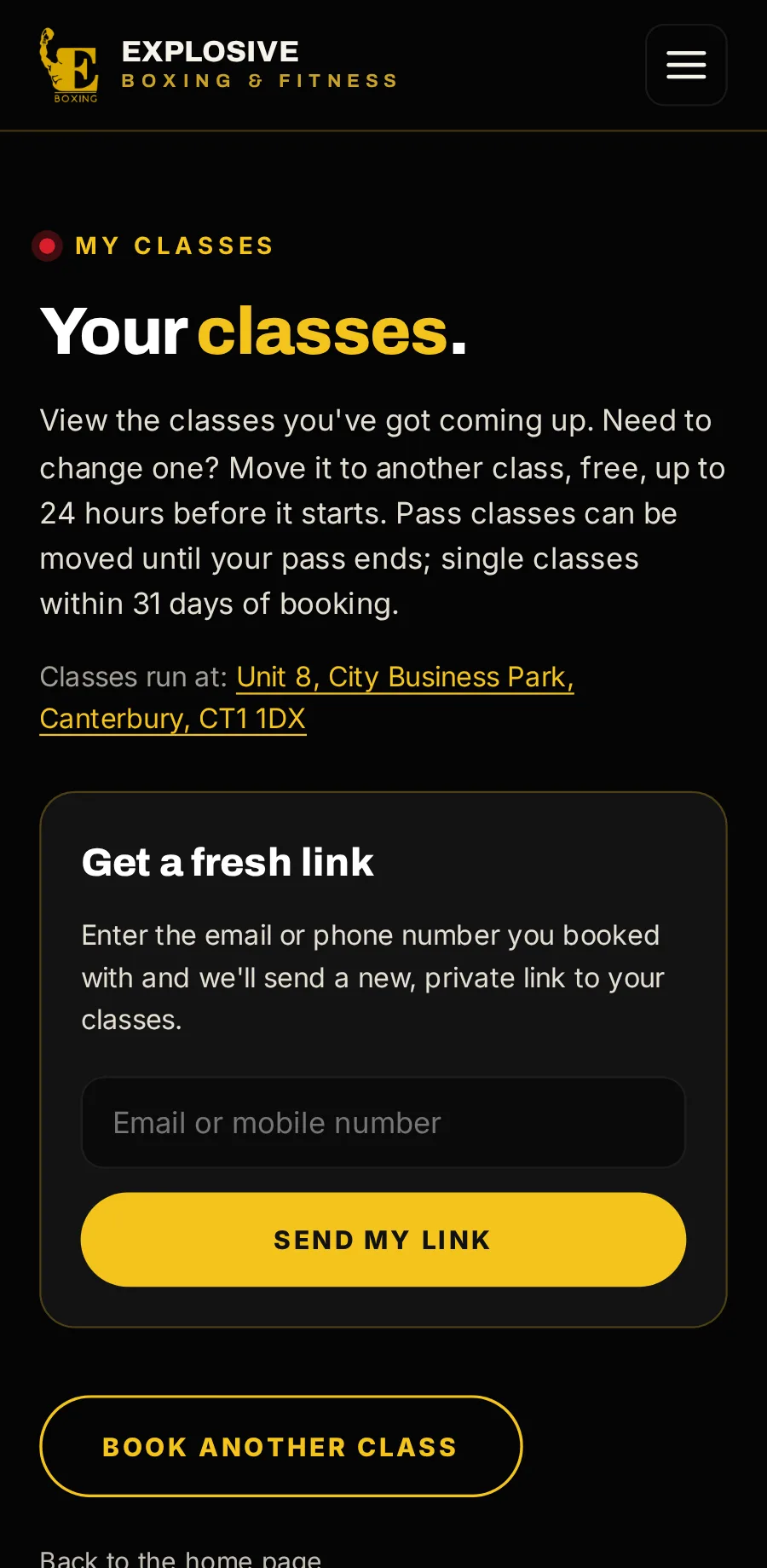
Where customers get a fresh private link to see, move or cancel what they have booked.
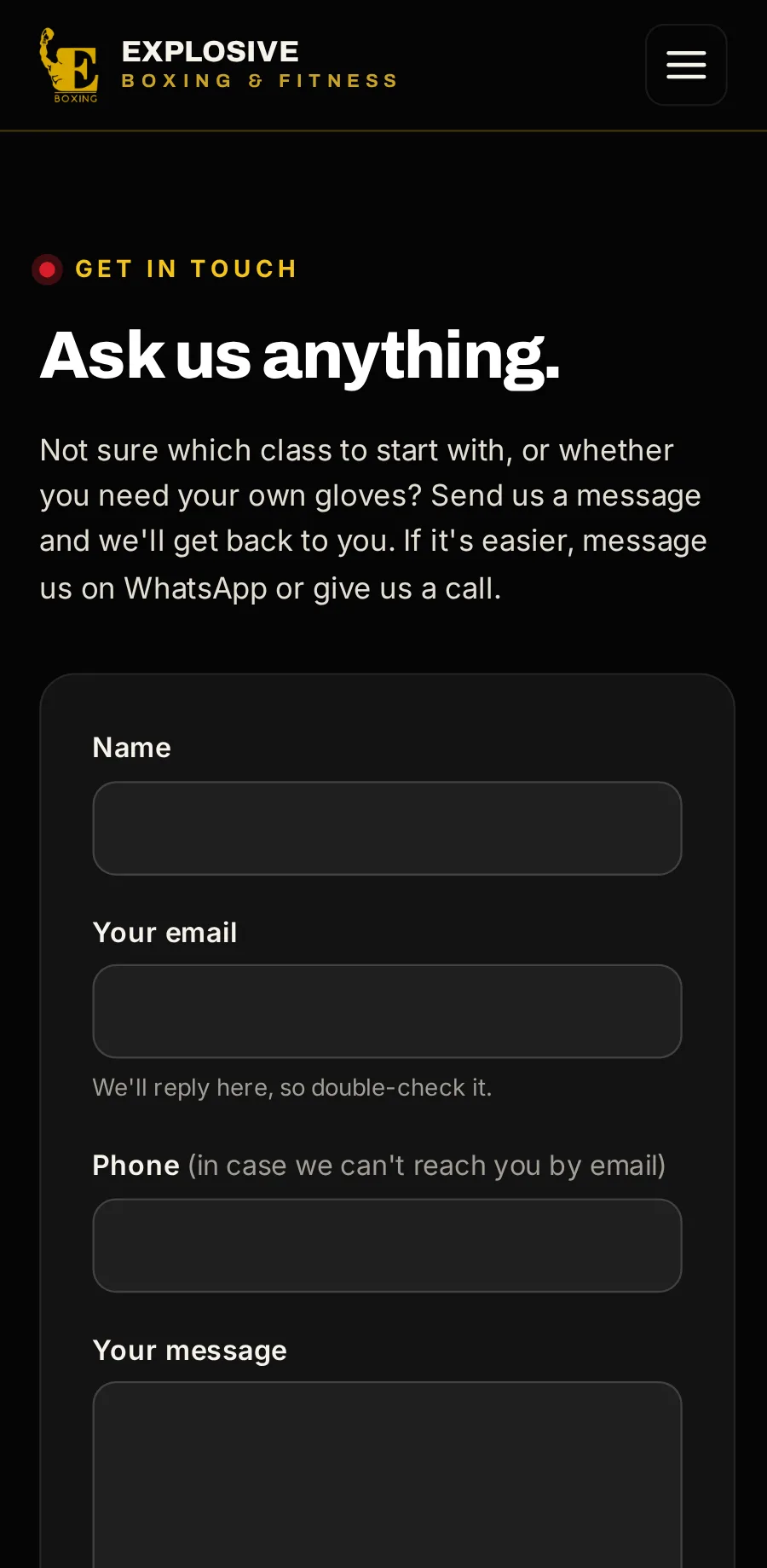
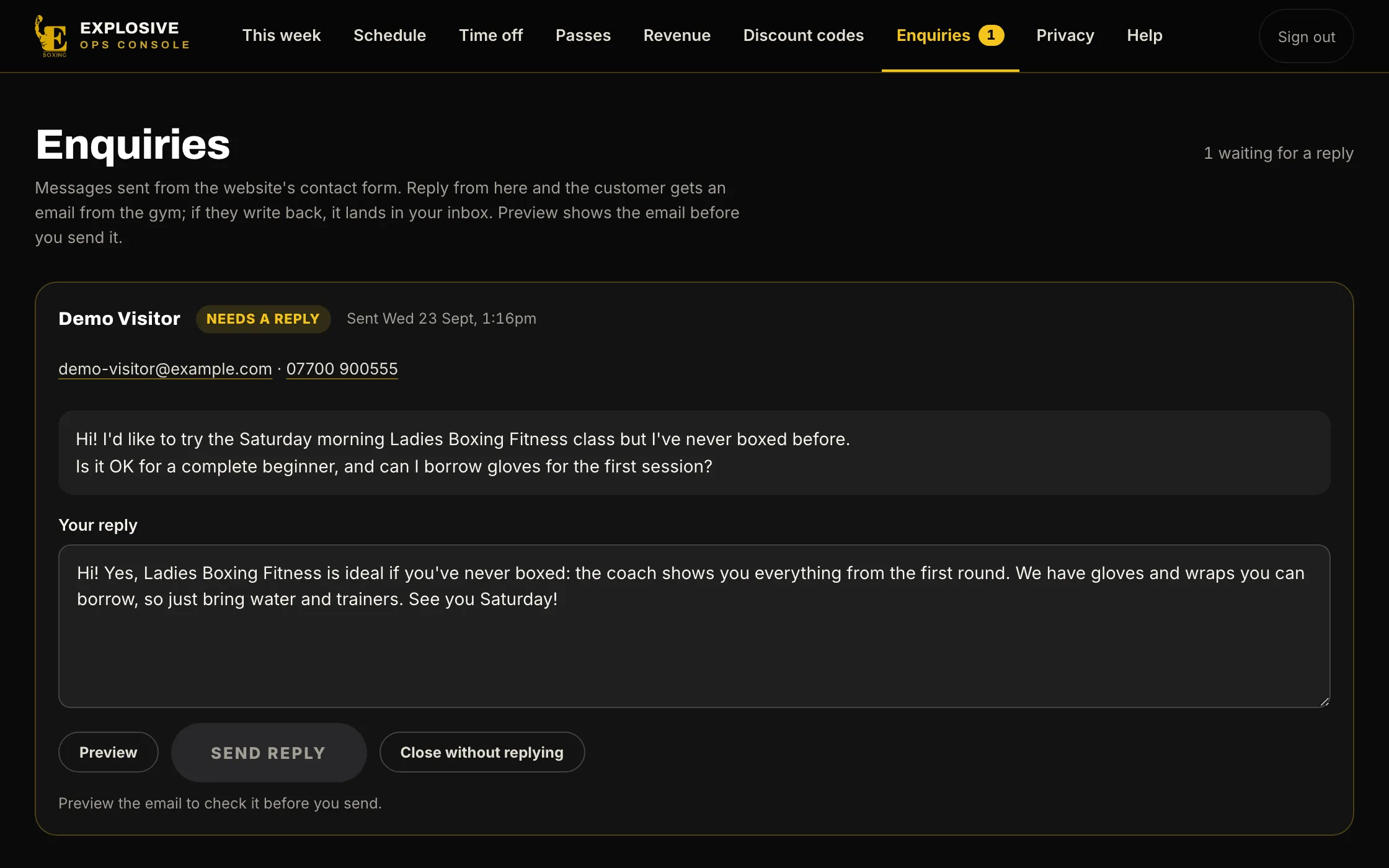
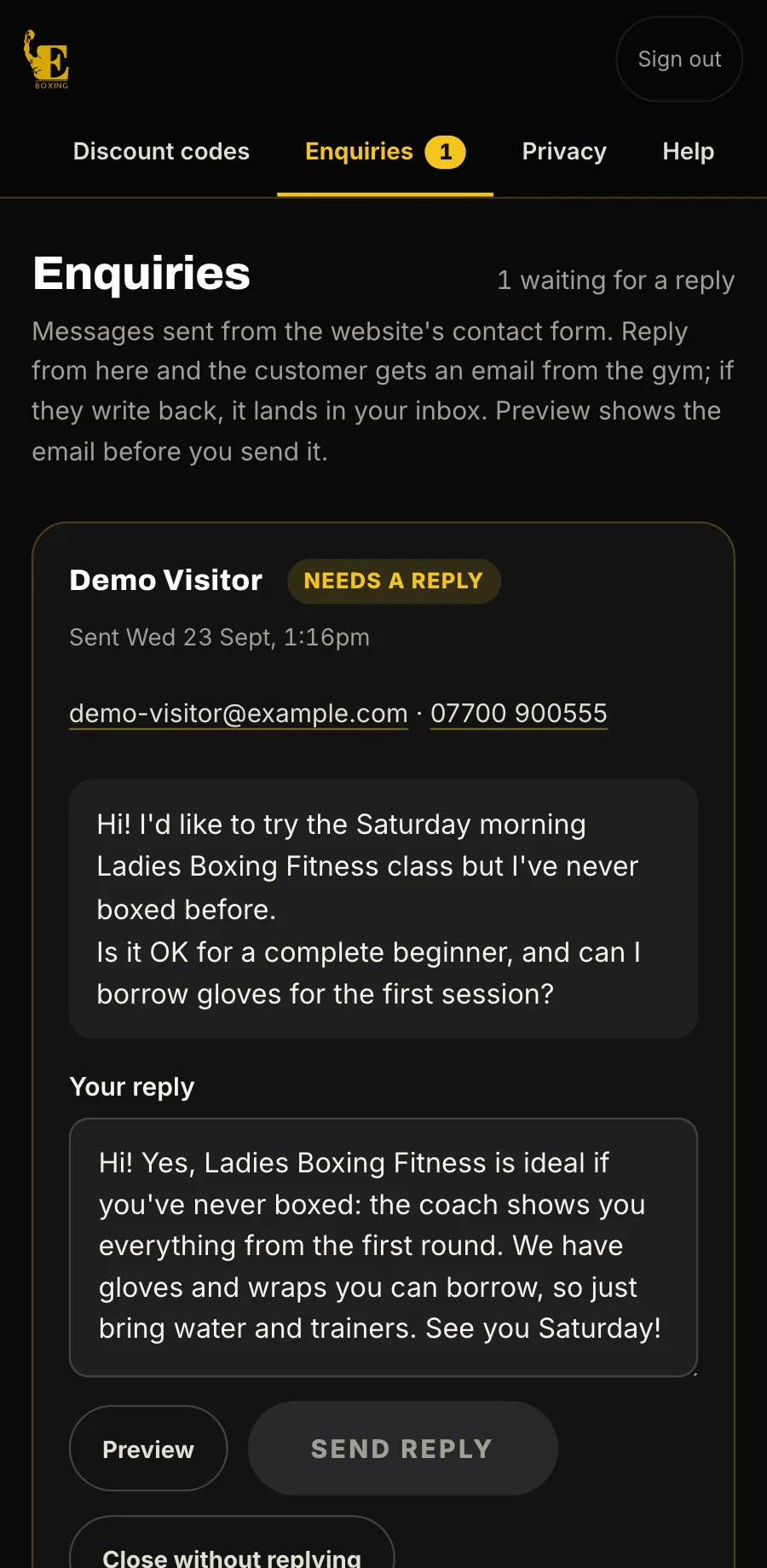
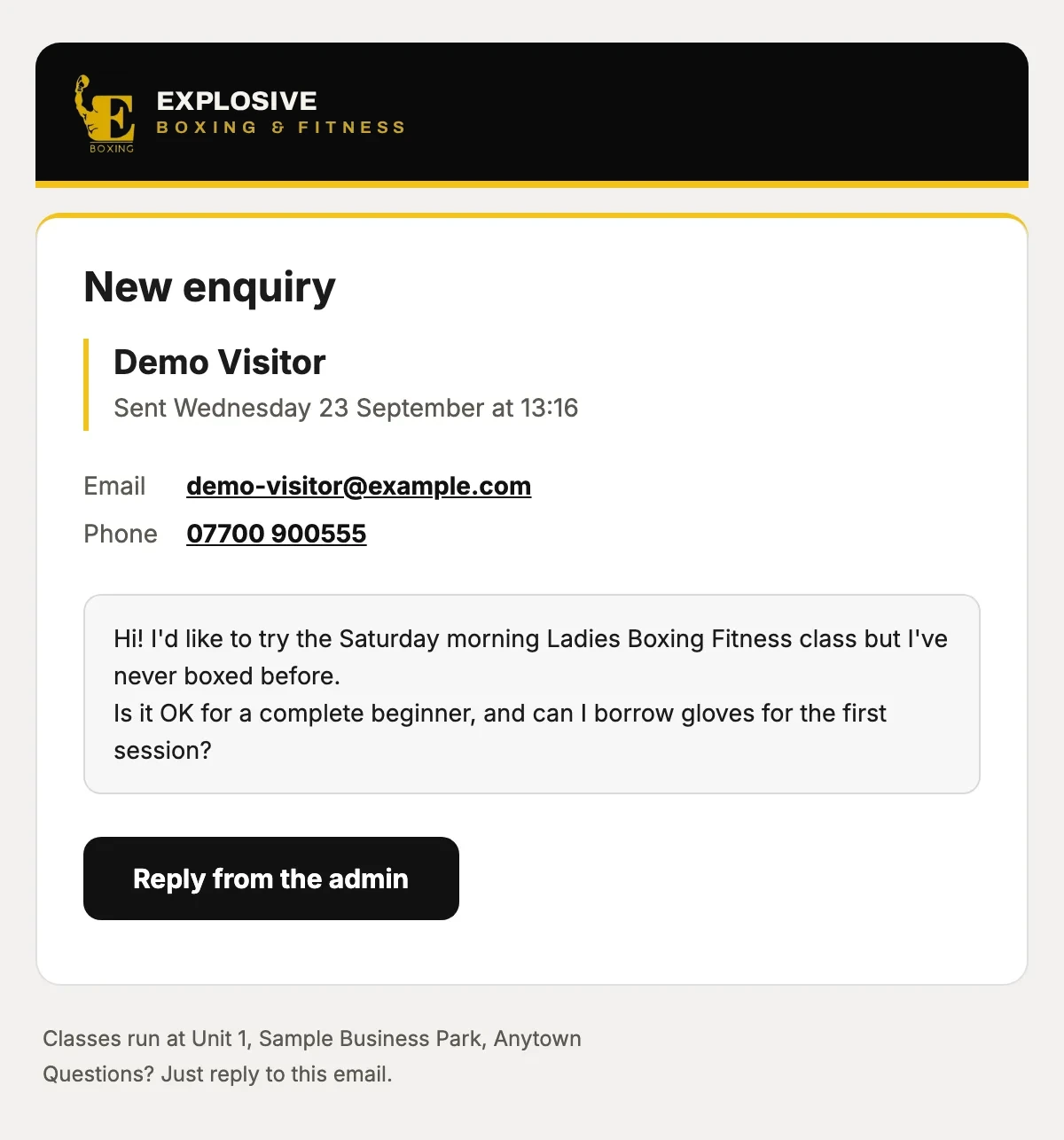
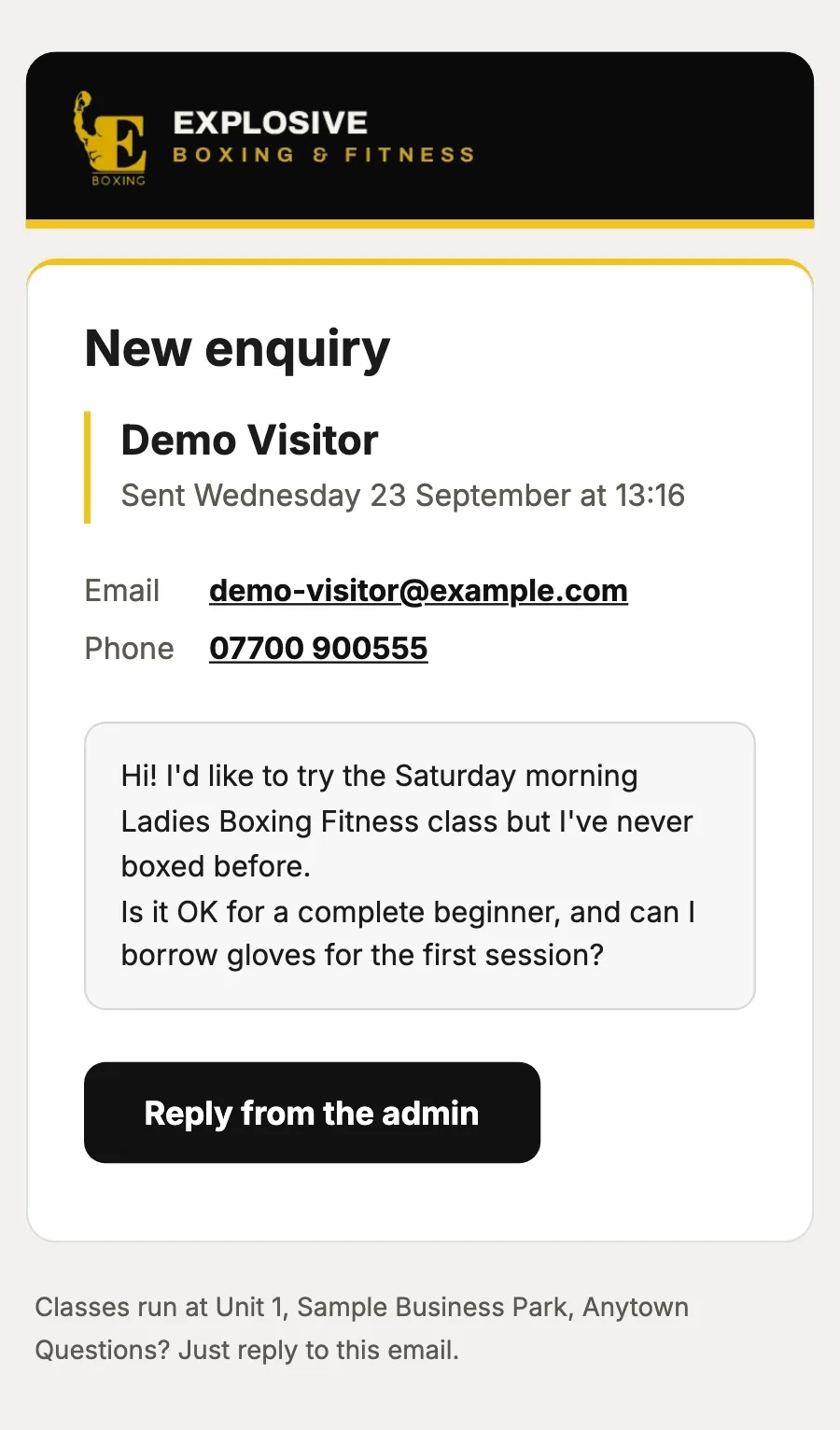
A contact form, phone and WhatsApp. Messages land in your console, and you answer from there.
or drag the phone
The console your staff run the day from
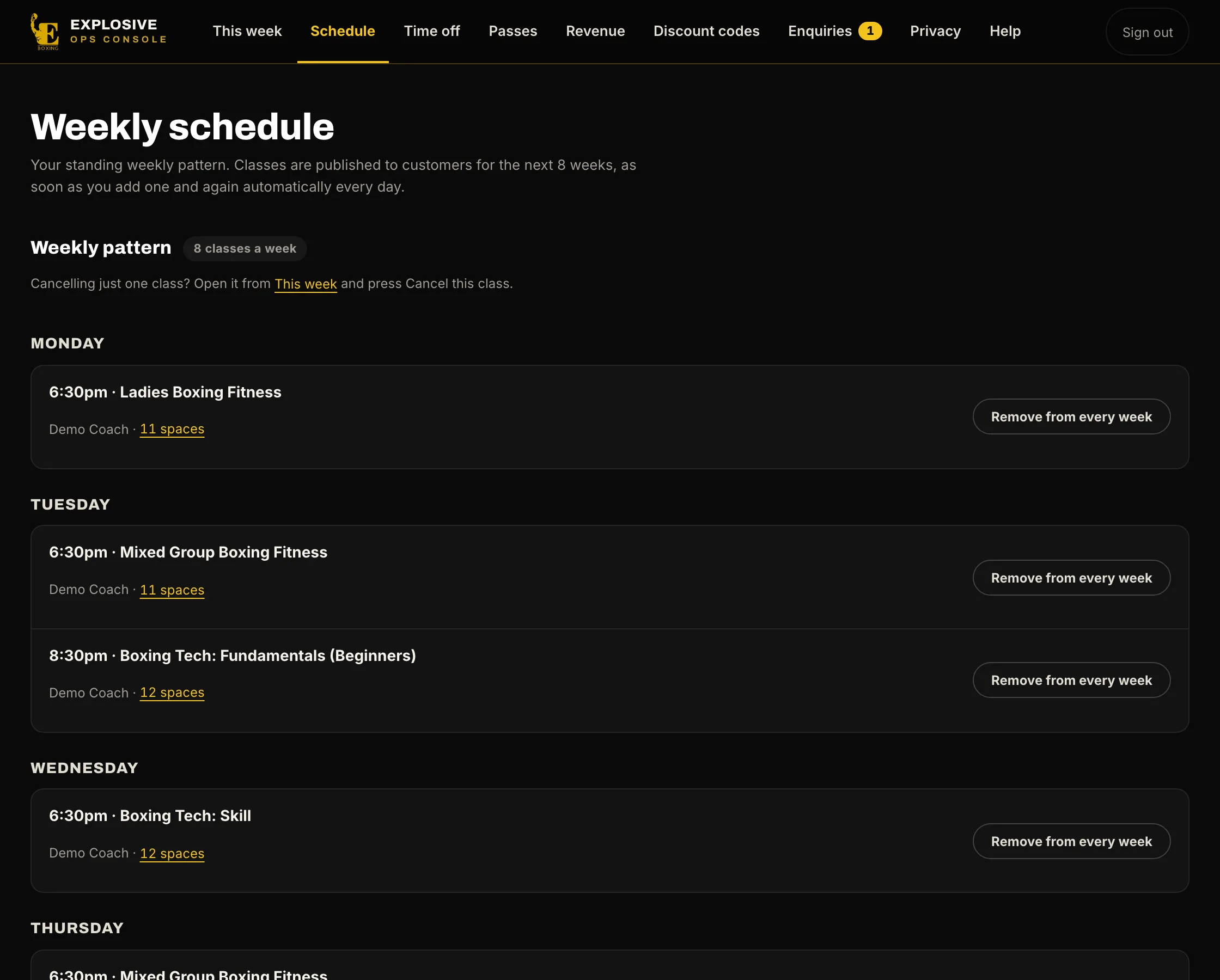
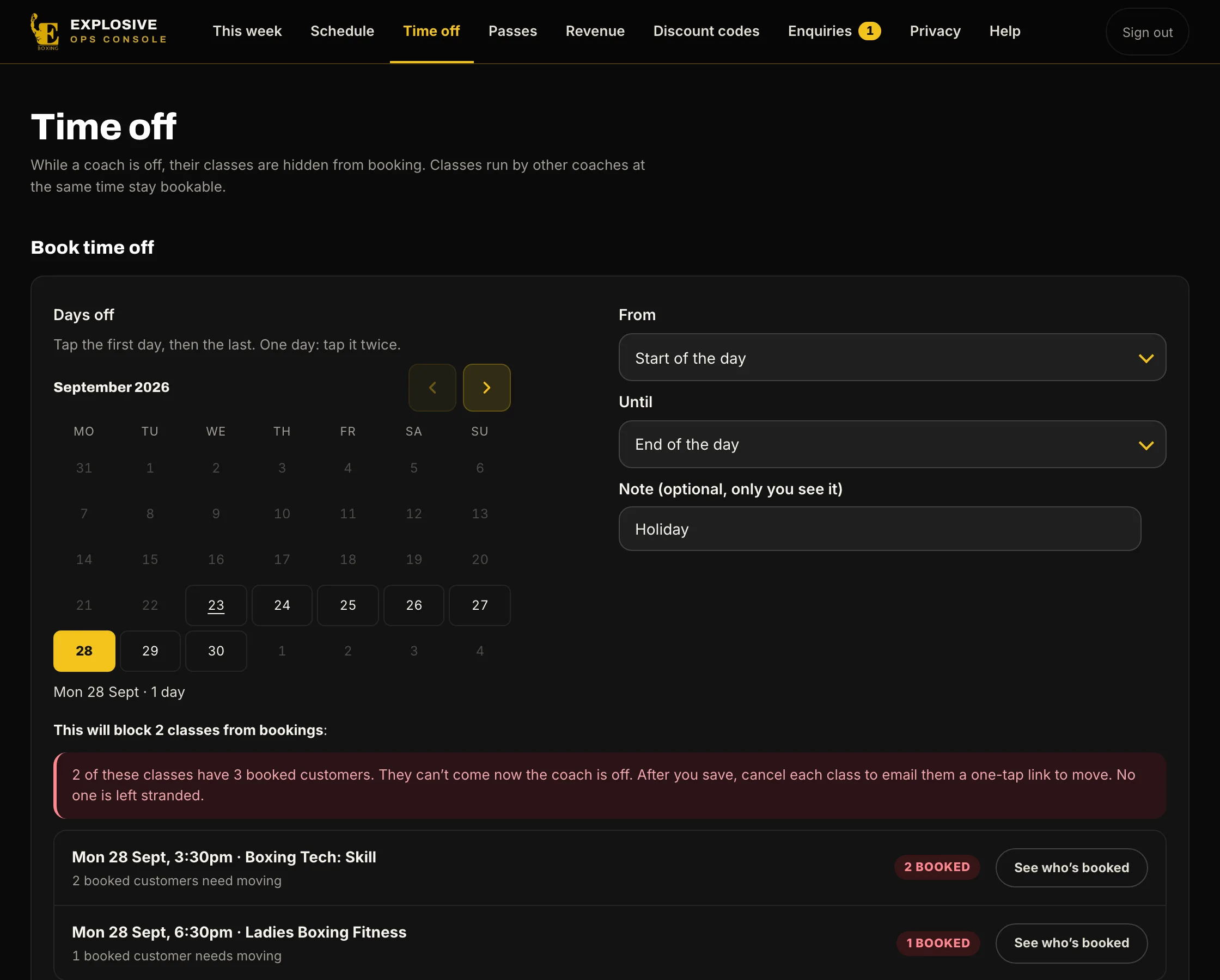
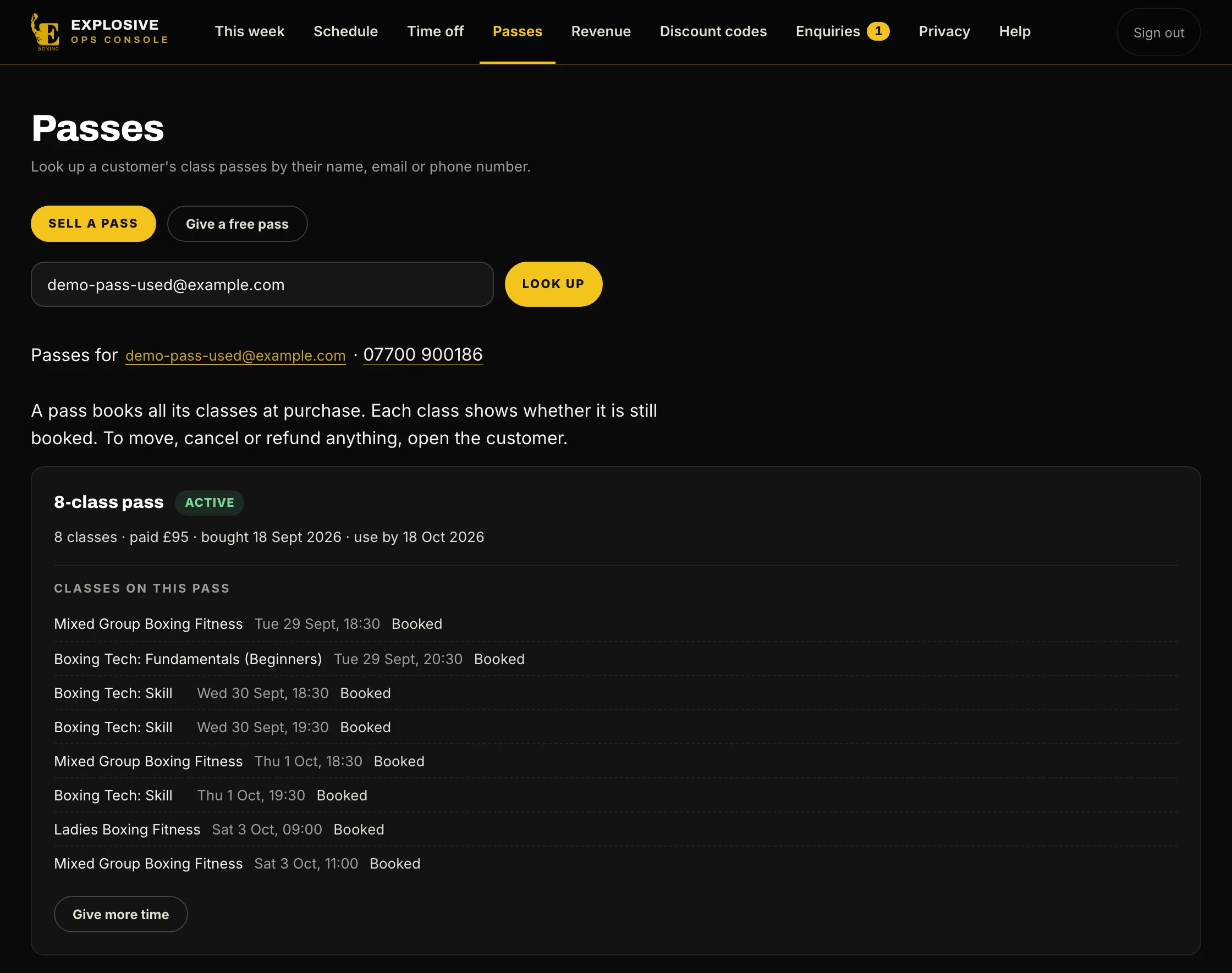
The week at a glance, each class’s list, your timetable and prices, time off, passes, revenue and every customer’s history.
9:41
now
What you see
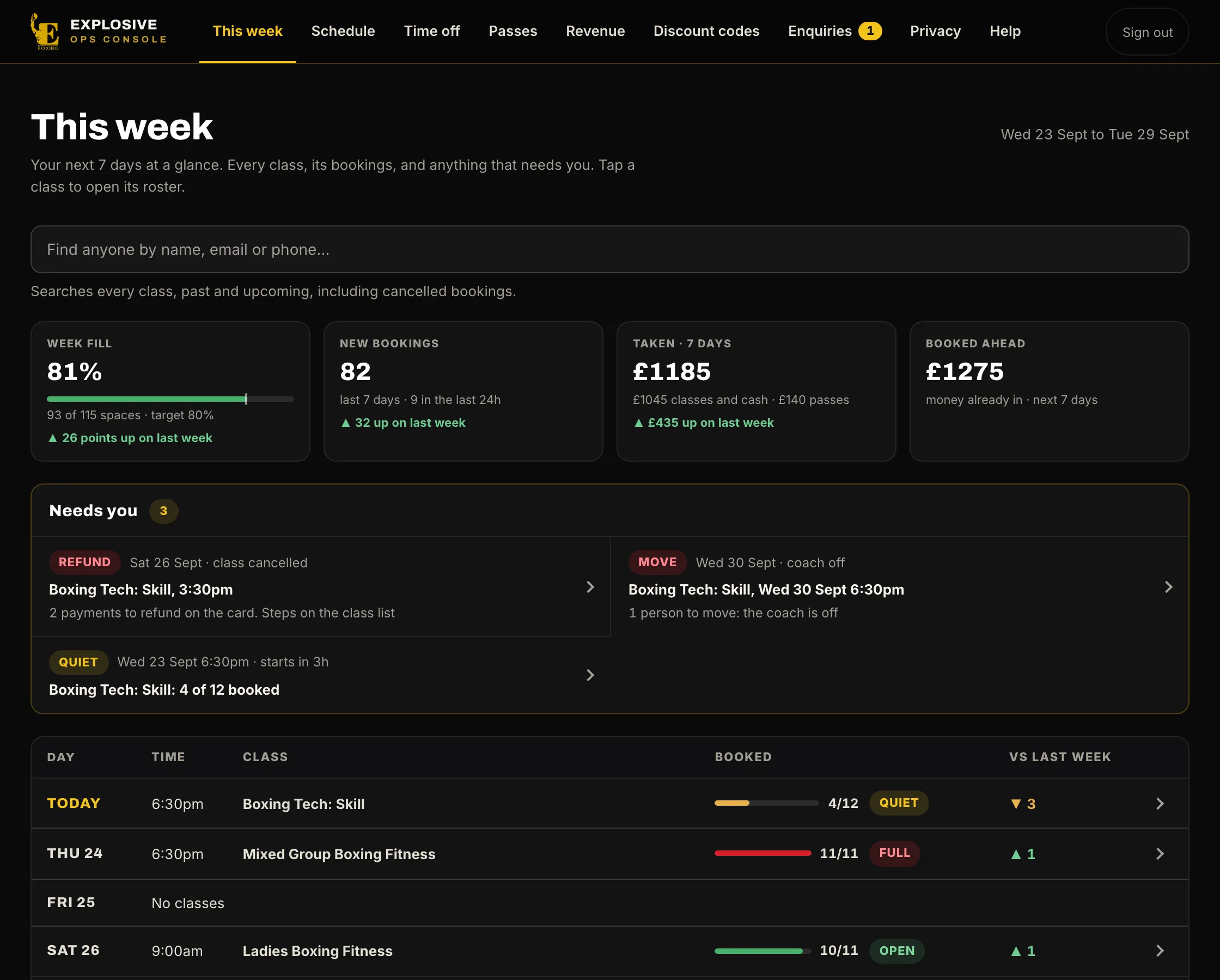
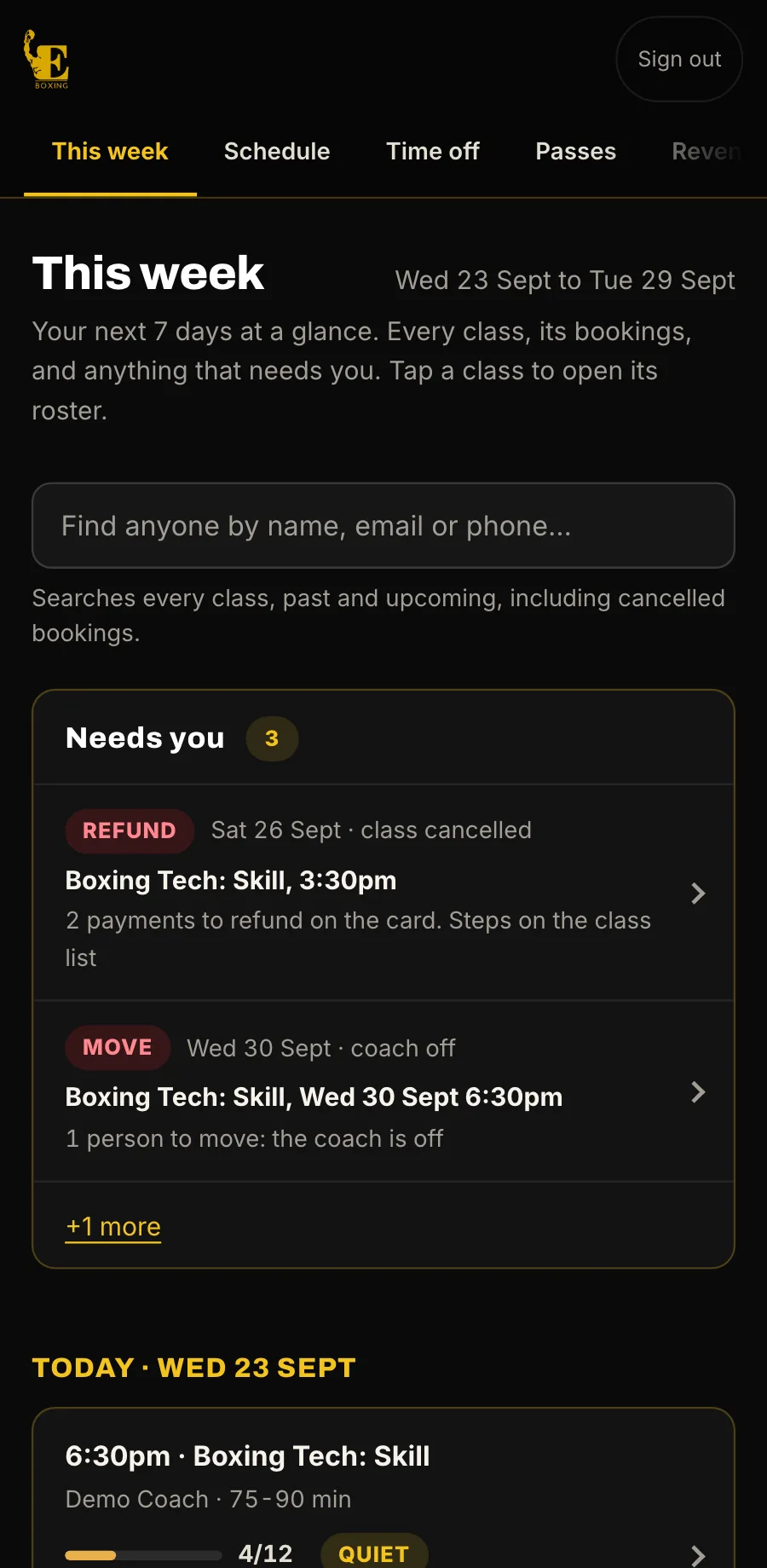
This week, at a glanceHow full the week is, new bookings and money taken, each against last week. Anything that needs you, such as a refund still to send, stays here until it is marked done.
How full the week is, new bookings and money taken, each against last week. Anything that needs you, such as a refund still to send, stays here until it is marked done.
Who is coming, who has paid and who owes cash. Add someone who walks in, move them, cancel or refund, message the class and print the register.
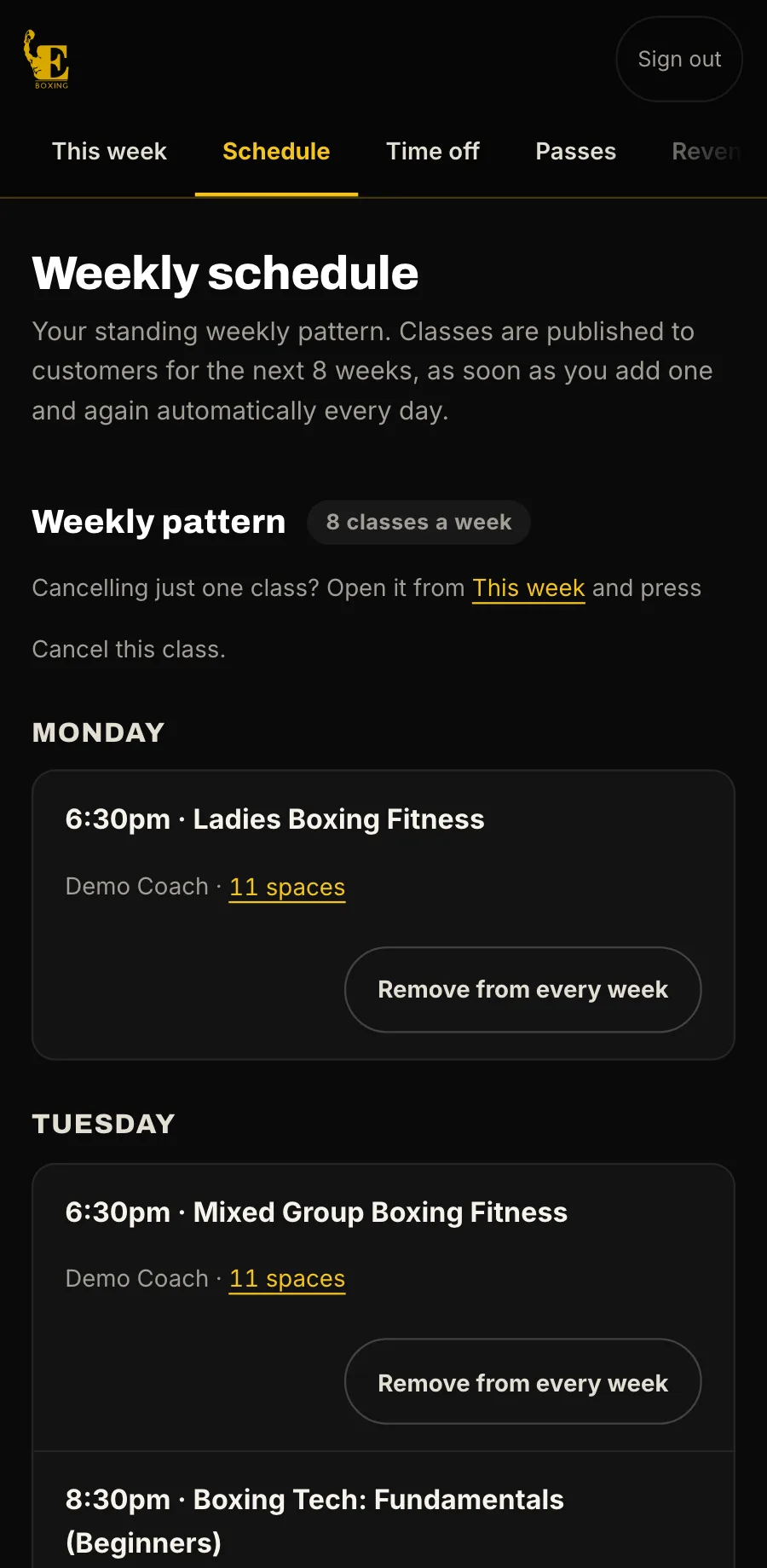
Add or remove weekly classes and set their sizes and prices. Classes go on sale for the weeks ahead by themselves.
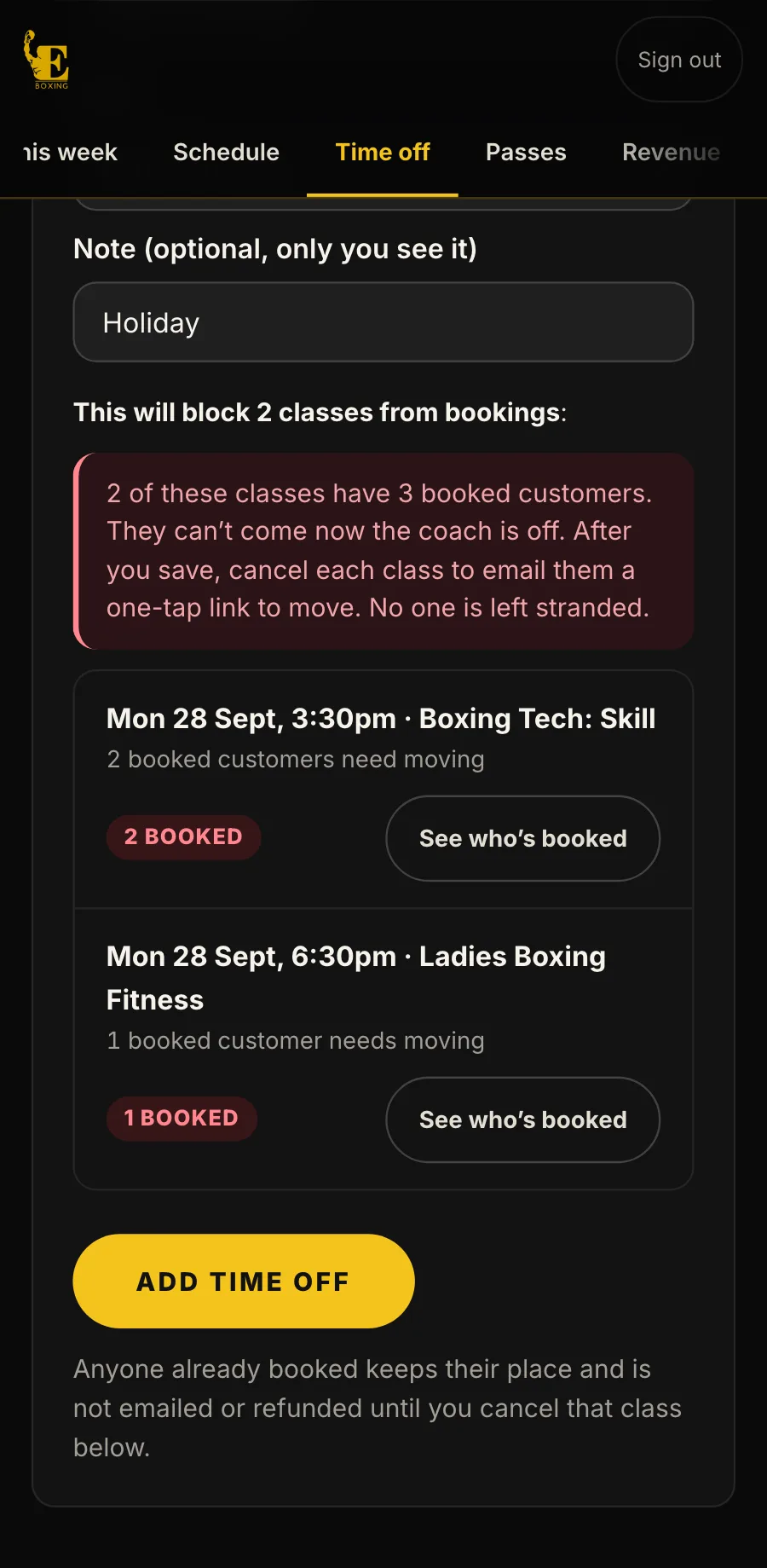
Before you save it, you see which classes it affects and who is booked. Then those classes come off sale, and anyone booked is flagged to move.
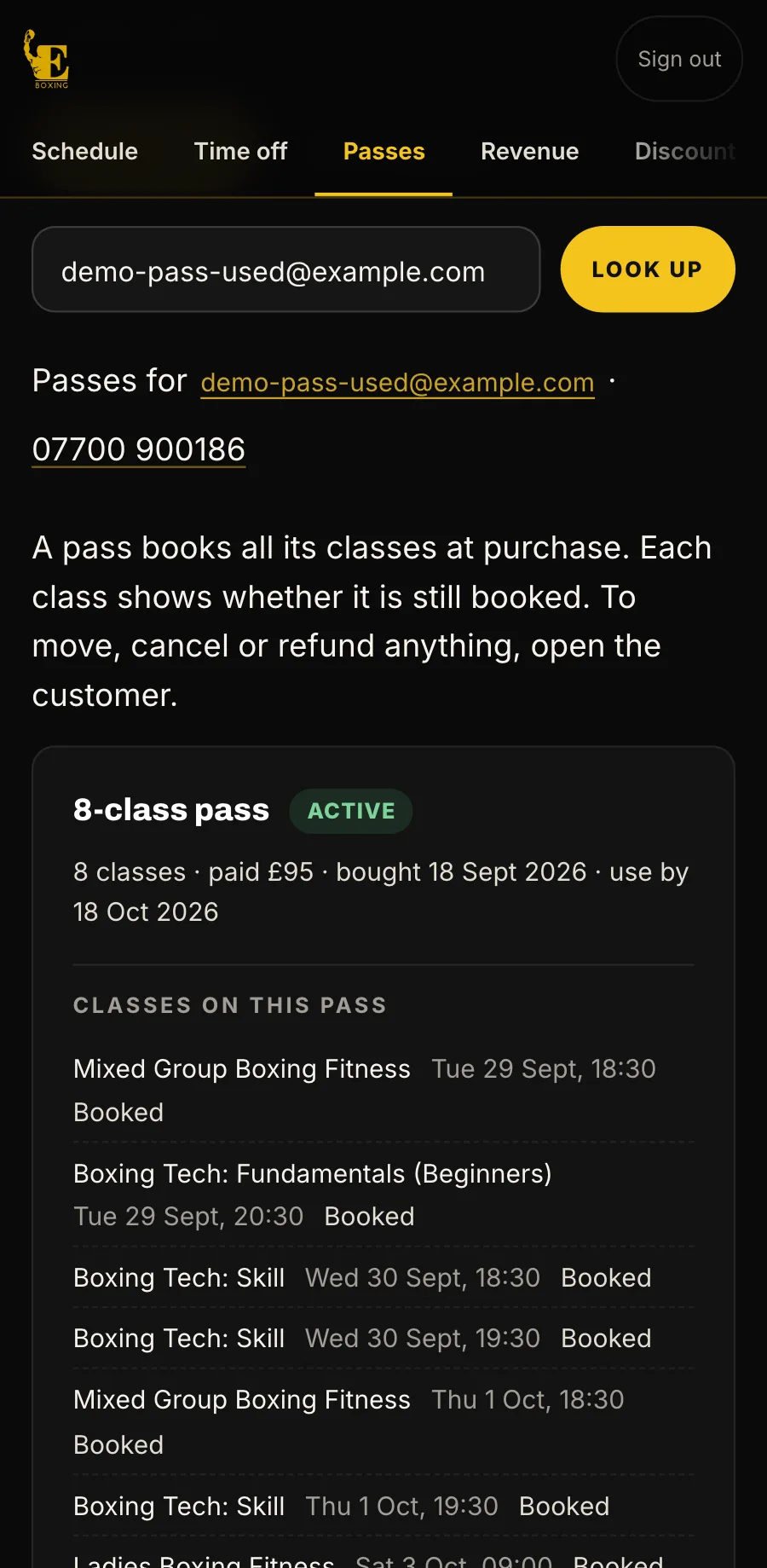
Sell a pass for cash, give one free, give more time, or book someone onto their pass.
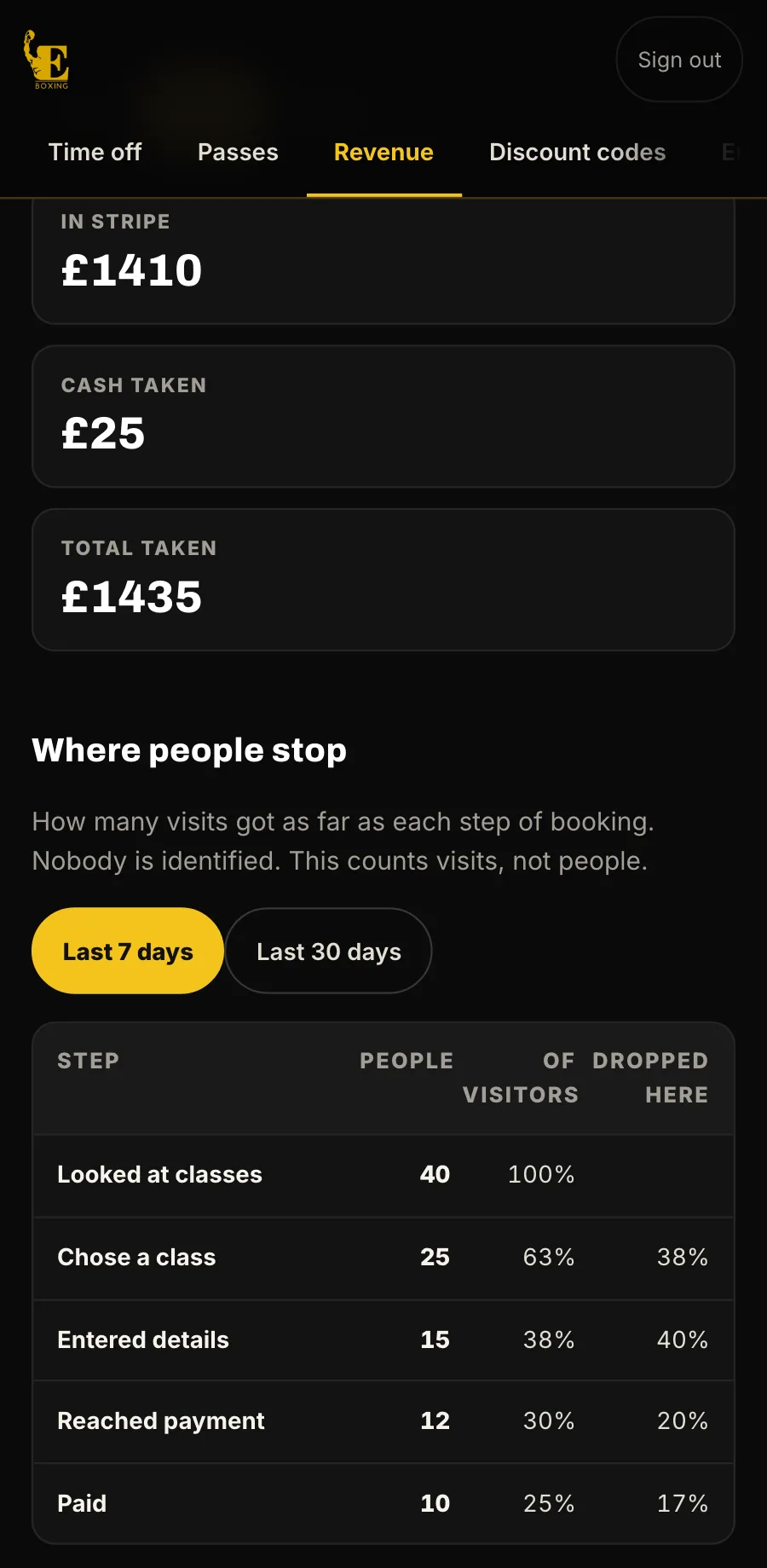
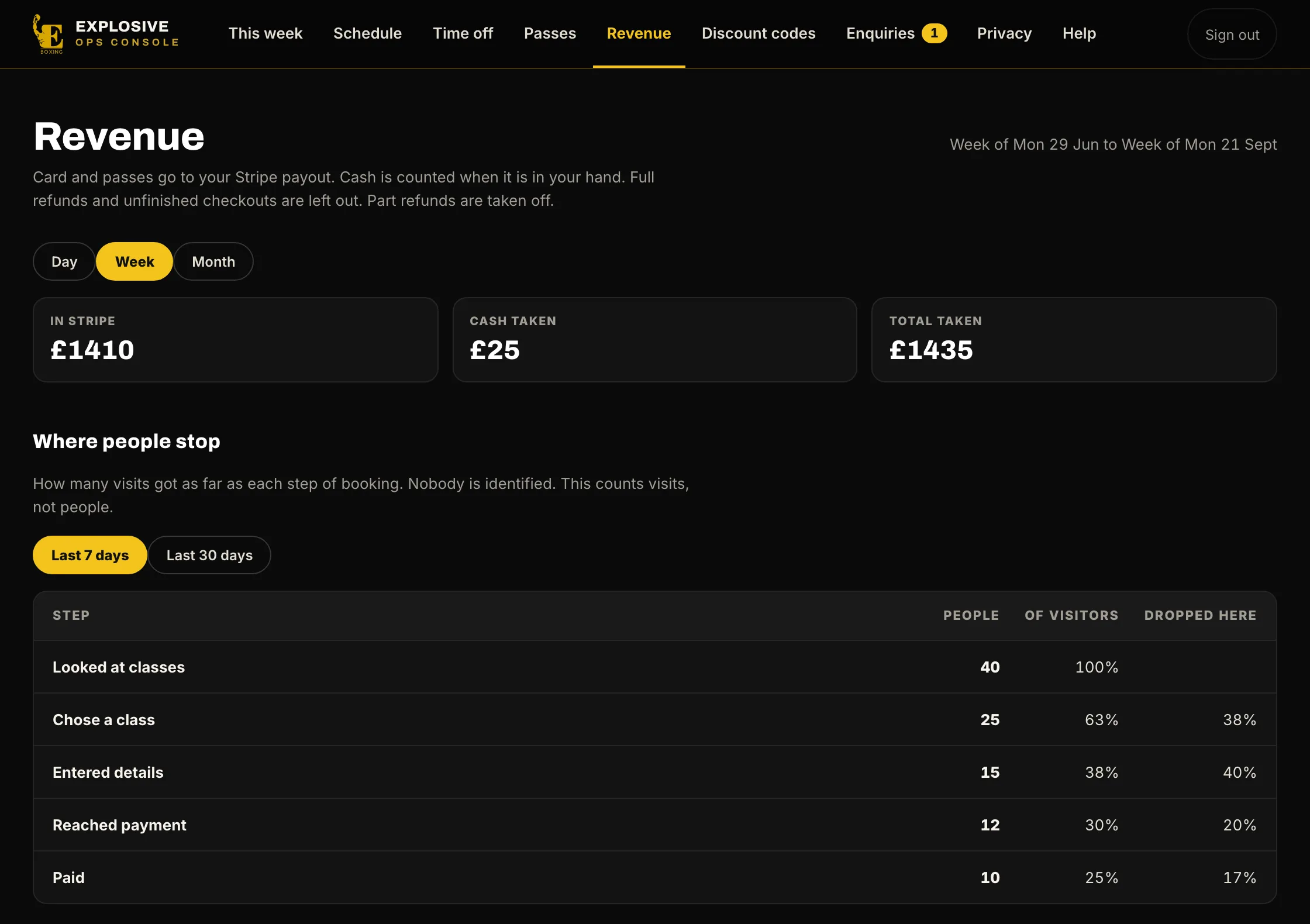
By day, week or month, card and cash side by side, and where people stop on the way to booking.
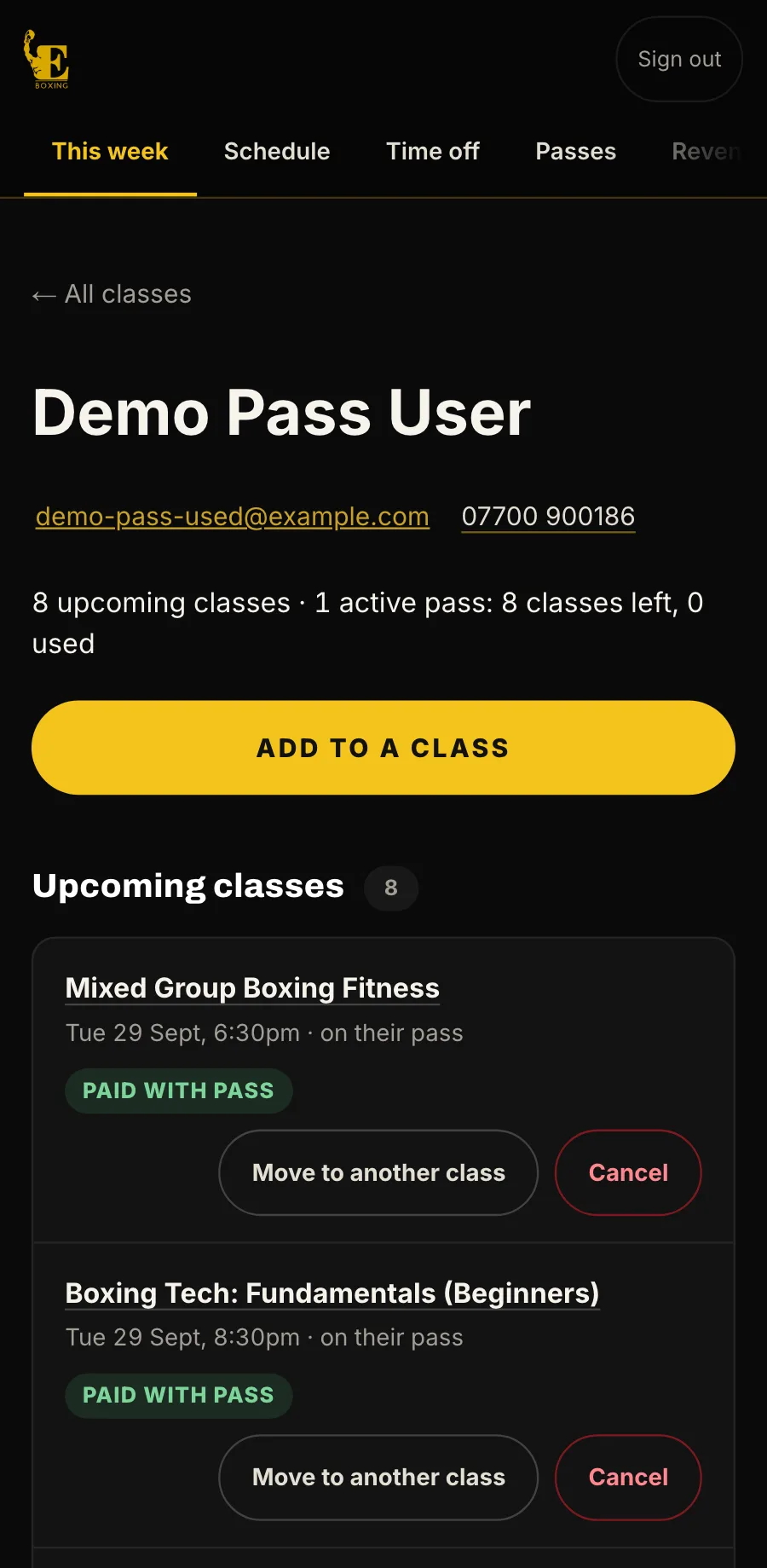
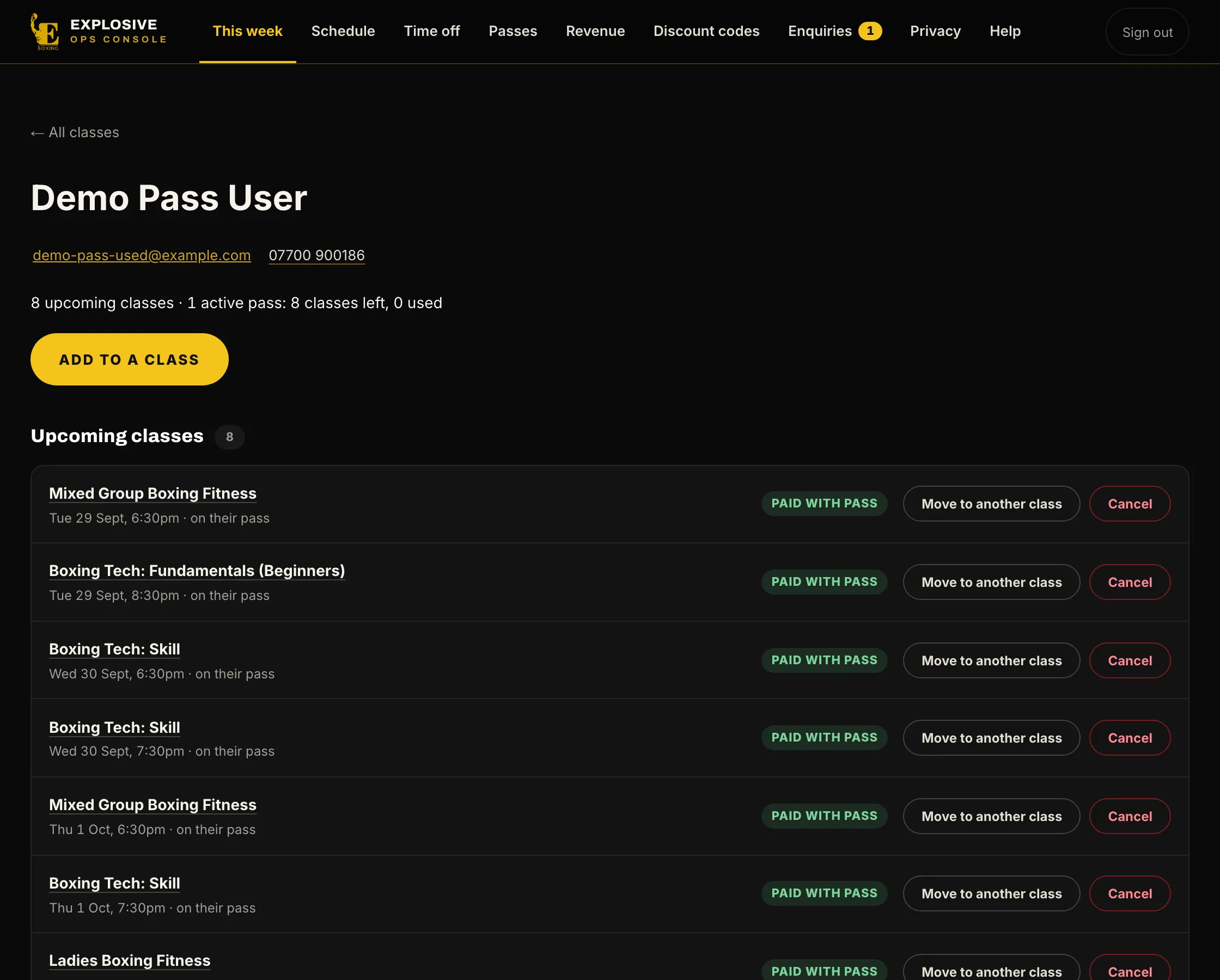
Find anyone by name, email or phone. See every booking and pass, move them, cancel, or add them to a class.
or drag the phone
For your customers
What your customers see, screen by screen, on the phone they book from. Tap or click any screen for a closer look.
When a space opens, everyone waiting is emailed, and the first to book it gets it.
For your staff
The console your staff run the day from, on a computer or a phone. One tab for each job.
This week, at a glance
How full the week is, new bookings and money taken, each against last week. Anything that needs you, such as a refund still to send, stays here until it is marked done.
We build your business a website to go with it, quoted with the system: a home page, your classes and timetable, passes, My classes, a contact page, and terms and privacy. Booking is built into every page. This one is Explosive Boxing & Fitness’s, live now.
A home page
Who you are, what is on this week, and the way in to booking.